• This forum is the machine-generated translation of www.cad3d.it/forum1 - the Italian design community. Several terms are not translated correctly.

info about annotation on drawing

  • Thread starter Thread starter mulder71
  • Start date Start date

mulder71

Guest
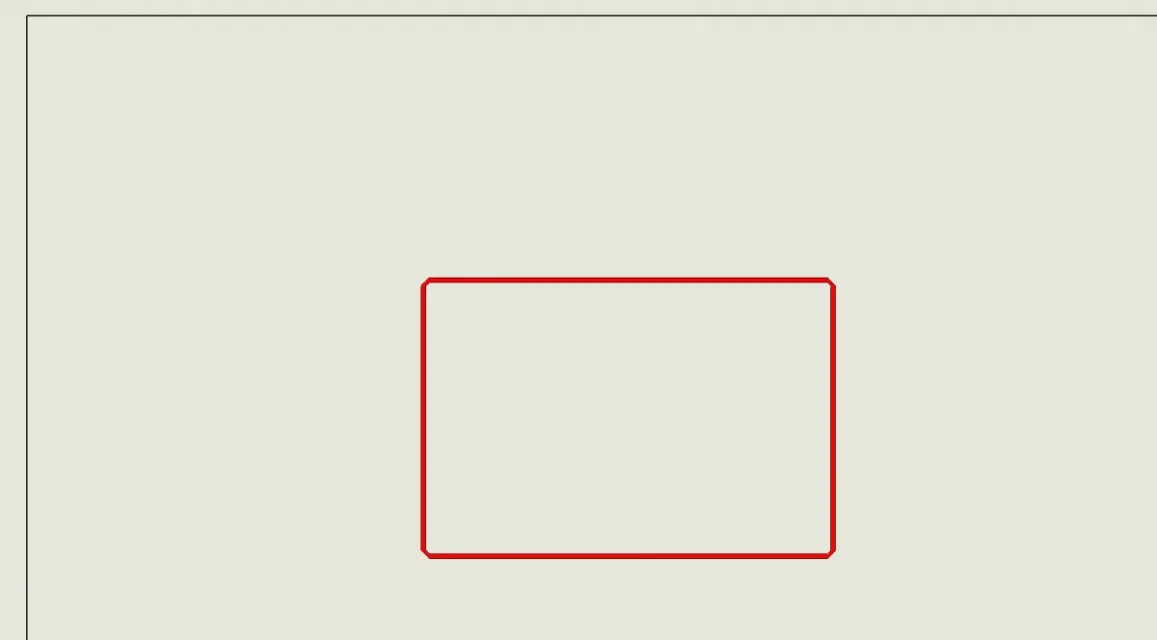
Hello everyone, it's probably a very simple thing, but I don't know how to do it: in environment design how do I make the record marked in red? should not be manual paint type, but follow the profile of the pocket and possibly semi-transparent so that you always see the profile below, and colored red.
solidworks 2021 sp.4
Thank you all for your attention.ESEMPIO NOTA.webp
 
Hi.
according to me if there is the possibility to select the individual line segments you can change the thickness and style of the lines you want to change
 
Hi.
according to me if there is the possibility to select the individual line segments you can change the thickness and style of the lines you want to change
hello and thank you for the answer, I tried in many ways, including selecting the various segments but nothing, maybe you can't.
 
hello and thank you for the answer, I tried in many ways, including selecting the various segments but nothing, maybe you can't.
I think if you want to report a deburring you should create it, then you can bounce with a retino to report it. I don't know if I'm ruthless.
 
hi to all, I managed to indicate in red the segments of a design, selecting them all, then button dx and I choose the color, but the view must be set on high quality, that's why it didn't make me do it:) thanks to everyone and I hope it serves someone else.
 

Forum statistics

Threads
44,997
Messages
339,767
Members
4
Latest member
ibt

Members online

No members online now.
ciao
Back
Top