
IronMike87
Guest
Bye to all,
with solids shaped by my colleague we always find ourselves with this problem: when it goes to color the functions (which we need to distinguish the various stages of processing), if I try to put the solid in transparency this happens:
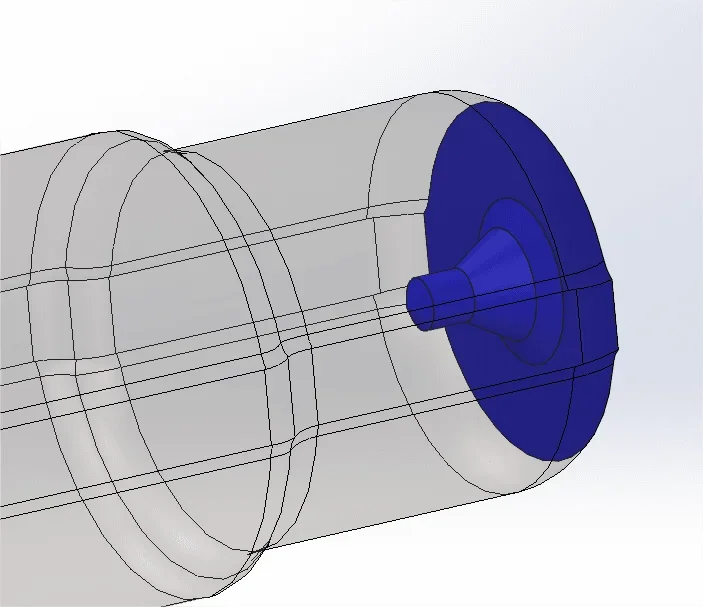 and I really can't get over it. also removing the aspects and putting them back ex-novo
Any idea?
can be some basic software setting that differs between the 2 stations?
with solids shaped by my colleague we always find ourselves with this problem: when it goes to color the functions (which we need to distinguish the various stages of processing), if I try to put the solid in transparency this happens:
and I really can't get over it. also removing the aspects and putting them back ex-novoAny idea?
can be some basic software setting that differs between the 2 stations?