shoshone
Guest
Hello, everyone.
I'm learning how to use revit, and the first steps are moving them by following the official guide published by hoepli.
I've been running for the second exercise.
Forgive me for the waste of bytes, it's probably stupid, but one of those that in the beginning seem insurmountable.
the problem is to create new levels starting from a prospectus.
they place me on the prospectus, and from the multifunction bar -> reference panel -> level. the level does to me, and also creates the new reference in plant in the project browser.
the problem is that the label is missing in the level. place two pictures to make me understand better.
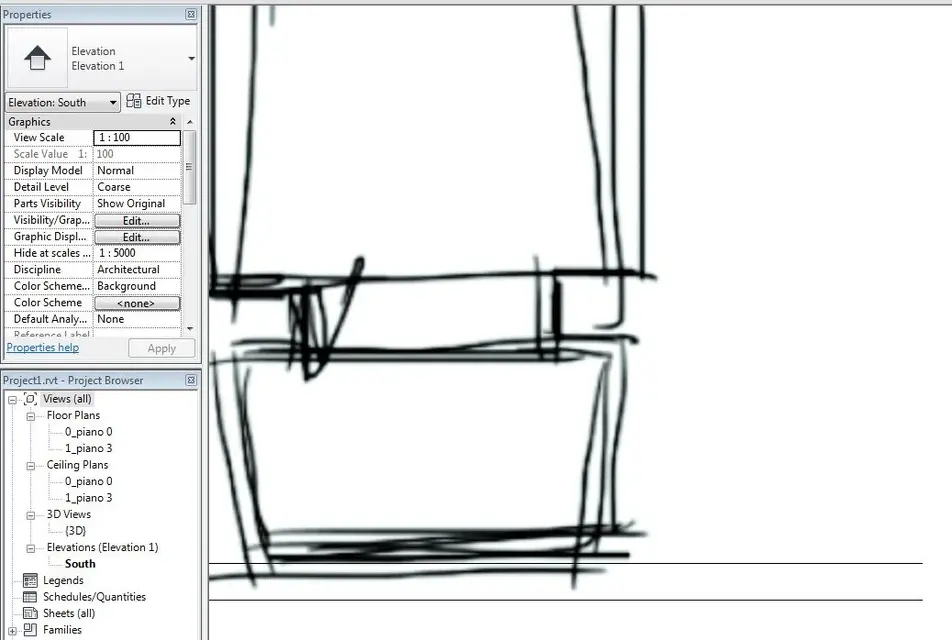
The first one is what comes to me.
My levels are the two horizontal black lines. missing any tag that indicates the name of the level, height, etc.
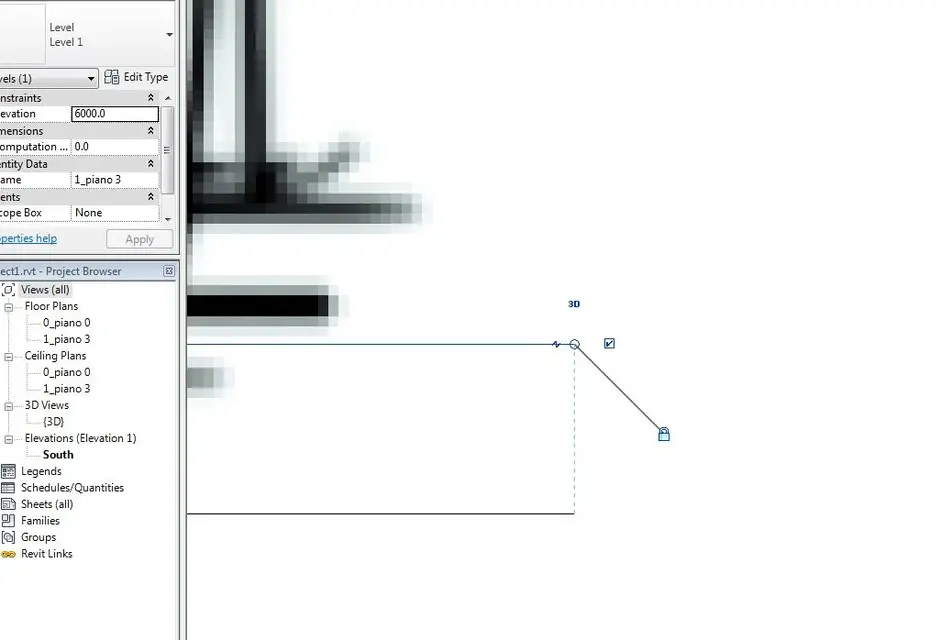
the second is the complete exercise downloaded from the site, with the levels represented correctly.
I thought the indications that were missing in my case were automatic once the level was created.
If so where did I get wrong?
If not how can I add them?
Thank you.
I'm learning how to use revit, and the first steps are moving them by following the official guide published by hoepli.
I've been running for the second exercise.
Forgive me for the waste of bytes, it's probably stupid, but one of those that in the beginning seem insurmountable.
the problem is to create new levels starting from a prospectus.
they place me on the prospectus, and from the multifunction bar -> reference panel -> level. the level does to me, and also creates the new reference in plant in the project browser.
the problem is that the label is missing in the level. place two pictures to make me understand better.
The first one is what comes to me.
My levels are the two horizontal black lines. missing any tag that indicates the name of the level, height, etc.
the second is the complete exercise downloaded from the site, with the levels represented correctly.
I thought the indications that were missing in my case were automatic once the level was created.
If so where did I get wrong?
If not how can I add them?
Thank you.