ramjet
Guest
Good morning
I modeled a grooved tree with inventor 2008; the first thing I can notice is that it empties surfaces me with a strange yellow color, while others do it by default in gray.
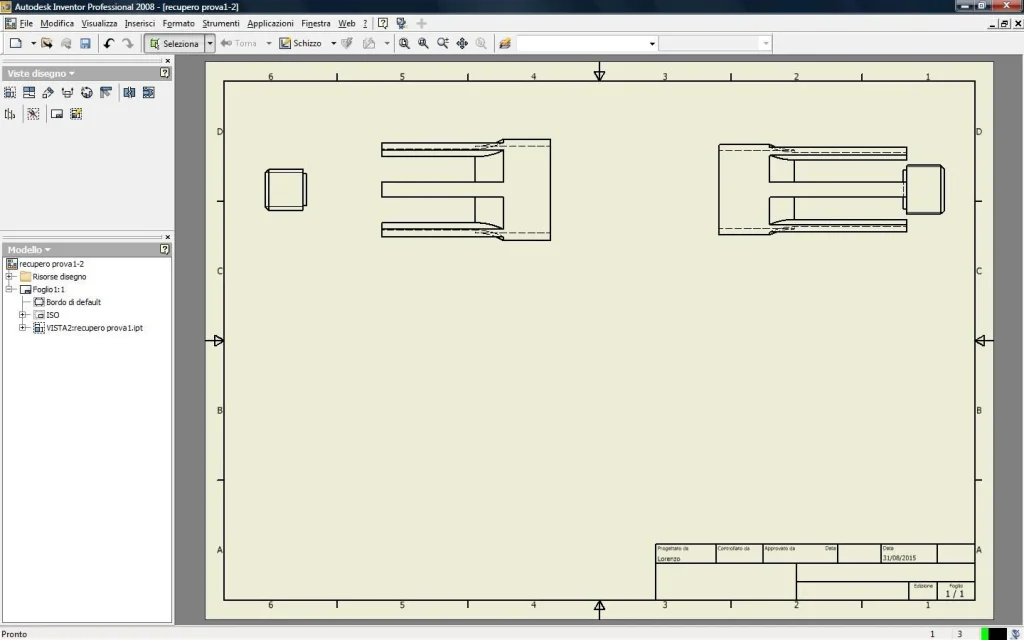
when I go to make the table (I attach the figures) some lines (the horny ones with yellow surfaces) are not displayed.
I think there's some problem in my options.
Can you help me?
Thank you.
I modeled a grooved tree with inventor 2008; the first thing I can notice is that it empties surfaces me with a strange yellow color, while others do it by default in gray.
when I go to make the table (I attach the figures) some lines (the horny ones with yellow surfaces) are not displayed.
I think there's some problem in my options.
Can you help me?
Thank you.