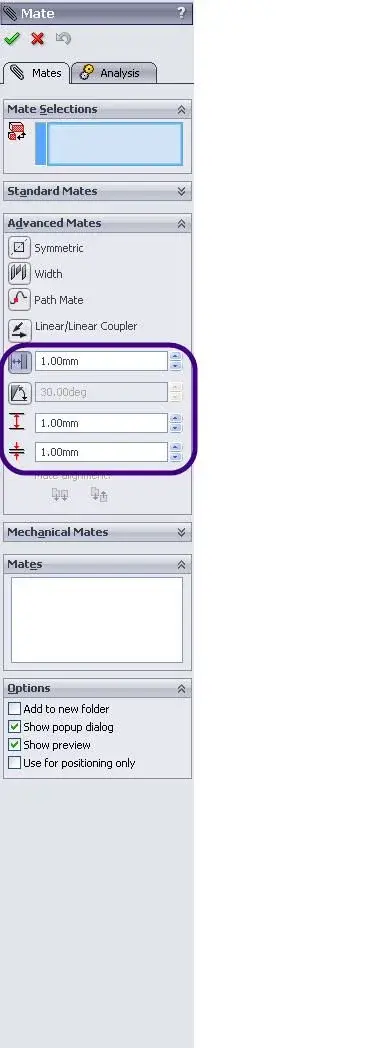
Hello, everyone. You know how I do in a solid works set to limit movements. we take for example a furniture with drawers. these must stop against the bottom of the furniture and not go any further. Thank you.
if what you require when moving dynamically in the working environment (the geppetto82 board is valid within the animation module), you must set the advanced coupling defined "distance".
You're right swarzy is because I have my head in the animation.... I'm staying! !
cmq this coupling I did not know it I tried crack, it is very useful!
thanks for the annex. Very helpful, I try tonight. in inventor instead to limit movements as simple as a racing bottom just run the ''contact' command, marking the area affected in the design of the part. They look the same inv and sd but they are not. for the timeline I will try it later. Then I'll let you know, bye, thank you.