Carlotta Luc
Guest
Good morning to all!!!
I am a new member of the forum, I hope you can help me!
for a project at university I have to design a mold for a small object.. So I was asked to do it with more than one figure, but how do you do it? How do we switch from single to multiple mold?
Attached I place the photos (clicked by solidworks):
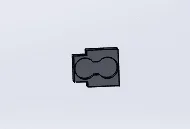
- of the single piece of which we want to make the mold
 - of the two parts of the fixed mould
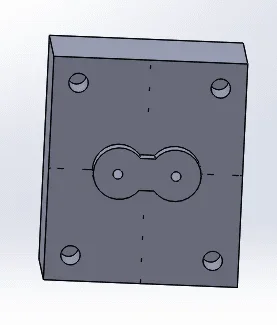 - of the total piece that should exit the multi-stampo (so the multi-stampo should be the negative of this)
 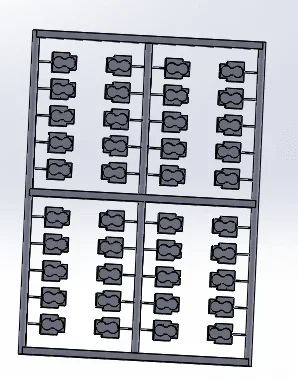 (if you tell me how to do it, I can also post solidworks files)
thank you so much to those who will help me!!!
I am a new member of the forum, I hope you can help me!
for a project at university I have to design a mold for a small object.. So I was asked to do it with more than one figure, but how do you do it? How do we switch from single to multiple mold?
Attached I place the photos (clicked by solidworks):
- of the single piece of which we want to make the mold
- of the total piece that should exit the multi-stampo (so the multi-stampo should be the negative of this) (if you tell me how to do it, I can also post solidworks files)thank you so much to those who will help me!!!