Mec_1802
Guest
I’m evaluating on the site of the concordia graphics seem very interesting prices! ! ! !

I have the one with the cable, I tried to put the driver 3dxware10 and works great, 8 buttons at the price of two.Too bad that the old spacetraveler that worked with xp, with seven is no longer usable, even if I saw that someone managed anyway.and I don't think it will be possible.
Sorry but ...in what sense 8 buttons but are not 2 on space mouse and space navigator? ? ! ?I have the one with the cable, I tried to put the driver 3dxware10 and works great, 8 buttons at the price of two.Too bad that the old spacetraveler that worked with xp, with seven is no longer usable, even if I saw that someone managed anyway.
I'll try one day.
ahhh fantastic I didn't know this!!! Thank you!with 3dxware 10 software you can program the keys so that when you click them to video a circular menu with 4 commands appears.
He's here.the numeric keyboard
read what I added below.You got me!
I hadn't seen the last part!...in fact I just looked on the product sheet on the official website and the function of the keyboard is shown on the model "space mouse pro"!read what I added below.
Yes, I have the last rel.I hadn't seen the last part!...in fact I just looked on the product sheet on the official website and the function of the keyboard is shown on the model "space mouse pro"!
you have installed the latest release of 11-12-2014?
all use this configuration, except the mancini.... I did not understand if you use the space on the left hand to rotate the pattern and the normal mouse on the right
... I don't think I'd be fine with a graphic tablet...
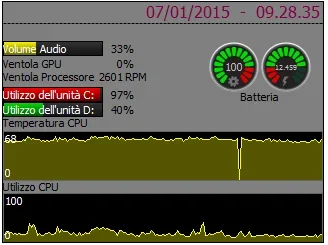
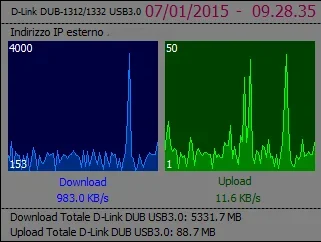 next step, increase capacity from media center (type manage music player or display tv dtt/streaming)
 confused:
 "but after a 30 minute adaptation and started setting it I would say more than satisfied and I think it will always be better, very comfortable!!! ! the only thing that I saw then maybe I didn't succeed , in the 2d sketch environment you can not exclude all the various 3d rotations that I find a little uncomfortable would be convenient to leave just 2d shifts!....and then in every environment the functions that you can set on the keys are only 2 (in my case because I have only 2 keys).... I seemed to have understood from someone that every button opened a "under menu " ! !