• This forum is the machine-generated translation of www.cad3d.it/forum1 - the Italian design community. Several terms are not translated correctly.

orienting cone development

  • Thread starter Thread starter MARCOC
  • Start date Start date

MARCOC

Guest
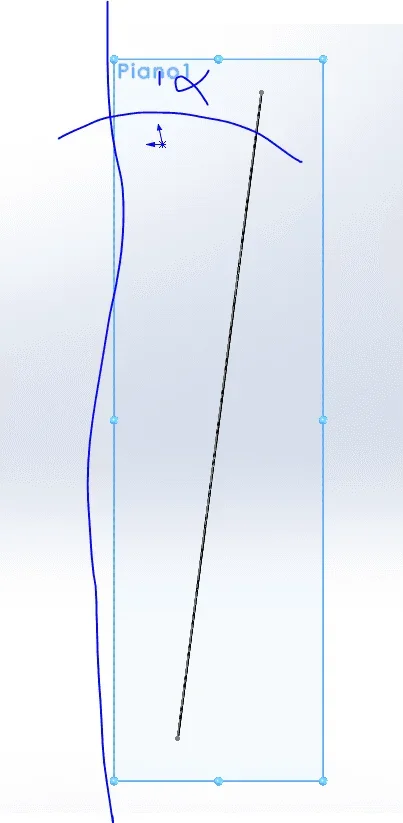
hello to everyone, can anyone tell me if it is possible to hide according to image that place, the development of a conical sheet? ? ?1619595035746.webpespecially in the table1619595771726.webpbecause being unfulfilled odds of course, it is difficult to rotate them correctly on the table
Thank you very much
 
build a plan that passes for the vertices and be perpendicular to the surface, select it and do normal a and then the wheels of 90°
at this point can save the view.
in drawing environment call back the view, if you saved it, or view of the current model
 
I tried to do that he said 1619599060625.webp1619599108562.webpm after normal to remain however inclined regarding the other floor
 
you have to make attempts until you get the desired result.
possible parameters:
surface; edge of edge; edge of edge
surface; Construction Pane Line
 
Hello massive excuse the delay but here I am, I managed to make a customized view as you told me
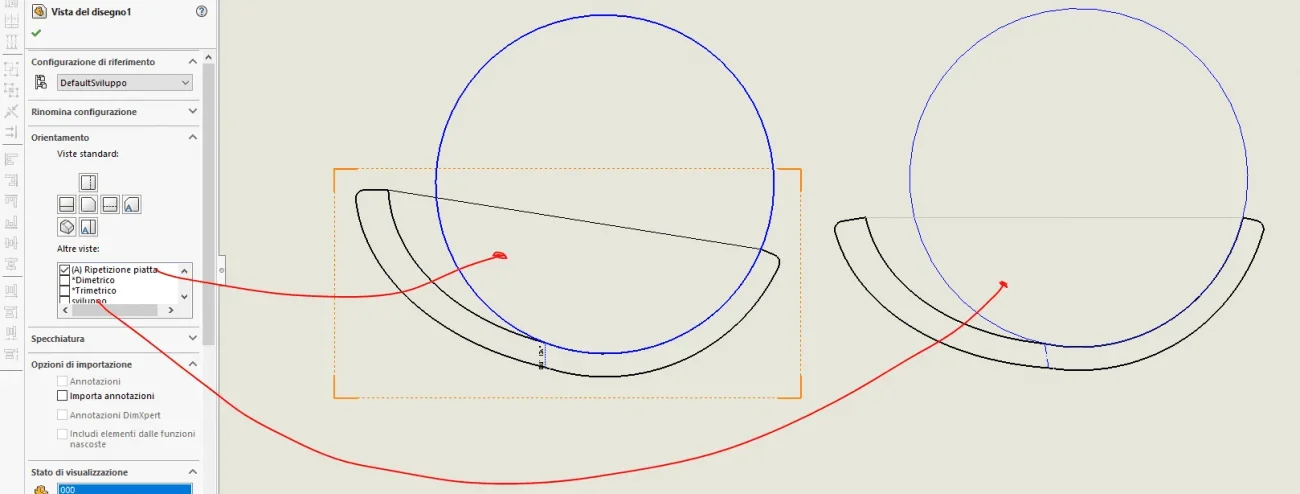
Now I have a problem1621947879011.webpwhen I amount the view at the table and I call the view from me created to have the orinated development as I want it...Behold that the bending notes disappear, as I can solve, I have to get the positioning of the image more to desta pero I have to have the notes of bending like the view to the synalist
 
keep your files safe in your pc... It is always a pleasure to redesign situations from scratch.
 
try to do this:
selections the line
go to instruments
line design view
choose the orientation

I don't know if there is this command in 2017
 

Attachments

  • Immagine 2021-05-25 152621.webp
    Immagine 2021-05-25 152621.webp
    52.4 KB · Views: 12
you can't because you're not in flattened mode and then in the property manager you don't have the folding notes window.
you must rotate the flattened view. The only way I can think of is:
view the contour box (contour case)
draw a horizontal sketch line and quote the angle
puts the quota in unguided mode and eliminate the horizontal bond; in this way you can edit the quota and copy it (ctrl+c)
select the view and rotate it by pasting the copied value as an angle
 

Forum statistics

Threads
44,997
Messages
339,767
Members
4
Latest member
ibt

Members online

No members online now.
Back
Top