• This forum is the machine-generated translation of www.cad3d.it/forum1 - the Italian design community. Several terms are not translated correctly.

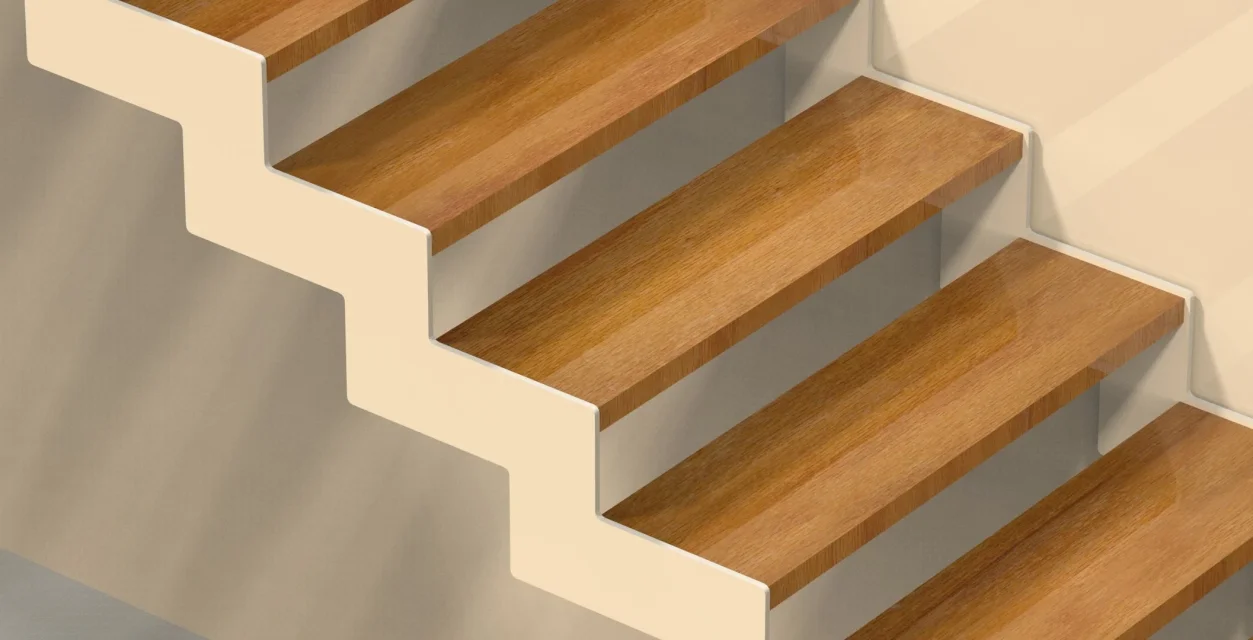
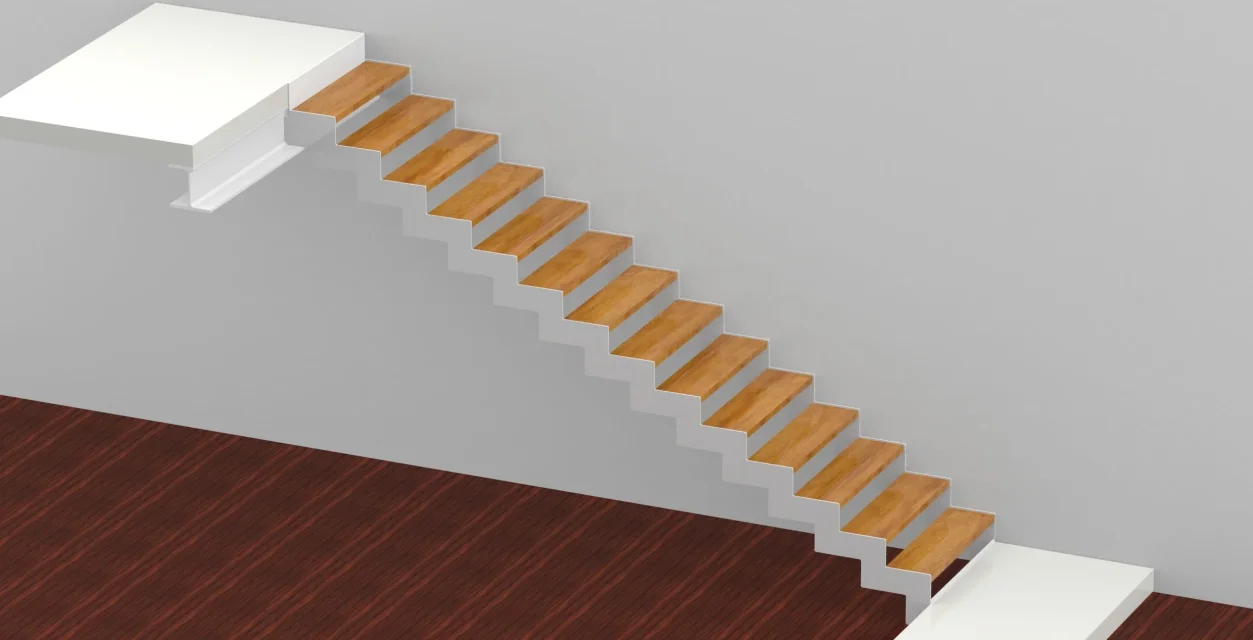
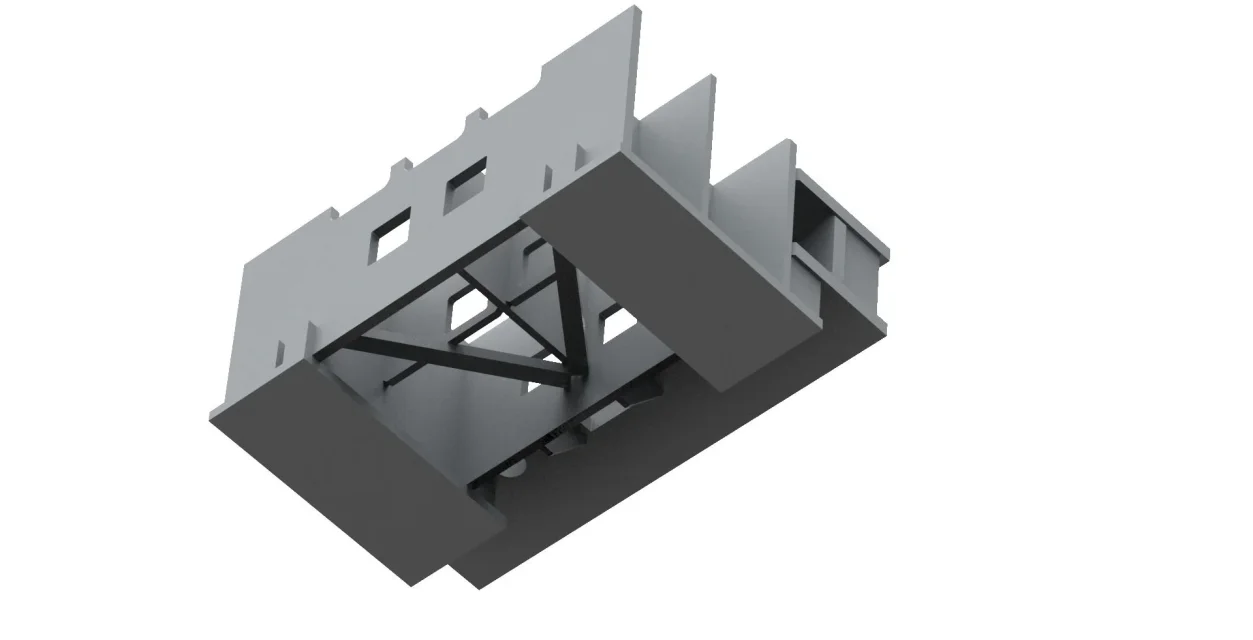
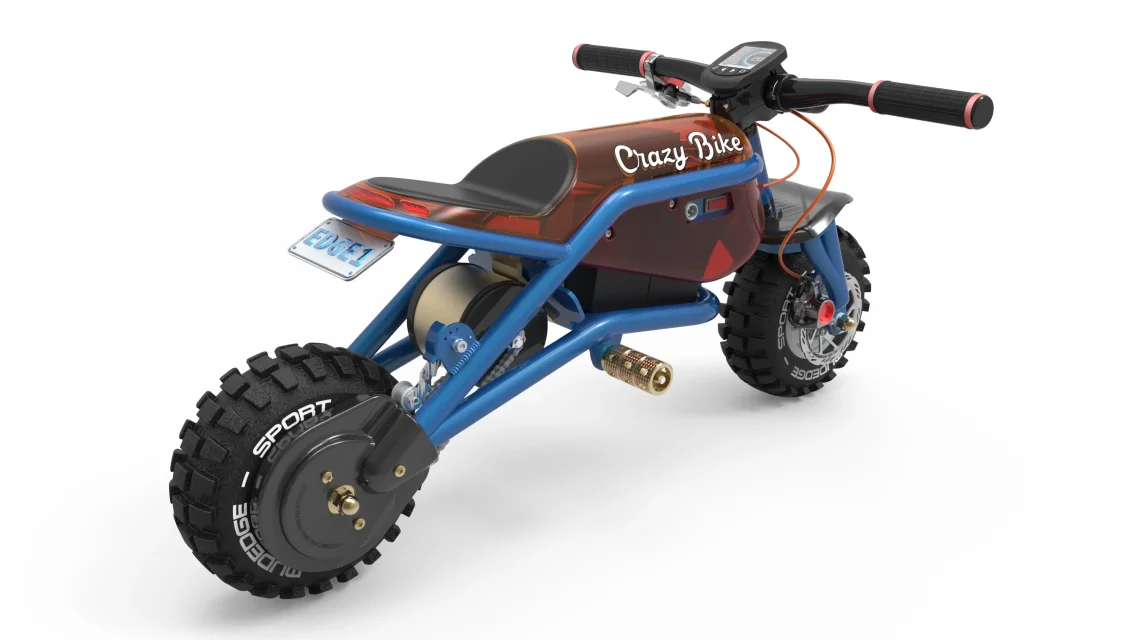
our renderings.

  • Thread starter Thread starter Be_on_edge
  • Start date Start date
Good evening to all, I wanted to take advantage of this discussion to expose you my problem: in the office I was given to make a car for a technical manual. the software I should use is solid edge st4. the problem is that we are all novices regarding renderings, and so I find myself having to produce an acceptable result in a short time starting from scratch. a little something came out, the boss said that for him it can go well since all the car groups stand out, but I'm not very happy.... the main problems are two:

1) the controls of the environment did not seem to react in a very "linear" way. setting the various options and playing with different combinations I never get a "predictable" result, always comes out something different;

2) regardless of software I lack a methodology to carry out this kind of work;

the whole thing makes me practically moving more to attempts than to real knowledge of cause, with everything that follows: ugly colors, edges that are not seen or that are unnatural and so on.
in previous posts we talked a lot about keyshot, however I am new in this company and I do not think it is the case to propose the purchase of a new software after only 3 weeks of work. I was therefore evaluating the idea of trying blender (magari nel tempo libero) and I wanted your opinion on this: risk switching from the pan to the grill? besides being free I would have the advantage of being able to find a lot of teaching material on the net, which I did not find on solid edge (at least regarding the rendering part).

thanks for the answers and good past Easter greetings! ! !

ps: by presenting us the job the customer told us that the rendering would be possible to do it also with word......you understand? How would he come out according to you?
 
Hi.

starting from st7 the rendering module has been replaced with keyshot that is why if you talk about it and seen the results I would let lose the rendering of st4. of tutorials and best practice for keyshots and rendering of mechanical parts generally if you find many, leaves you one of my favorite links:
http://community.plm.automation.siemens.com/t5/solid-edge-forum/keyshot-tips/m-p/316155regarding blender the main problem to deal with is to transfer the models from solidedge and each subsequent update.

on the "rendering made with word" it seems obvious to me that they do not know what they talk about.

Hi.
 
I agree with francesco (be_on_edge).

I personally use keyshot for some years. even before st7. I believe the best in the category not only for renderings but also for producing films and for interoperability with it. If you do not have the ability to upgrade st4 there is a free integration with keyshot, otherwise you can always load jts in the basic version keyshot costs less than 1k€ but you can download the beta that unfortunately puts banners therefore you have to ask for a full test license for 30 days. Usually they are very available. ps: if you like the answer add a star to me!
 
Hello, everyone!
I am delighted to realize this image of presentation of our machine tool with keyshot. I press that my level is basic-self-taught, and I usually throw projects in ambiete keyshot just to create an icon to put on the machine's user manual.
This time, I've "sweet" and here's what's out. : ww.webp
 
I ask for advice on how to get out of one of those cul-de-sacs where I slipped and I can't find out how to get out of it.
I'm trying to use key shot with satisfaction, I imported an animation of if and I made it, after several hours of grinding the pc I got a really nice effect (but I can't post because the machine is a prototype). the only thing I can't solve is the serigraphy on the control keyboard, which on solid edge I can show it both as a sketch on the part, and as a style by pasting the bitmap as part painting, the problem is that when the model on keyshot the keyboard appears white, with every possible variant and attempt to change the model. I also tried to make a sheet on which to make the engraving, but nothing...the result is always a white keyboard. how do I glue it over the display of commands?
 
I suppose you have a graphic file of silkscreen, jpg or png, and then you can simply upload it as a label, paste it, scale it and place it correctly on the white keyboard.
to do this you must assign a material to the keyboard, then right click "material change" and then add "tag" by choosing the graphic file from where it is recorded on your disk.
 
Thank you, I did.
Is something wrong or the label loading necessary to do it again every time you reopen the same together with keyshot?
 
Thank you, I did.
Is something wrong or the label loading necessary to do it again every time you reopen the same together with keyshot?
for the same together and same part the label should remain fixed, at most for various reasons can change the orientation, or be temporarily hidden (click the check mark to view it)
However, if you save the material with the label included in your personal library you can reuse it later by assigning it to other parts, but in this case you will have to position and resize the label without charging it.
 
good morning to all, the product has been officialized, now I can publish the rendering done (in jpeg format as the original png is too heavy).Thalya.webp
 
Dude! Is it a sterilizer for dental manipolies?
Thank you. Actually it is a washbasin, does washing, disinfection and lubrication, all at room temperature. It's the previous passage to sterilization, which must be done with another machine.
 

Forum statistics

Threads
44,997
Messages
339,767
Members
4
Latest member
ibt

Members online

No members online now.
Back
Top