• This forum is the machine-generated translation of www.cad3d.it/forum1 - the Italian design community. Several terms are not translated correctly.

parameter sells metal

  • Thread starter Thread starter doriano
  • Start date Start date

doriano

Guest
Good evening to all
wanting to build a closed box excluding a wall needing to use different parameters, and different fold ends as I can do
since when I change one of these parameters the system modifies them all. in a few words I would like every wall that I fold to have different parameters. Does anyone know how to do that?
thanks to all
 
Doriano good morning

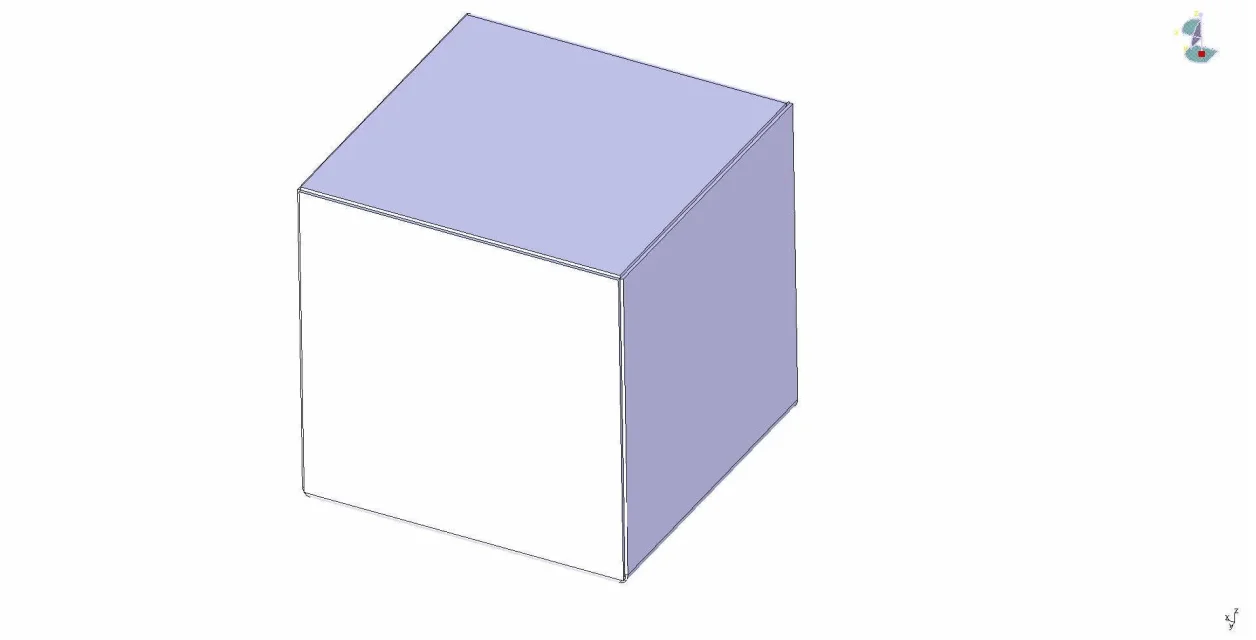
if you pass the drawing if you can do it in a short time I do it and I send it to you by email so then studies as it is done... always if possible.immagine 1.webpimmagine 2.webp
 
Doriano good morning

if you pass the drawing if you can do it in a short time I do it and I send it to you by email so then studies as it is done... always if possible.View attachment 41102View attachment 41103
hi from the design you sent me but I see that the "fold end" are all the same while I would like to put different "fold end" to better understand the edges of your box are "closed" I in my box would like 2 closed and 2 with round overcut what I can not do because when I change the parameters they all change.
If you know how to explain it
Thank you.
 
Doriano good morning

if you pass the drawing if you can do it in a short time I do it and I send it to you by email so then studies as it is done... always if possible.View attachment 41102View attachment 41103
Good morning
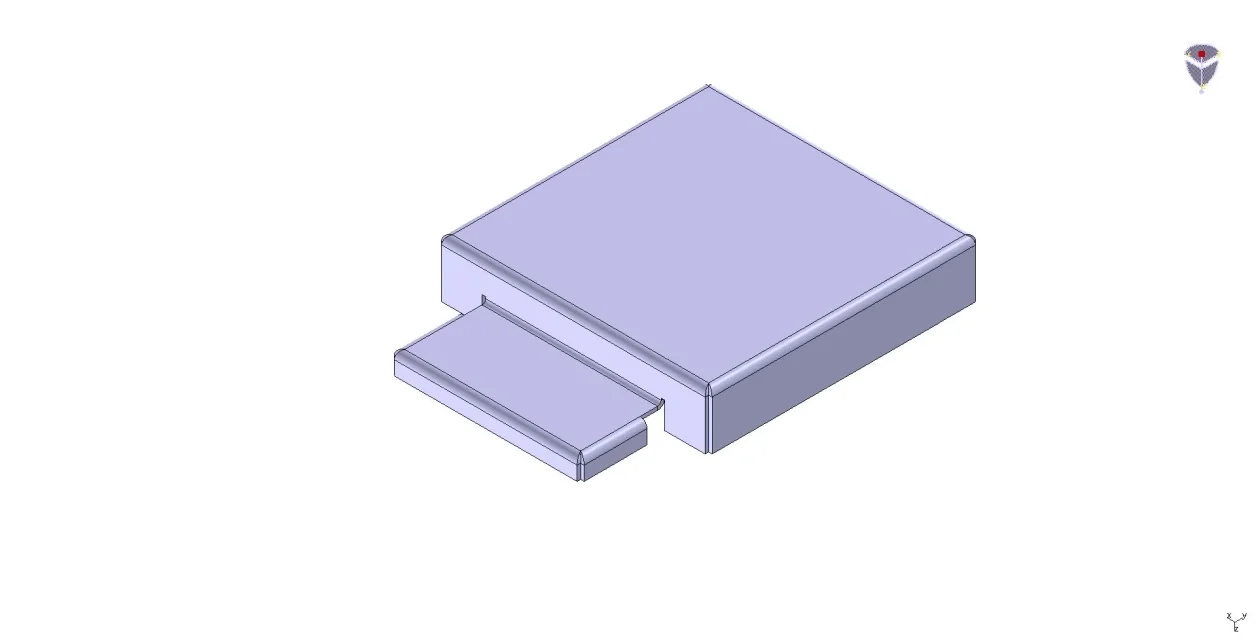
I send you an image to explain myself better, as you will see some walls are "closed" but in the lower box part I can not find a solution because changing the parameters of the fold end I solve in that position but it changes in the high box.
How can I do that?
Thank you.scatola11.webp
 
but is this part of sheet metal that you get in a single processing process or are two boxes in one another?
I think you should send the file catia... .
 
I think you answered my question as I see that in the parameters you have folded "closed" and you haven't changed it in fact in the bottom corner I see that you have used the excavation (about 2 mm seems to see from the image) and you haven't changed the "closed" fold parameter
It was practically what I wanted to know from those who use the plates, although I thought that it could intervene on each fold with new parameters without that the fold previously made automatically changes to the last parameter entered.
Thank you very much
 
Good morning

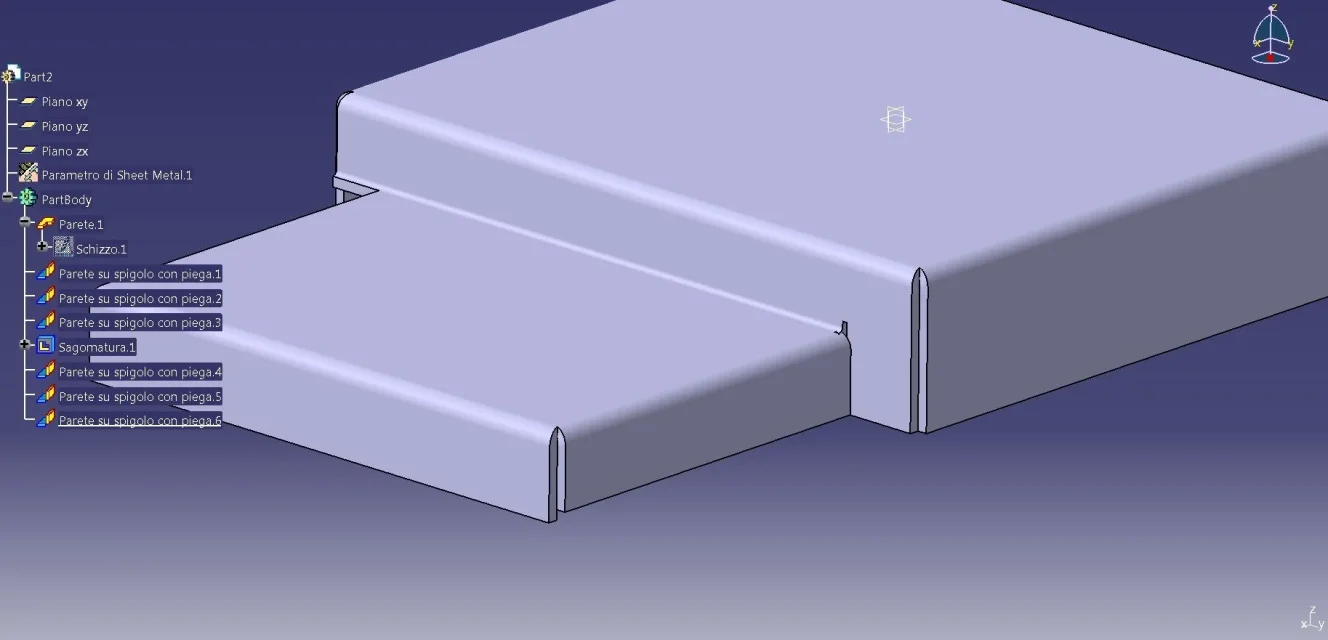
each fold has its own specific type of fold, bent radius which can vary and seal them if there are. I didn't do as you say it folds closed and then shuts up for the overtalks... in fact from the image you find not tasce but only folds to which you go to change the parameters.. see image attached.
immagine 1.webp
 
Sorry but I looked at the photo by phone and I didn't read the graphic tree now I saw that you used only the initial parameters thickness, type of fold, radius of curvature.So in the light of your model I ask you if you wanted one of the two edges closed in the lower part not closed but of a different parameter that is found in the list of the initial parameters as you would do?
Hi.
 
Sorry but I looked at the photo by phone and I didn't read the graphic tree now I saw that you used only the initial parameters thickness, type of fold, radius of curvature.So in the light of your model I ask you if you wanted one of the two edges closed in the lower part not closed but of a different parameter that is found in the list of the initial parameters as you would do?
Hi.
Good morning

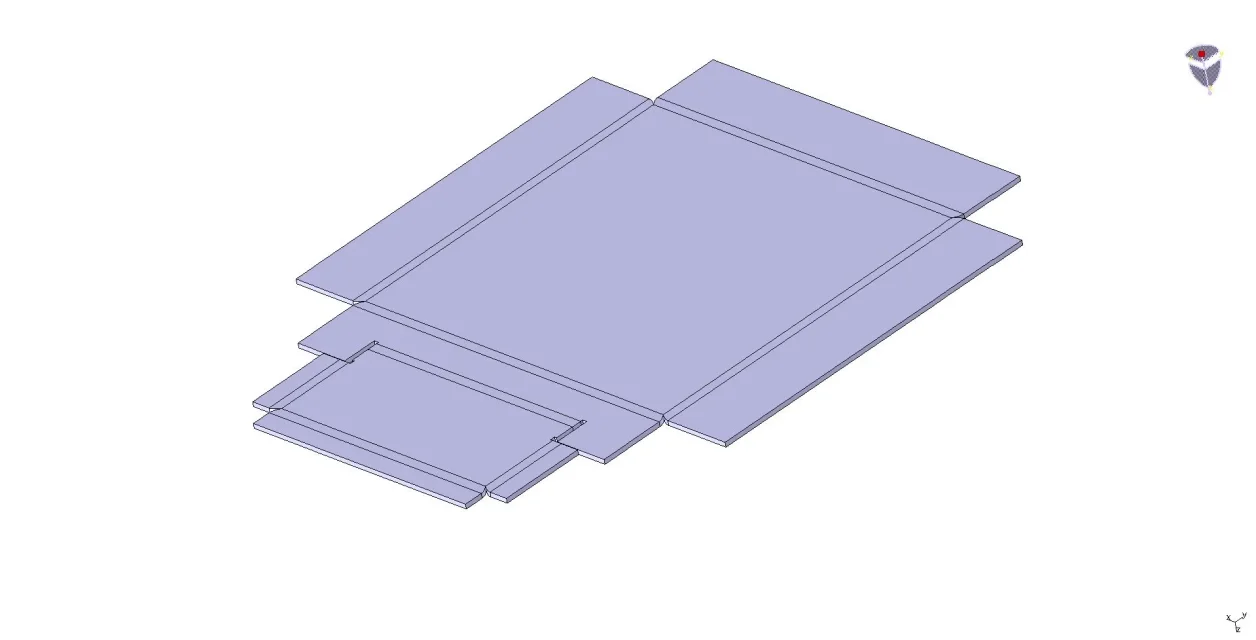
Do you say like this in the image?

regarding posting the file, do not know if it is possible in the forum I kindly ask moderator intervention to know if possible or not.

Thank you.
immagine 1.webp
 

Forum statistics

Threads
44,997
Messages
339,767
Members
4
Latest member
ibt

Members online

No members online now.
Back
Top