
drake
Guest
Hello everyone.. .
I x modeling use very much the structural elements, so I automatically generate the distinct materials in which I have the property description I use to define the profile in the drawings.. .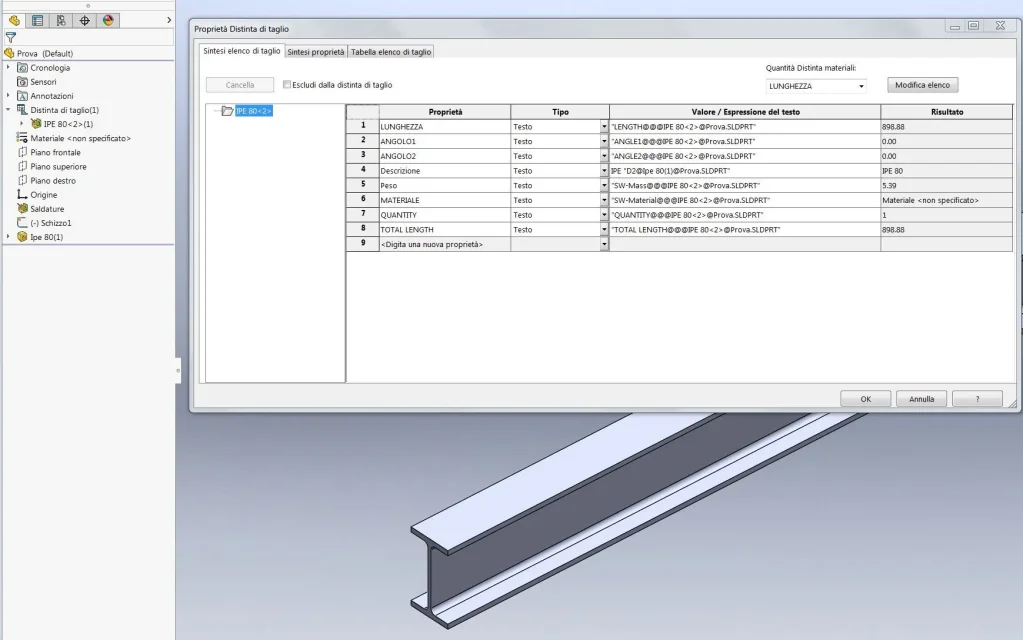 this property is easy to use with notes that are connected to the model.. .
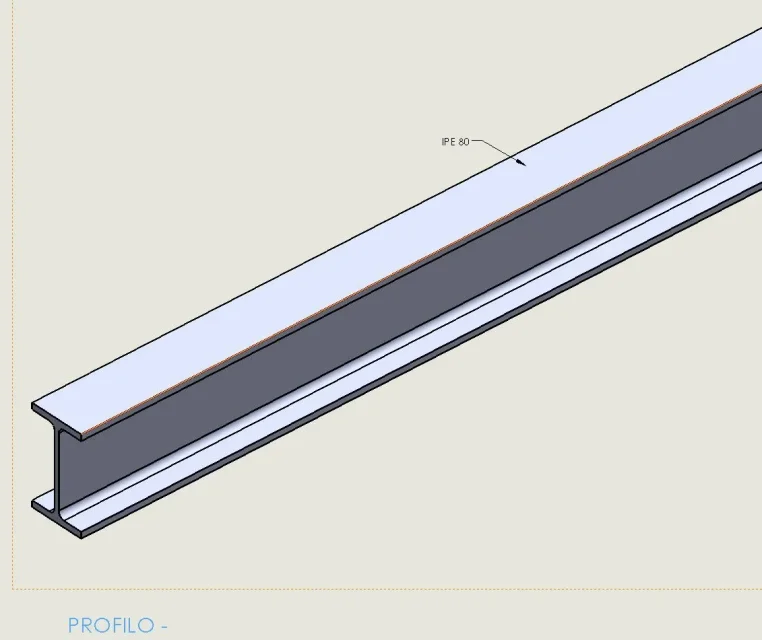 but if you want to set a design model, with a note at a point of the sheet that is not connected to the model and that you describe the type of profile, this can not do so with the property of the separate cut. I can only if I create an additional property description among the properties of the side file.. .
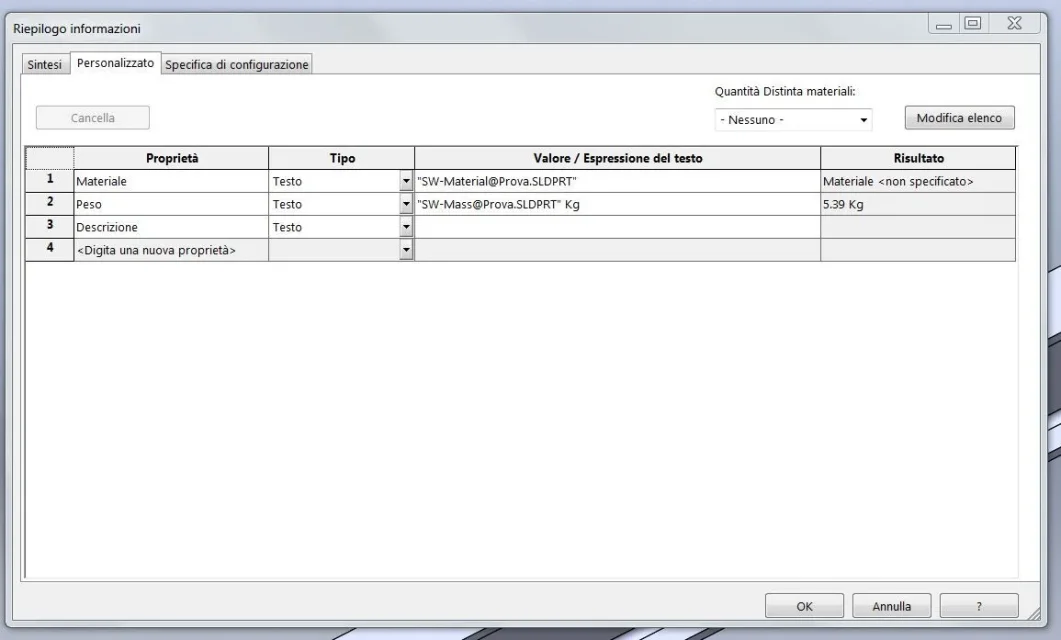 is my question whether there is a way to define a property of the part file that directly recalls the property of the separate?
I x modeling use very much the structural elements, so I automatically generate the distinct materials in which I have the property description I use to define the profile in the drawings.. .
this property is easy to use with notes that are connected to the model.. .but if you want to set a design model, with a note at a point of the sheet that is not connected to the model and that you describe the type of profile, this can not do so with the property of the separate cut. I can only if I create an additional property description among the properties of the side file.. .is my question whether there is a way to define a property of the part file that directly recalls the property of the separate?