flynight
Guest
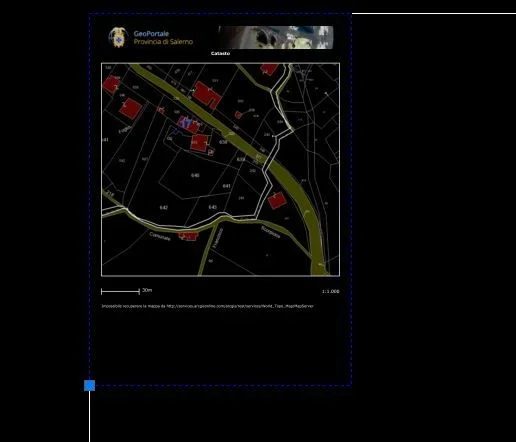
Hello everyone, I have a problem with the cut of pdf images in autocad 2013. once you enter the pdf if I click on its window only the bottom-left vertex is displayed, the other three are not. if I click on that vertex only allows me to move the image but not to change its size. instead in autocad 2010 I could view all four vertices and I could safely remove the image by adapting it to an a4 window created by me on the dwg. I know that you have to use the image crop command, but it does not work, in the sense that once the command is activated and clicked on the window this automatically unchecks. How could I solve this?