Paolotex
Guest
Hi, I've been talking to autodesk support for several days, but we haven't come to the end.
I passed from inventor 2011 (where everything worked) to factory suite 2013.
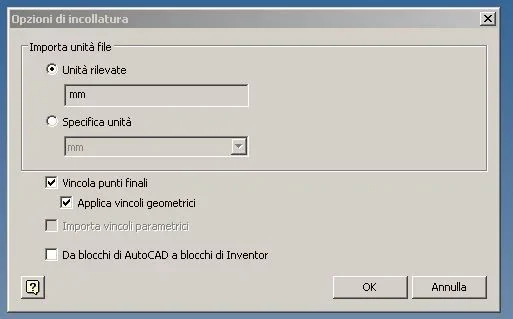
the problem is that I can't copy from autocad and paste on inventor sketch environment. Moreover if from inventor I try to import a dwg file (always in sketchy environment) this does not charge it.
we tried to re-start, to verify that the conversion dll is loaded and to lodge with other user (so to rewrite the registry file), but the problem persists.
I add that the operating system is seven and that the graphics card is nvidia picture 600 hp memory ram 16 giga.
I desperately seek help because the next thing to do is to reset the car from scratch... thank you.
I passed from inventor 2011 (where everything worked) to factory suite 2013.
the problem is that I can't copy from autocad and paste on inventor sketch environment. Moreover if from inventor I try to import a dwg file (always in sketchy environment) this does not charge it.
we tried to re-start, to verify that the conversion dll is loaded and to lodge with other user (so to rewrite the registry file), but the problem persists.
I add that the operating system is seven and that the graphics card is nvidia picture 600 hp memory ram 16 giga.
I desperately seek help because the next thing to do is to reset the car from scratch... thank you.