• This forum is the machine-generated translation of www.cad3d.it/forum1 - the Italian design community. Several terms are not translated correctly.

problem structural folder elements!

  • Thread starter Thread starter Nico12
  • Start date Start date

Nico12

Guest
Good evening, everyone.

I am beginning to insert into the library profiles of custom items.
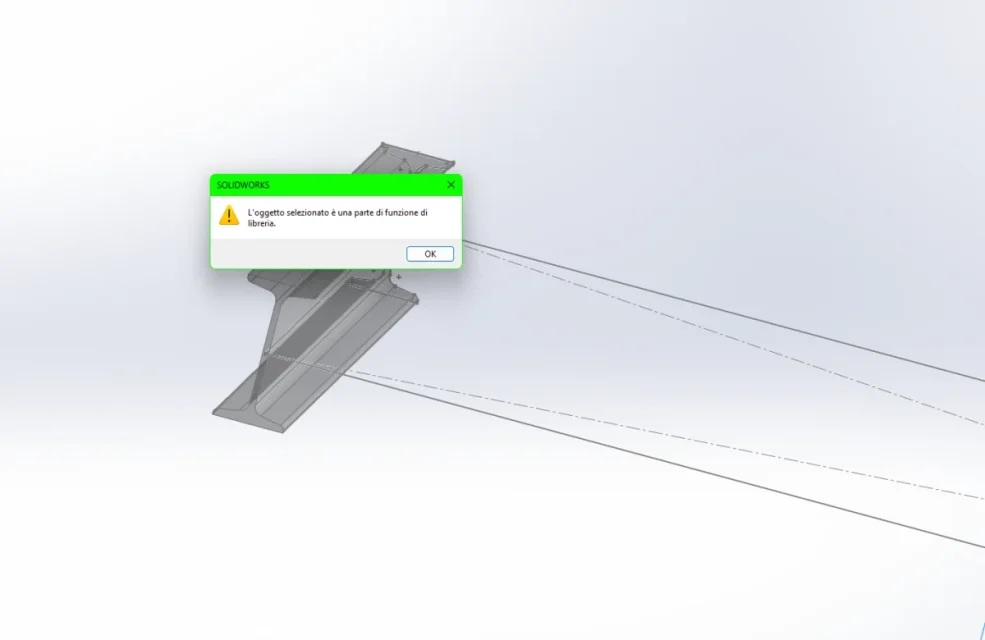
I have no problem creating them, but when I go looking for them through the "structural element" function to turn the sketch into a profile, I return an error.Screenshot 2023-08-01 215631.webpI tried to change the path through "file position" and returns another type of error.Screenshot 2023-08-01 215747.webpthis happens both with sw 2020 at work and with 2022 at home.. .
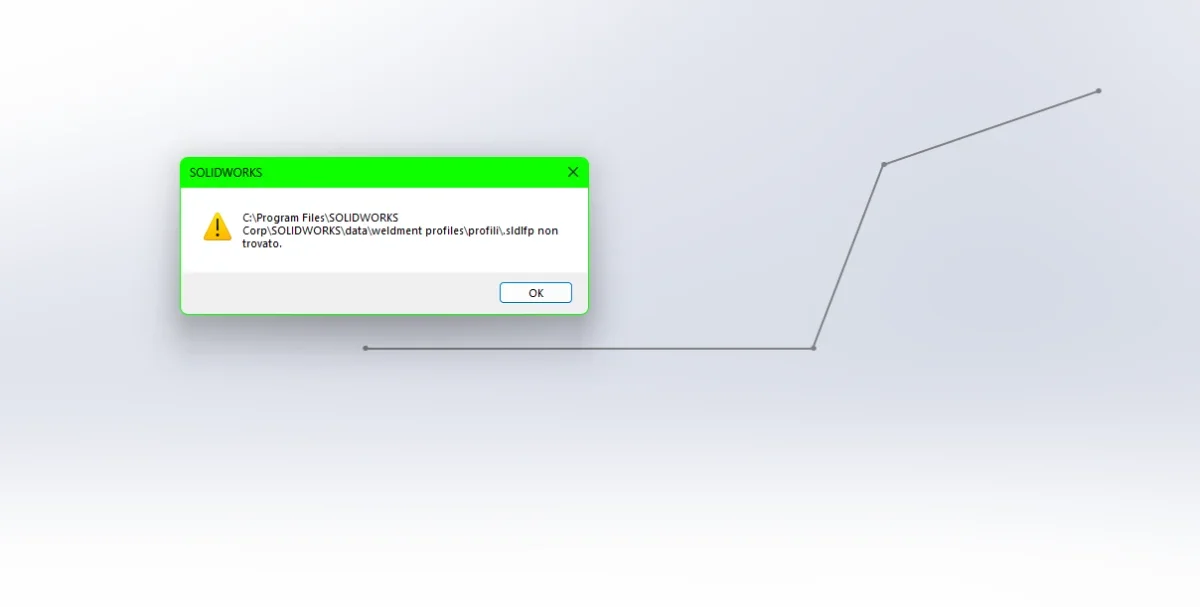
both with a profile created by me and those downloaded from the forum...
and already happened to someone?? Thanks for the help...
 
depends on how sldlfp profile files are managed.
if they are files with configuration should be placed inside the top-level folder
if they are files without configurations must be placed in a subfolder
from what I see from the images you have placed in the top-level folder the sldlfp files, but these are kind without configurations; creates subfolders and moves files
 
ok seems to work with this path "c:\program files\solidworks corp\solidworks\data\weldment profiles\profili solidworks personali\iso prova\tubolare rectangular\100x50x3.sldlfp" in practice before getting to the sldlfp file there must be two folders.
as file location I set the folder "personal solidworks profiles".
the problem persists using the profiles downloaded from the forum...Screenshot 2023-08-01 232155.webpScreenshot 2023-08-01 233629.webp Sometimes they work sometimes makes me mistake or even mix the profiles.
selecting the rectangular tube folder as size exits the beam profiles.Screenshot 2023-08-01 232449.webp
 
I can't do verifications not having solidworks, but you have to be more precise.
you must indicate which profiles you have downloaded from the forum so that you can verify what type it is
you have to check and indicate whether the profiles that do not work are normal or with configurations
you have to check that the 120x12 profile is actually a pipe and not a beam.

in many years that I used it solid never confused the profiles of the folders and always read all the profiles.
 
Good evening.
contacting the technical support sw have advised me to reinstall the program and now with the procedure recommended by mass works everything.
Thank you.
 
hi, so you fixed reinstalling the program, doing maintenance or otherwise?
Thank you.
 

Forum statistics

Threads
44,997
Messages
339,767
Members
4
Latest member
ibt

Members online

No members online now.
Back
Top