• This forum is the machine-generated translation of www.cad3d.it/forum1 - the Italian design community. Several terms are not translated correctly.

problem transparency to dashboard in autocad display 2012

  • Thread starter Thread starter Archimoro
  • Start date Start date

Archimoro

Guest
Hello, I have a problem in autocad 2012: in inserting transparency to a retino. basically when I go to print in pdf work, transparency appears to me, while on the worksheet not. the transparency display is set to 1 (i.e. in transparency mode to visible object) so I don't know what the problem may be.
wait for your updates and thanks colleagues:smile:
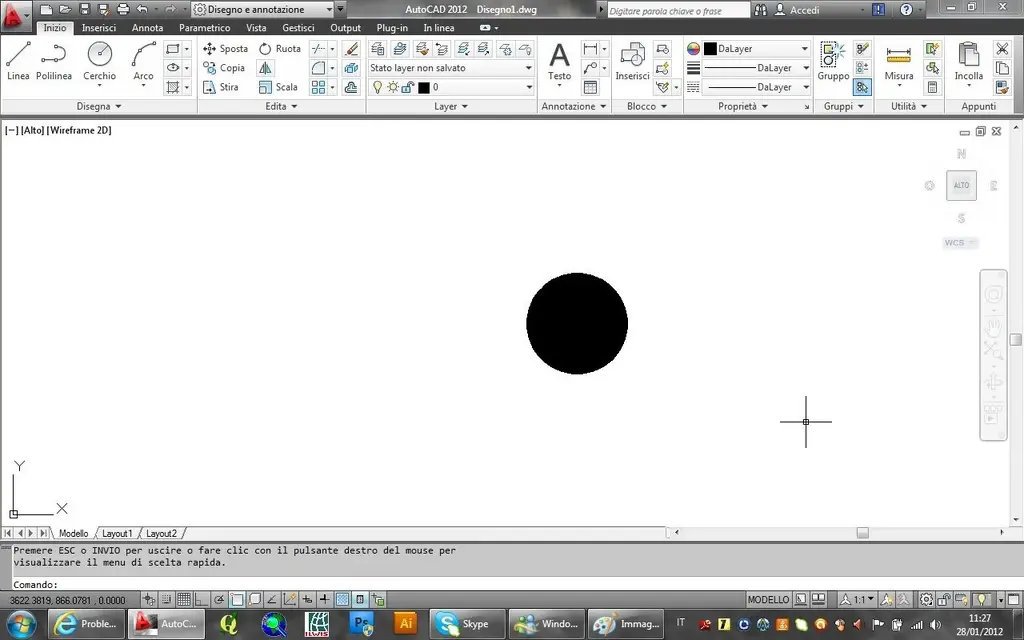
 
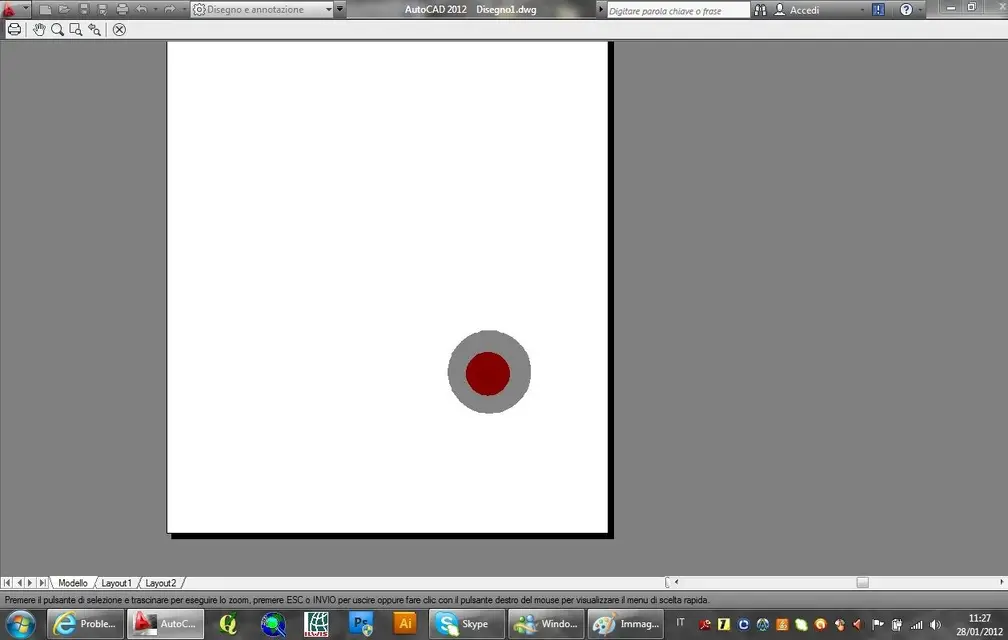
I do not mean on the worksheet, both from model and layout, the object to which I attribute transparency remains always opaque. Unlike in the print preview I can see the objects to which I attributed transparency. you place some pictures to clarify:
1) Transparent object not visible in the modelImmagine 2.webp2) Viable transparent object in print previewImmagine.webpthank you in advance for the answer.
 
Last edited by a moderator:
cmq print preview is visible in the third image I do not know why it has uploaded 2 similar images :d
 
for gp. I already specified in the first mess that is the transparencydisplay is set to 1!
 
for gp. can you indicate the path for transparencydisplay?mi knows that I am confused with the command pickadd for the selection of objects :d sorry
 

Forum statistics

Threads
44,997
Messages
339,767
Members
4
Latest member
ibt

Members online

No members online now.
Back
Top