• This forum is the machine-generated translation of www.cad3d.it/forum1 - the Italian design community. Several terms are not translated correctly.

problem with lines that leave only from the center

  • Thread starter Thread starter Lucarino
  • Start date Start date

Lucarino

Guest
I have a problem with autocad 2015. every time I try to start a new line from another line already existing, the program makes me start only from the vertices of the existing line or from its center! Before I could draw as I wanted, the lines departed from where I clicked while now not. How can I solve the problem?

**edit****
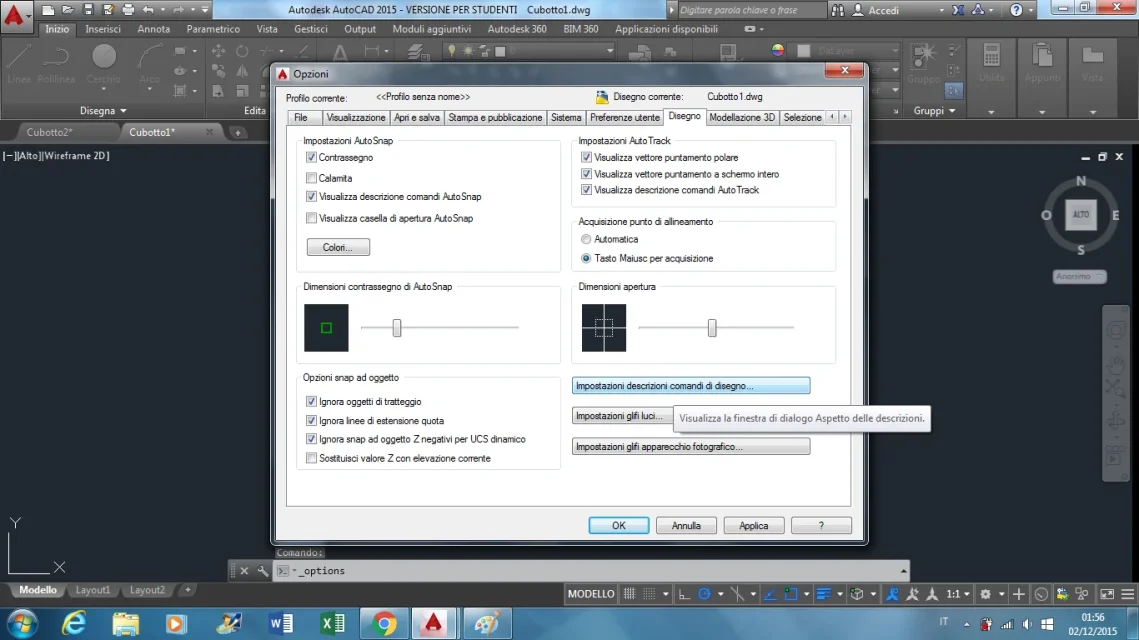
I managed to solve this problem, it was about the snaps, in particular the button at the bottom right "snap of the 2d point reference cursor" that to what I understood must be off. However, despite having the "central point" snaps and "end point" active, I can no longer know what are as the snaps are no longer visible. first managed to start the lines from the points where I wanted and I could know which were the center and the final points
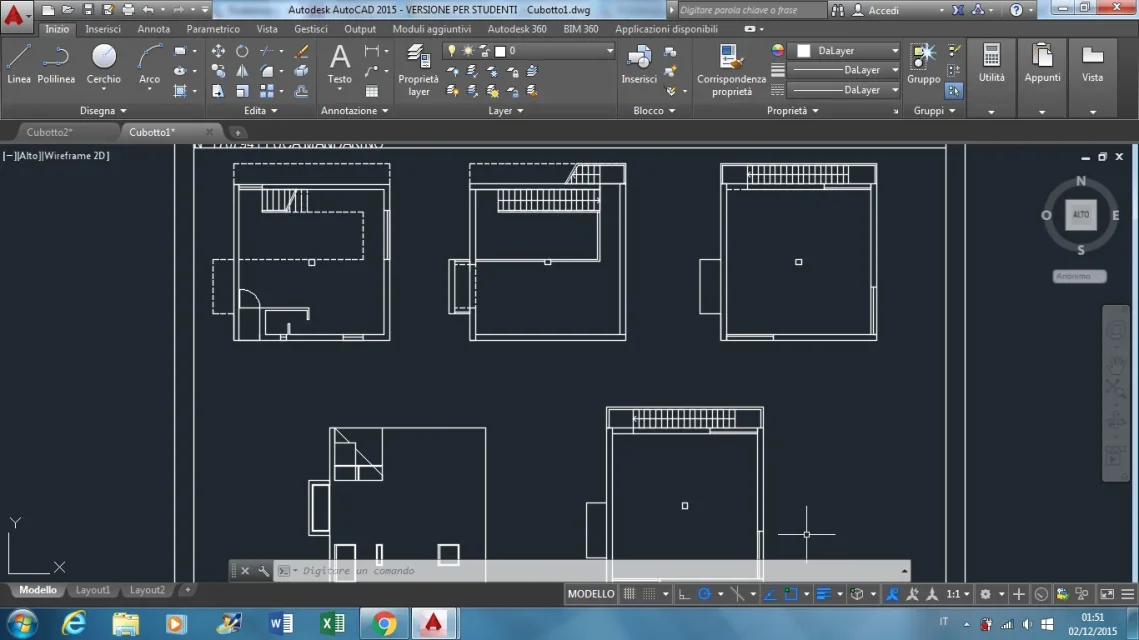
 
AUTOCAD1.webpAUTOCAD2.webpas you can well see I should draw without snap (i.e. without knowing what the center and the final points) in order to start the straights from the points where I want, while before there was no need, I could have the snaps and to be able to start the lines from the points I preferred
 

Attachments

  • AUTOCAD2.webp
    AUTOCAD2.webp
    103.4 KB · Views: 4
And the question is? ...
...however lucarin this is really the autocad abc, it is not a secret or a trick by guru
 
snaps can be set to suit you, you have to click on the "osnap settings" icon on the toolbar "object snap"
 
snaps can be set to suit you, you have to click on the "osnap settings" icon on the toolbar "object snap"
the settings are all ok. the point is that now I have to draw strong with "osnap off" and so I can start the straights from where I decide, but so the snaps are off and I can't know what the final points are, the center etc... first I could draw with "osnap on" and start the straights from where I wanted, without automatically leaving the snaps. the "calamita" command is also disabled
 
osnap or are switched on or off; You can't have a way. It's from version 1 that works this way.
you may have 2 possibilities:
  • leave the osnap off and use local changes (ctrl+rbm or shift+rbm), deciding from time to time what you need;
  • use the nearby osnap (near) that makes you draw lines from where you want, and not by force in half or extremes
 
  • use the nearby osnap (near) that makes you draw lines from where you want, and not by force in half or extremes
The second you said... only that as a student he has the wheels on the ground.
Is it possible that they give you a design with acad, and they don't even explain "the basics" to you?
 
Did you make that up? If it is for right mouse button then it should be rmb :wink:
 

Forum statistics

Threads
44,997
Messages
339,767
Members
4
Latest member
ibt

Members online

No members online now.
Back
Top