• This forum is the machine-generated translation of www.cad3d.it/forum1 - the Italian design community. Several terms are not translated correctly.

problems update files

  • Thread starter Thread starter fuserdelaserna
  • Start date Start date

fuserdelaserna

Guest
Good morning, excuse me if I open this post but with research I found nothing.
I have this kind of problem. until some time ago I used the inventor version 2013 and I often have to copy from one shop to another a folder containing all the files of the project (parts, assemblies, idw, etc...). here no problem, I opened the folder of the new order and modified the various files, assemblies and parts, and on the idw design automatically I found them updated. Now, with the inventor pro 2017 version this no longer happens. i.e., copy the folder, edit the various files, but the idw design remains connected to the files of the previous job, and nothing updates to me. I have to put back the various drawings manually and requote everything. :frown:
Does anyone know a way or settings to change to avoid all this?
Thank you very much
Mysteries
 
Since you have inventor pro in the package is also included the basic vault that performs the file management work, project copies, file shift etc.
 
Since you have inventor pro in the package is also included the basic vault that performs the file management work, project copies, file shift etc.
Thanks for the answer.. .
I don't have the vault installed, and still with the 2013 version I have always done this way, I copy the folder from one shop to another and then changing within the new order the design was updated quietly. . That's not happening now. I'd like to avoid pulling the vault out, I thought I could solve the matter all the time by working on the old-fashioned and then changing. . .
Thank you.
 
I can't tell you, using the vault, I don't have these needs.
But in the past I think it was suggested to use the pack and go for this kind of operation, see if you find any discussion. or we expect other users who have experience on this aspect, it also affects me for a likely future customer.
 
Hello everyone
I write as a profane because I don't know anything about installations and changes in preferences... but I had the opposite experience. we passed from inventor 2011 to inventor 2016 and with 2011 each time the tables were to be remade.
with 2016 and 2017 instead if you copy an inventor folder automatically changes all references. This at least is what happens here, so I'd tell you that it's definitely a possible operation... I have no idea what it is to set up to do it alone. we do not use different project files but only the default project.
but, a question, can't you just change the file to which the board with management - replace reference model, instead of doing it completely?
 
Hello everyone
I write as a profane because I don't know anything about installations and changes in preferences... but I had the opposite experience. we passed from inventor 2011 to inventor 2016 and with 2011 each time the tables were to be remade.
with 2016 and 2017 instead if you copy an inventor folder automatically changes all references. This at least is what happens here, so I'd tell you that it's definitely a possible operation... I have no idea what it is to set up to do it alone. we do not use different project files but only the default project.
but, a question, can't you just change the file to which the board with management - replace reference model, instead of doing it completely?
hi, I also thought the same thing, I go into the browser views of the idw and surely find the way to point out the views to the new parts of the new store... but nothing, I did not find any command and no way to do it. . .
 
solved...in practice as vale79 said with the "default" project updates everything and idw files point to the folder that I copied and pasted in the new order... don't ask me why, but now it works as before...
Thank you very much
 
to copy the folder what you used?
I did a test with pack and go but the result is a little "strange".
I copied a set and all its parts, for example along with copied into another folder as a b.
It also made me copy the parts, the problem is that the axieme b contains the parts of the axieme to and not the copied ones.
So I have to go replace one for one.
Did I do something wrong?
 
If you do the copy with copy and paste yes, you have to replace it one by one (but it only updates the tables references), but with the pack and go it should point to the folder b. I use standard settings, I only choose the destination folder. and all always in the default project. I think your procedure is right, maybe there's some kind of different approach. The only thing I've noticed is that if you do the copy of the folder takes a bit of time before the tables point to the right parts, a few minutes, if you try to open them right away, they point to the old folder.
 
to me the copy of a folder with the pack and go does not make it.
I can only choose inventor files, assemblies, parts, etc.
I first created the new destination folder and copied the axieme on that path.
other strange thing is that inside it has copied also given design and other things.
 
I tried at home and it works.
Yes, copy also date design and other things.
the pack and go can do it from the folder or from the save menu.
Is there any screen I can post that could help you?
 
I tried at home and it works.
Yes copy also date design and other things.
Is there any screen I could post that could help you?
 
I tried to open a set and make pack and go from the save window, the result is the same.
copy everything but the axieme components must be replaced.
Can you avoid this?
if you want to make some screenshots with the settings in the various steps.
Thank you so much for now.
 
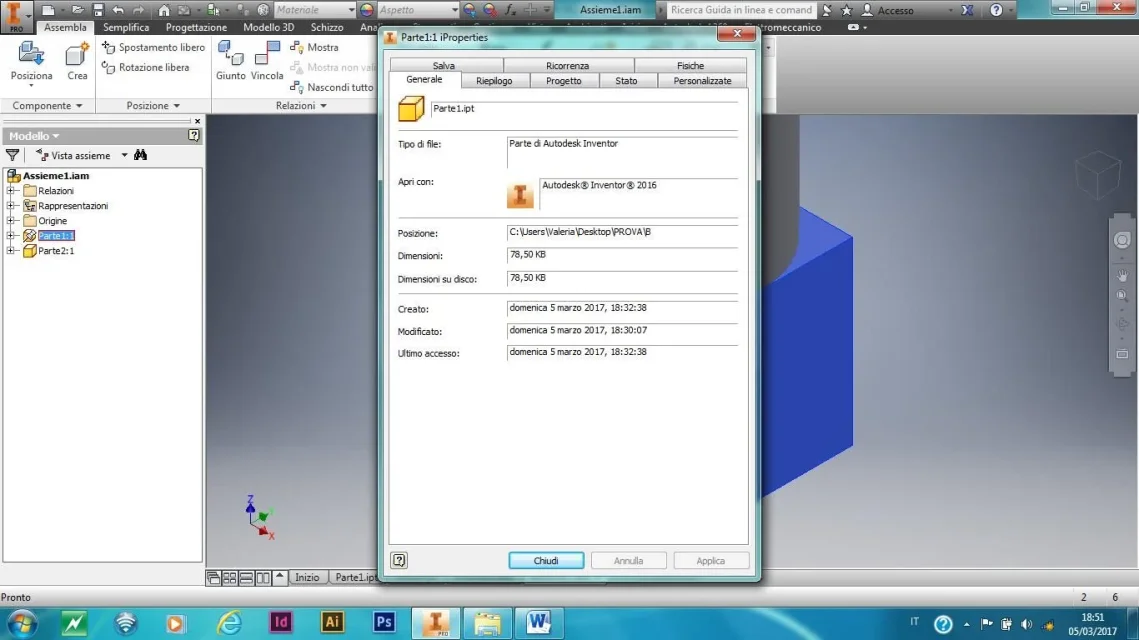
Here are some screenshots.. .
 

Attachments

  • 1.webp
    1.webp
    64.6 KB · Views: 4
  • 3.webp
    3.webp
    69.7 KB · Views: 4
  • 2.webp
    2.webp
    75.5 KB · Views: 4
in the pack and go I see you flagged "copy on a single path".
As soon as I have a moment I try.
 
to copy the folder what you used?
I did a test with pack and go but the result is a little "strange".
I copied a set and all its parts, for example along with copied into another folder as a b.
It also made me copy the parts, the problem is that the axieme b contains the parts of the axieme to and not the copied ones.
So I have to go replace one for one.
Did I do something wrong?
I simply copy and take off...and all files remain and point inside this folder...so I don't have to change anything else...we don't have problems with code management, so a work of this kind is more than good...
 
I simply copy and take off...and all files remain and point inside this folder...so I don't have to change anything else...we don't have problems with code management, so a work of this kind is more than good...
do you copy the folder or individual files?
And when you call them back, you don't mind?
 
1) use vault
2) use design assistant
3) instead of rename, open the axieme and use the command "save and replace component"
1) for this probable new customer will not have the possibility to use the vault
2) design assistant advice to use it to duplicate assemblies, parts etc or later to manage new names?
3) I do not know this command, as soon as I have a moment I see if in the guide you understand something about it.

Thank you.
 

Forum statistics

Threads
44,997
Messages
339,767
Members
4
Latest member
ibt

Members online

No members online now.
Back
Top