A-lisa
Guest
Good morning, everyone.
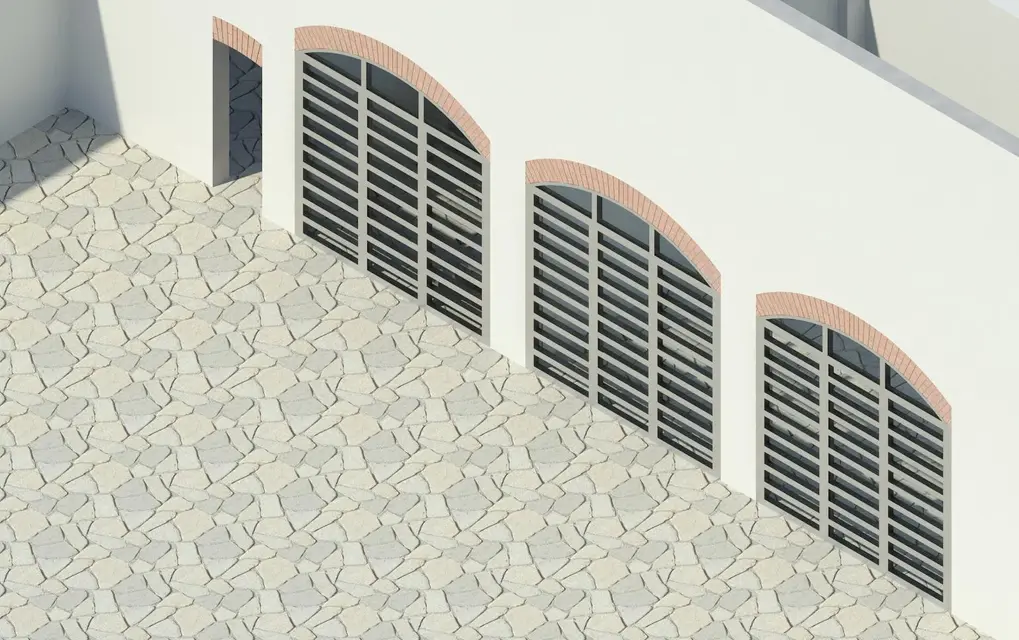
for a small change to a wall, I set a very simple scene.. those things you would do with 3ds in 5 minutes.. only I did it with revit, because I still want to believe, and because all the money invested must serve something.. had it: I wonder where I was wrong because for this 150 dpi large image 130x82 mm with light "only sun" my computer took over 3 hours... the "place" while shamed me, because among other things it is not even so beautiful to deserve a place in the table. .
the pc is not hyper-powerful, but not even a cart: has 4gb ram, 2 processors intel core 2 from 2.66 ghz , system windows xp 64-bit and video card nvidia geforce 9800 gt. I ask some advice to reduce the time. .
I also ask: do you know where I can find some guides on how to illuminate an interior, in addition to the usual "infarinate" of the online guides of revit?
Thank you very much, as always, until now.
for a small change to a wall, I set a very simple scene.. those things you would do with 3ds in 5 minutes.. only I did it with revit, because I still want to believe, and because all the money invested must serve something.. had it: I wonder where I was wrong because for this 150 dpi large image 130x82 mm with light "only sun" my computer took over 3 hours... the "place" while shamed me, because among other things it is not even so beautiful to deserve a place in the table. .
the pc is not hyper-powerful, but not even a cart: has 4gb ram, 2 processors intel core 2 from 2.66 ghz , system windows xp 64-bit and video card nvidia geforce 9800 gt. I ask some advice to reduce the time. .
I also ask: do you know where I can find some guides on how to illuminate an interior, in addition to the usual "infarinate" of the online guides of revit?
Thank you very much, as always, until now.