
• This forum is the machine-generated translation of www.cad3d.it/forum1 - the Italian design community. Several terms are not translated correctly.

restore command bar

  • Thread starter Thread starter reggio
  • Start date Start date

reggio

Guest
Hi, on my autocad, I always had the command bar from a bottom line...
from what day I disappeared in white and every time I have to control a command I must press "f2".

I tried all the "f" f1 f2 f3 ... and I searched in the help without finding help. .

Can you tell me how to get it back?
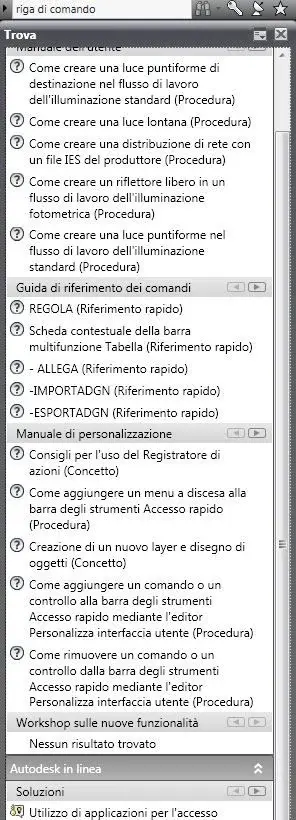
 
topic already discussed several times in the forum. a small circle before is appropriate:
combination ctrl + 9
 
Hello, I know you've talked so much about this subject, but I'm really desperate.
My command bar/line is missing and I don't see it anymore, okay when I type various commands I see that the list comes out but it's really uncomfortable because I can't work decently. I tried to do ctrl + 9, I can't even anchor it, I don't know what to do. It's like it's gone out of the autocad window and I just can't find it.
Did someone do the same? have you found a solution?
I have autocad 2015 the student version (in English)
Thank you very much in advance
 

Forum statistics

Threads
44,997
Messages
339,767
Members
4
Latest member
ibt

Members online

No members online now.
Back
Top