• This forum is the machine-generated translation of www.cad3d.it/forum1 - the Italian design community. Several terms are not translated correctly.

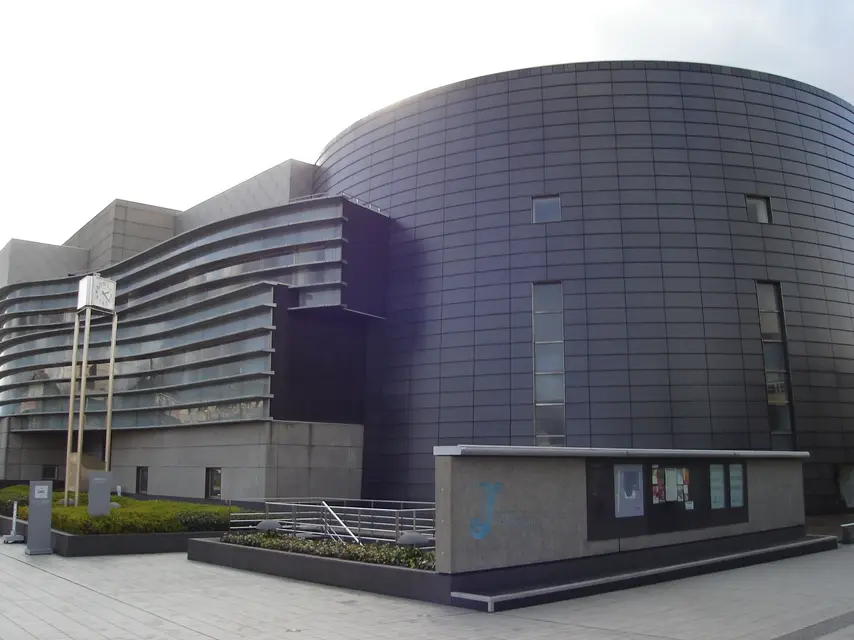
revit -texture facade cladding with metal panels

  • Thread starter Thread starter Carvalho
  • Start date Start date

Carvalho

Guest
hi guys, I can't find a texture to be able to use as a coating for a facade...the idea was that of rectangular panels, I attach an image to make you understand what I would like to get (only regarding the coating)

thank you already from now on. a greeting

Michael
 

Attachments

  • KyotoConcertHall.webp
    KyotoConcertHall.webp
    246 KB · Views: 153
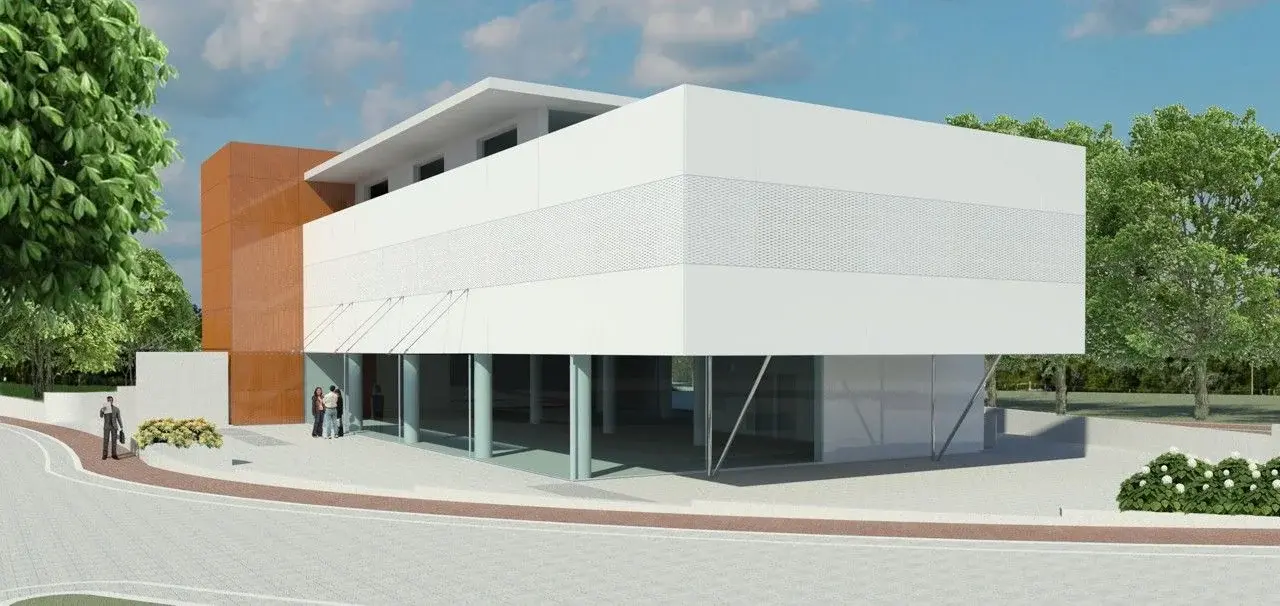
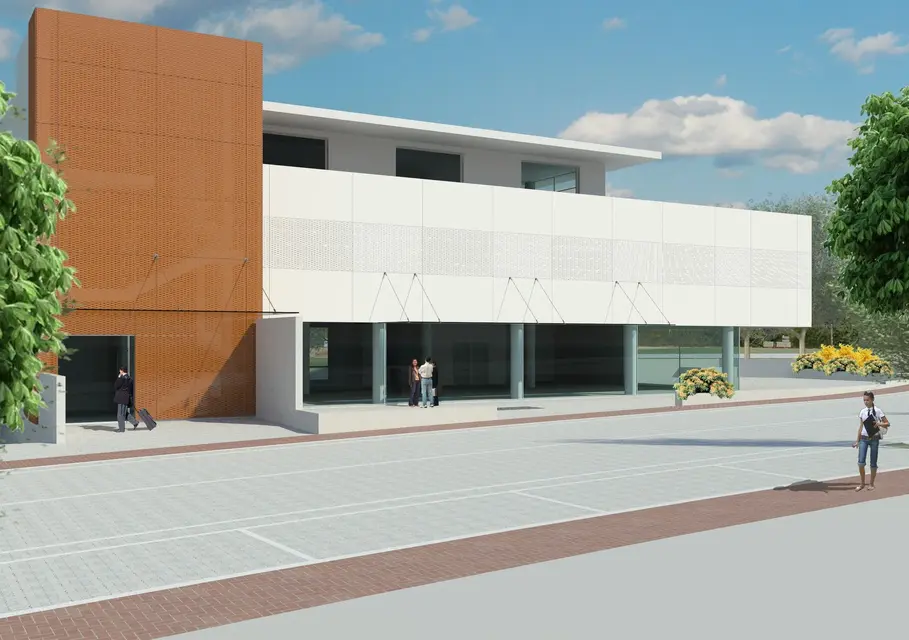
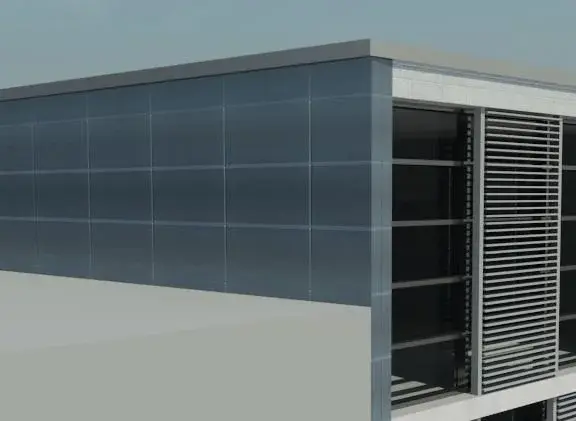
if you work with revit you can build the wall as a continuous facade and instead of the glaze you replace it with a solid panel as I did
with this commercial building with blind panels and perforated panels
 

Attachments

  • Vista 3D annuncio_f.webp
    Vista 3D annuncio_f.webp
    126.8 KB · Views: 153
  • Vista 3D 4_f.webp
    Vista 3D 4_f.webp
    502.4 KB · Views: 131
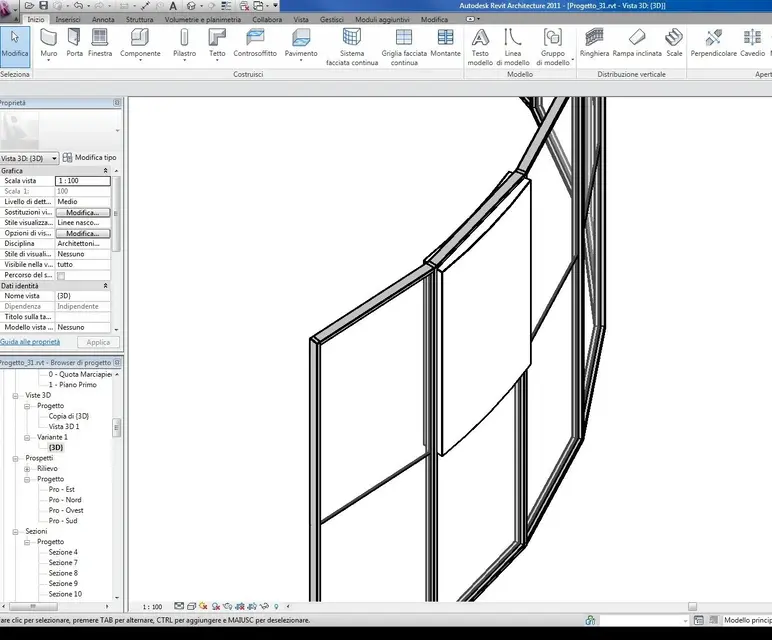
so to understand, the structure comes to straight sectors even if built with curved line, the inserted wall resumes the curvature
 

Attachments

  • rivestimento.webp
    rivestimento.webp
    104.9 KB · Views: 85
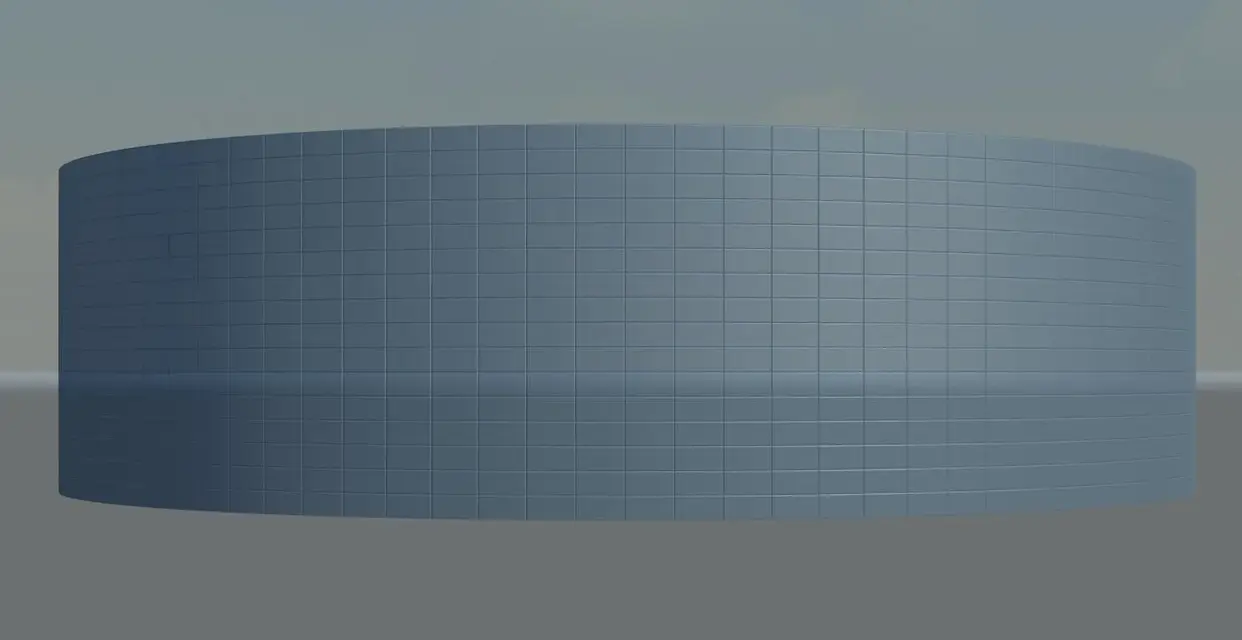
Thank you for the answer! I used your procedure in an office building. In this case, however, I wanted to try to work with a map to be assigned to the facade, in fact it is a house with ventilated facade and coating in rectangular metal panels.

as soon as I can place some pictures. . .
 
you know that revit is not the best in texture management so I prefer
go on safe, like 3d roof tiles, since there is no displacement
but also in correctly positioning the materials, I find that the mappings in the clamps are rotated 90 degrees compared to the external wall mapping,
 
or you can create a bitmap file with a paint program
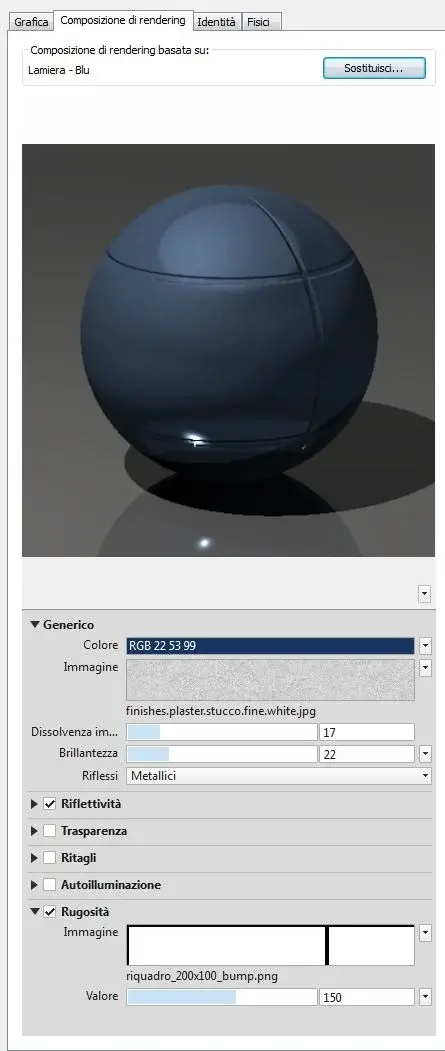
I think it would be enough in black and white to use as a bump map
I did some evidence, and I'll send it to you.
 

Attachments

  • pannellatura.webp
    pannellatura.webp
    18.7 KB · Views: 128
  • pannellatura_materiale.webp
    pannellatura_materiale.webp
    26.5 KB · Views: 111
  • riquadro_200x100_bump.webp
    riquadro_200x100_bump.webp
    194 bytes · Views: 314
thank you so much... not being very practical in creating the textures I didn't want to slip into another "problem".

Explain to me, you practically created one blue rectangular panel and then you made the same size the bump map?
 
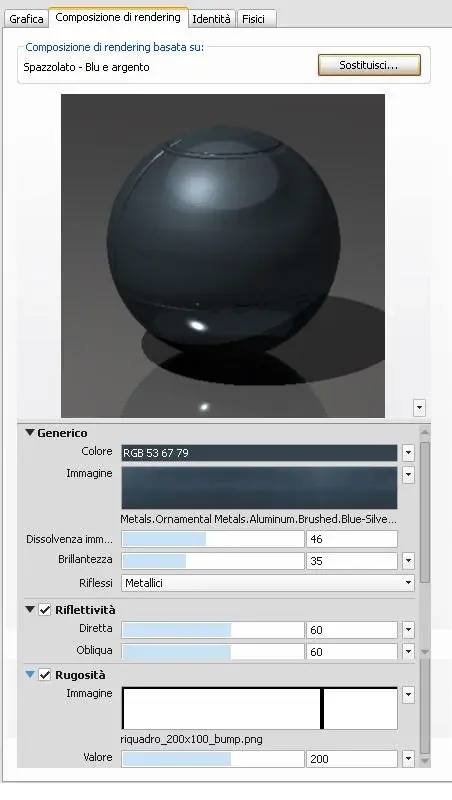
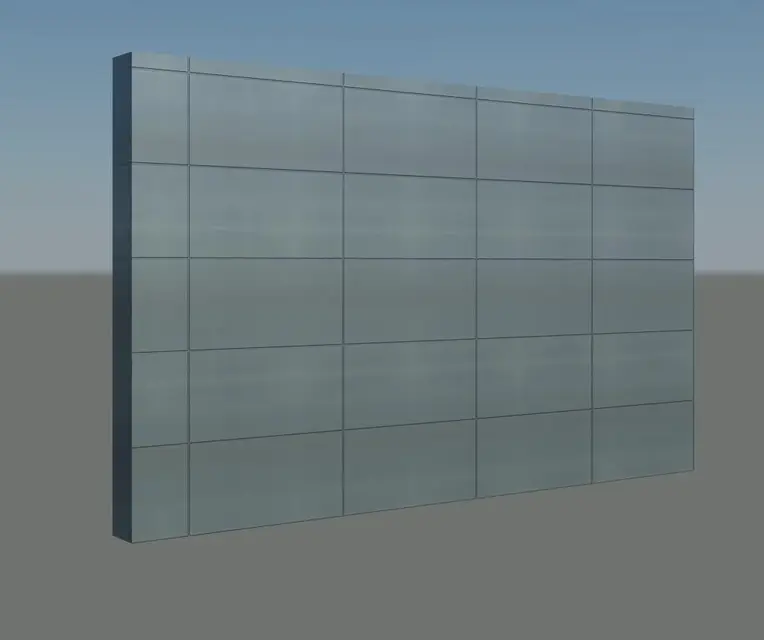
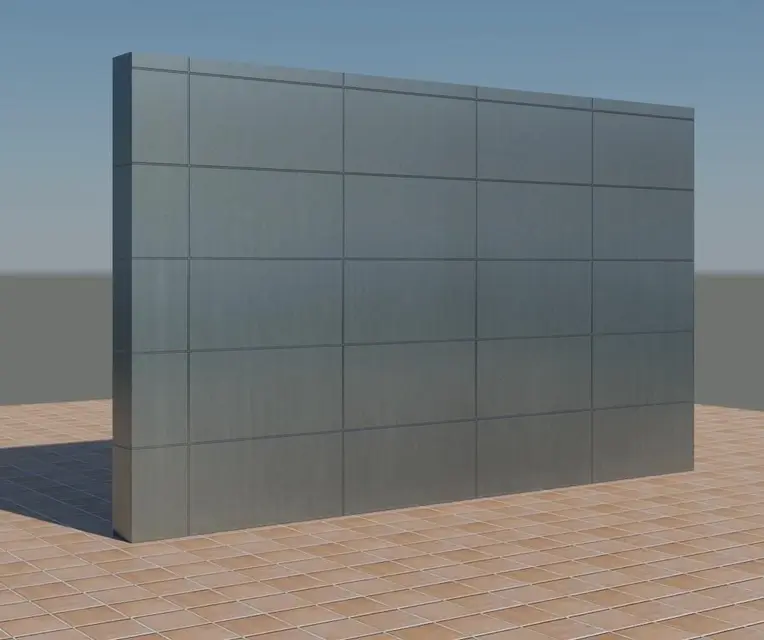
I did only that black and white rectangle and put it as roughness, the black part sees it as depression in the material, the blue material is unique on the whole wall, it is only the pane that repeats itself
I created the bitmap of 200x100 pixels and the black line of 2 pixels that join in the mapping become 4 pixels
you can create the bitmap with the size of your panels e.g. 1 meter=100 pixels
can be both black and white and gray tones, the more dark gray the more goes down
 
Okay, I'm trying... Let's see what's up! !
I try to update you in a short time and still thank you.. .

m
 
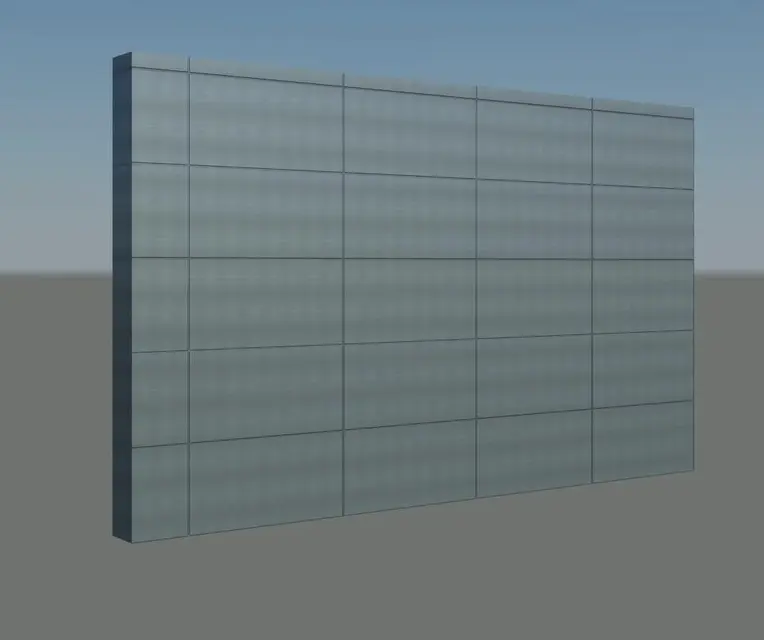
I did some tests... I show you one of the many, but the result is not satisfactory at all.

I used a map of the revit library (scale: 900mmx450mm), I wanted to dirty the panel but I did not manage:frown: I think it is better a solution similar to yours and leave it homogeneous. . .
as bump I used your rectangle (scale 1200mmx600mm that would be the size I would like for the panel)

edit: in the facade set the panels should not be arranged in that way...
 

Attachments

  • 001.webp
    001.webp
    23.2 KB · Views: 86
  • Vista 3D 5_01.webp
    Vista 3D 5_01.webp
    14.6 KB · Views: 176
How big are the escapes, how big do you want them? 1 cm? you can remake the box for the bump with multiple pixels, the one posted was 200x100px
 
you 1cm would be fine... now I'm remaking the pane with multiple pixels, while for the map I used as a confusing what do you tell me? too "allargate"? by 240mmx160mm
 
I led to 100 image fade
and at 5000x5000 the image
 

Attachments

  • pannelli1000x1000_2.webp
    pannelli1000x1000_2.webp
    42.9 KB · Views: 42
a fury to try I was slowly coming to your settings!!! You're a great thank you for patience... although I'm working directly on the model and my laptop is not made for making so it spends hours...

I think the tests will only make them on simple elements. I'll try your advice now.

Thank you! ! ! !
 
and when you make final renderings
there is also the discussion "riga sul fondo"
to complete the pictures
Good job
 
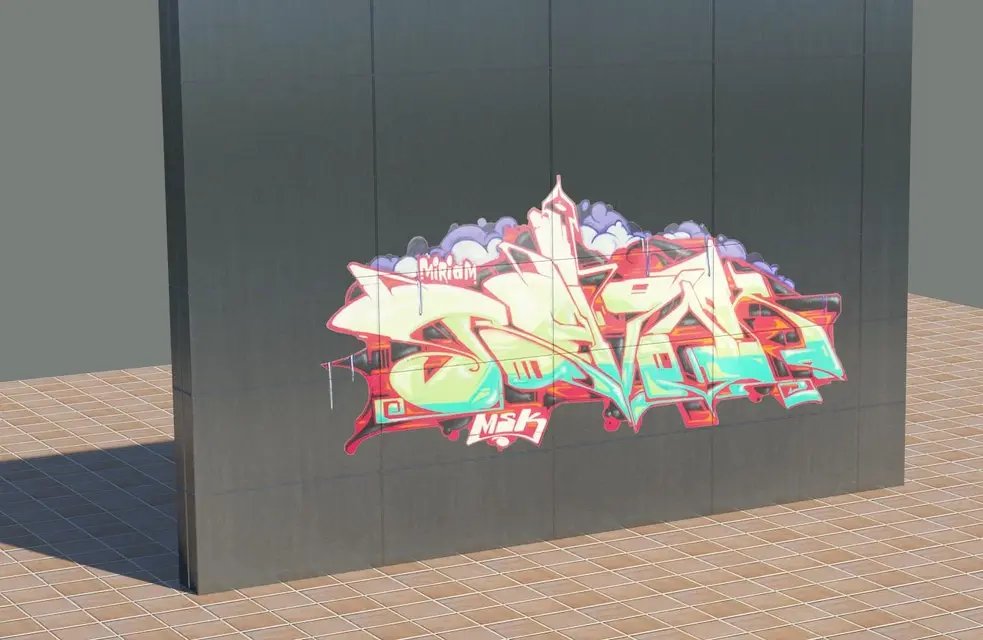
Damn it!
do not make time to build a wall that...
 

Attachments

  • graffiti.webp
    graffiti.webp
    114.7 KB · Views: 42
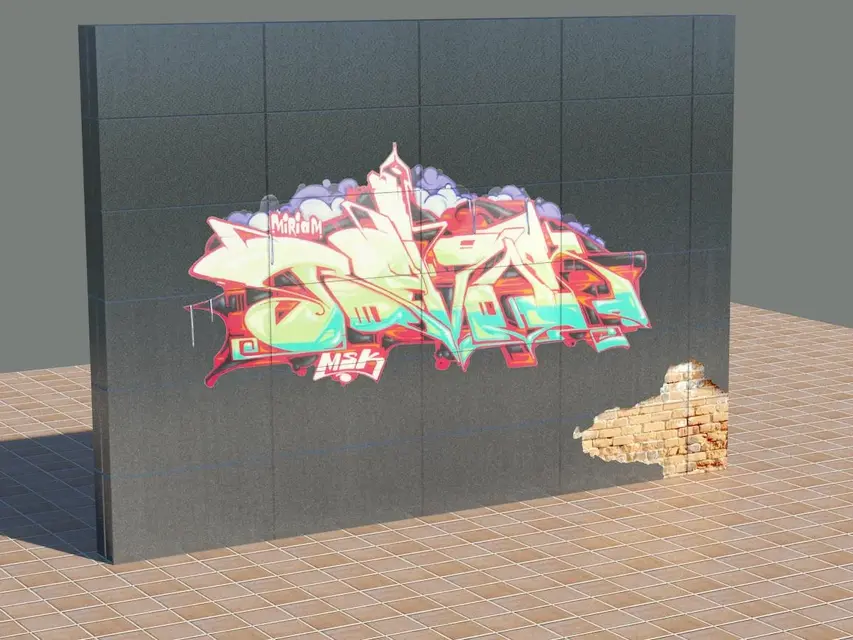
built badly!
He broke up right now! !
 

Attachments

  • pannellirotto.webp
    pannellirotto.webp
    146.9 KB · Views: 61

Forum statistics

Threads
44,997
Messages
339,767
Members
4
Latest member
ibt

Members online

No members online now.
Back
Top