PBono
Guest
Hello, everyone.
I use catia v5 r18, but the problem also occurred in previous releases.
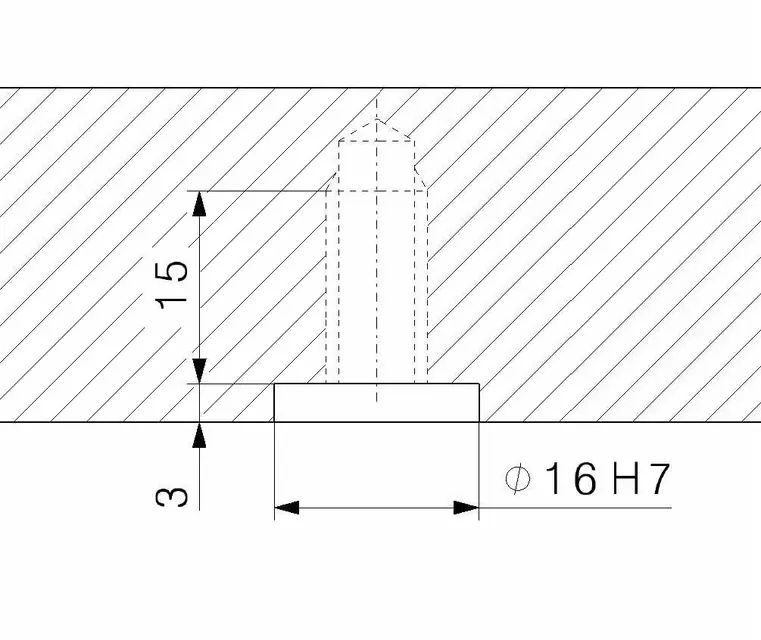
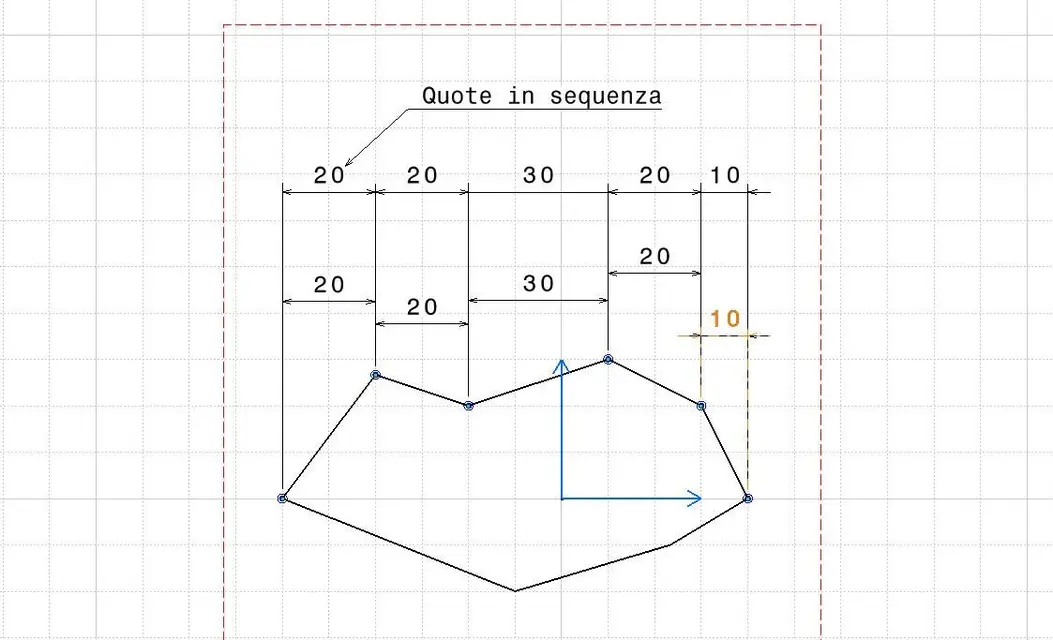
in the table of a section with quotas or texts inside the dashboard, in the view of the drawing the sampling appears outside me to an invisible frame, when instead I launch the print it overlaps with the texts.
in the properties of the quota there is the option "empty background" in which you can set "tracting" or "tracting and geometry", but this does not solve the problem.
It is not a serious thing, but it is annoying to have to read the value of a quota (magari with tolerances written in small) between the lines of the restraint.
What can you do? Is there any wrong approach?
thanks in advance.
I use catia v5 r18, but the problem also occurred in previous releases.
in the table of a section with quotas or texts inside the dashboard, in the view of the drawing the sampling appears outside me to an invisible frame, when instead I launch the print it overlaps with the texts.
in the properties of the quota there is the option "empty background" in which you can set "tracting" or "tracting and geometry", but this does not solve the problem.
It is not a serious thing, but it is annoying to have to read the value of a quota (magari with tolerances written in small) between the lines of the restraint.
What can you do? Is there any wrong approach?
thanks in advance.