
dave90
Guest
I need to scale an object, some sort of "bastone" like this:
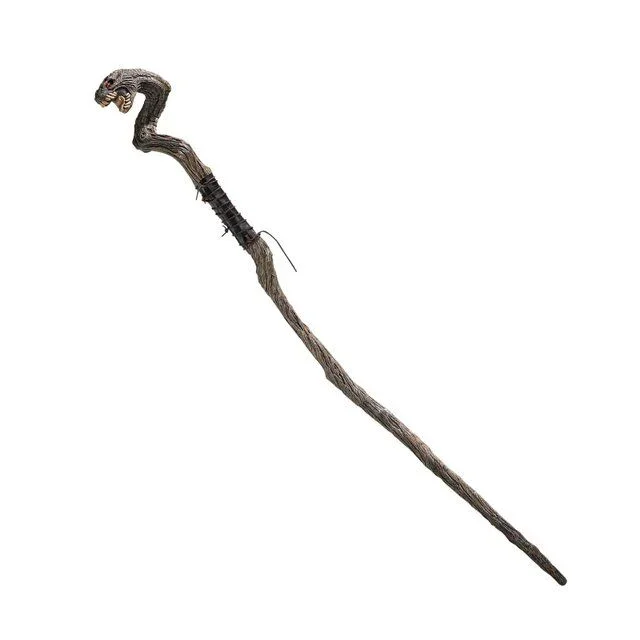 (very approximate, but it is right to make the idea, it is bad I know :d )
As I said, I would like to scale proportionally, with la x definita da me, and then y adapts accordingly. .
is a 2d object formed by lines and especially spline. looking on the web I read that many first form a "block" of the object, and then scale it. I created the block, but I have problems climbing it.. I can't give him the exact size of the x I want. .
If for example the x of this object is 90 cm, and I want to scale it to 60 cm (with y always that you have to adapt) , how can I do?
I thought of using the technique to draw a straight line of 60 cm, and then to indicate that the object must scale it as the measure of the line, but I don't know how to do it kindly, do you enlighten me? Thank you very much
autocad 2014
(very approximate, but it is right to make the idea, it is bad I know :d )As I said, I would like to scale proportionally, with la x definita da me, and then y adapts accordingly. .
is a 2d object formed by lines and especially spline. looking on the web I read that many first form a "block" of the object, and then scale it. I created the block, but I have problems climbing it.. I can't give him the exact size of the x I want. .
If for example the x of this object is 90 cm, and I want to scale it to 60 cm (with y always that you have to adapt) , how can I do?
I thought of using the technique to draw a straight line of 60 cm, and then to indicate that the object must scale it as the measure of the line, but I don't know how to do it
kindly, do you enlighten me? Thank you very muchautocad 2014
Last edited by a moderator: