
LUCA_0232
Guest
Hello.
I am finding a small problem, I normally to change the scale of more identical objects I want to create a group in which I change the scale and change on all the blocks, now I came from a customer a dwg with many identical objects but not rattled and I would put a lot of time to ragrupparli, selecting all the blocks to make a collective scale asks me a point of reference (I can not give it the center of a single jet or
I attach an example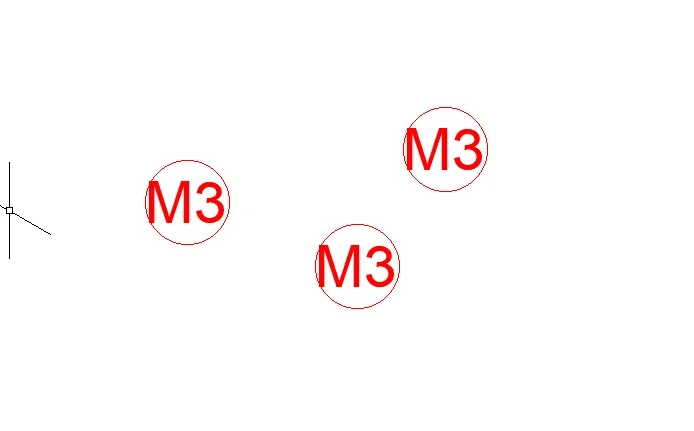 Thank you in advance.
greetings
I am finding a small problem, I normally to change the scale of more identical objects I want to create a group in which I change the scale and change on all the blocks, now I came from a customer a dwg with many identical objects but not rattled and I would put a lot of time to ragrupparli, selecting all the blocks to make a collective scale asks me a point of reference (I can not give it the center of a single jet or
I attach an example
Thank you in advance.greetings