ciciu
Guest
you also have a lot of double icons:biggrin:

you also have a lot of double icons:biggrin:
Hi.you must first delete the array, menu "assembly - component - edit component array" click "delete all" and delete the definition of the array and its components" then you can also delete the template.
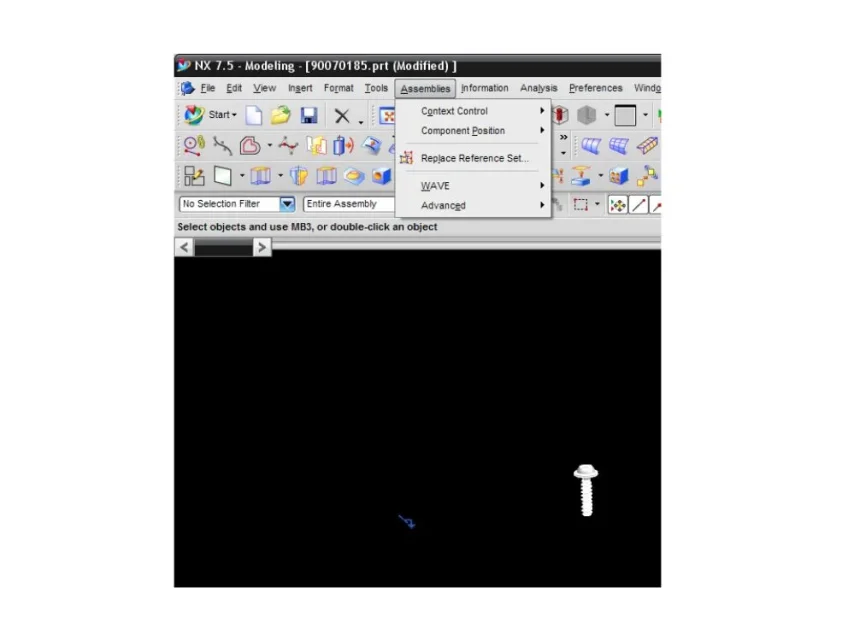 is it correct?
 if instead the section has already been made (and it is all "setting") from this detail you can rename what to select or do it again? ! ?
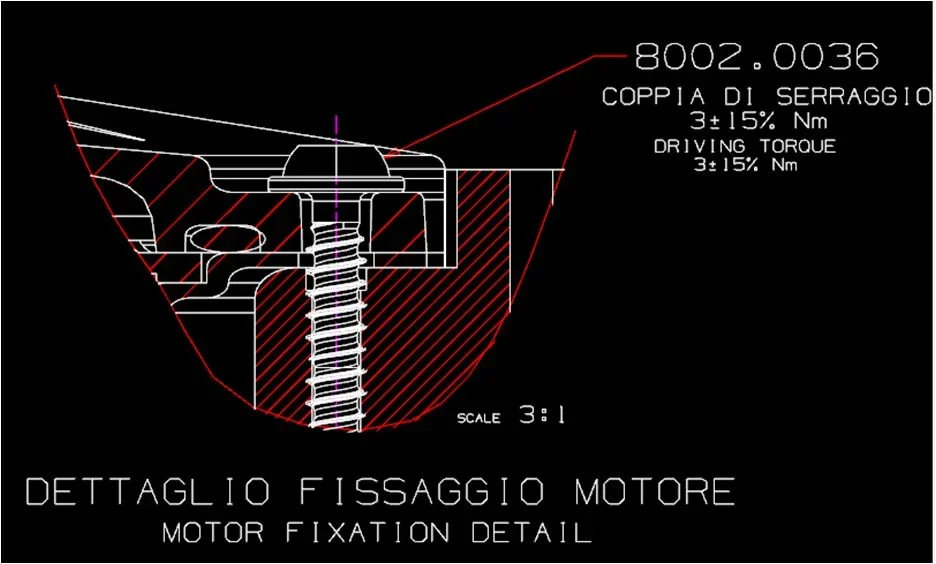 I hope I've been clear enough.... .
Sorry, I solved for this!!! Thank you so much!!!! :smile:
change - view - view sectionBye to all,
I would still have another question....if the section has already been made (and it's all "selected") from this detail it is possible to rename what to select or do it again?! ... thank you very much:
 Good morning to all,
apart from that the 2d you have attached seems so much drawn from a 3d model...View attachment 33831Good morning to all,
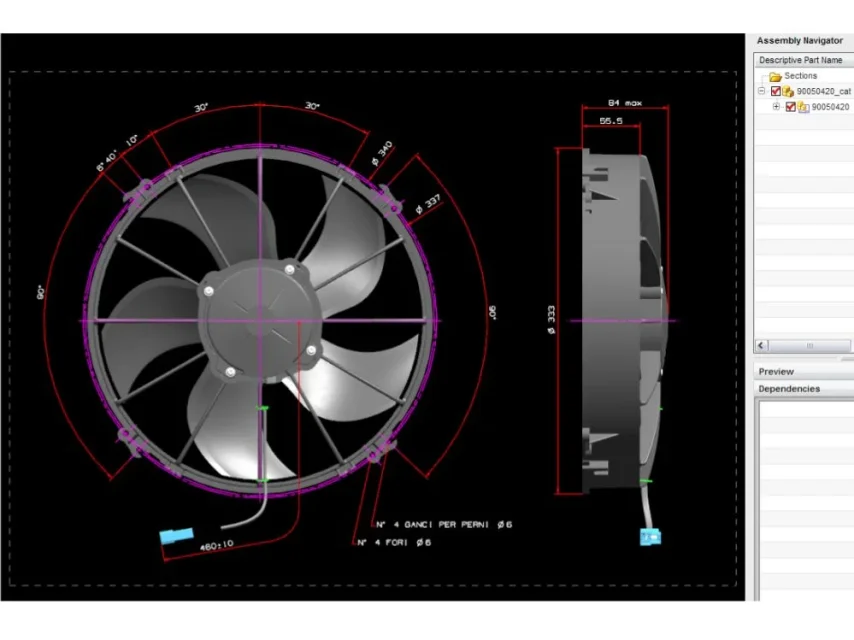
I don't know if I wrote in the correct field, but I need information. . . ,know how can you make the drafting (such as that in example) three-dimensional?
I hope I've been explained in a...capable way. ...
Thank you very much in advance.. .
soon
Elizabeth
Thank you so much!! !apart from that the 2d you have attached seems so much drawn from a 3d model...
if it were not so, the procedure is that of:
- copy 2d curves in 3d
- place the 3d curves according to the 8th views already are not)
- optional: transform explicit curves into sketch
- use curves to model individual models and features
... there is no big red button that crushing it three-dimensionalizes the 2d. :wink:
hi ipdesign,I believe that elixabetta refers to the possibility of having a quotated view but displayed in shading mode.
to do that with nx enters the properties of the view and activates the rendering display
mb3 sulla vistahi ipdesign,
Yes I would need this... to have a quoted view but displayed in shading mode!! :finger:
Could you give me more information to do that?
Thank you very much for your help! !
:biggrin:
I couldn't have been more precise!mb3 sulla vista
view style
shading tab
rendering style: fully shaded
ciao
but it goes that I had even understood that he wanted to create a 3d from 2d views!I couldn't have been more precise!