
malf
Guest
Hello, everyone. I was putting on a question... When I insert sketch odds into a sketch of part or axieme, the height of the character remains fixed on screen, even by zooming. Other times, however, apparently quite randomly, the height of the character of the quotas is scaled with the zoom, similarly to what would happen in draftsight odds, for example.
in the latter case it is necessary to zoom, often, to read the interested quota.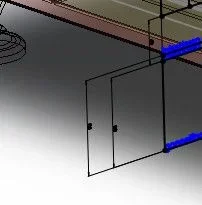 Now it's been two days that I'm going back to the window of options in the long and wide, but I can't find the setting entry that adjusts either way. Also it would be useful that, in the first mode, with always fixed-size quotas on screen, I could set the height of the character, to make it barely readable, while, usually, it is huge.
in the latter case it is necessary to zoom, often, to read the interested quota.
Now it's been two days that I'm going back to the window of options in the long and wide, but I can't find the setting entry that adjusts either way. Also it would be useful that, in the first mode, with always fixed-size quotas on screen, I could set the height of the character, to make it barely readable, while, usually, it is huge.