
rf.infissi@libero.it
Guest
I should make pvc bellows as in figure:
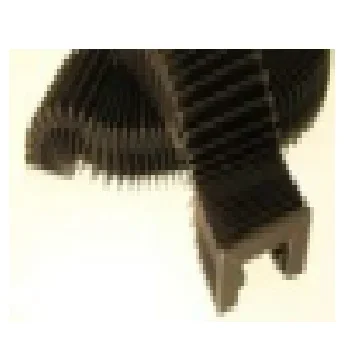 must be compressed and excreted in a set.
I thought I'd use the act like the spring.
Someone's ever found himself with these bellows and he has some advice to give me kindly.
must be compressed and excreted in a set.I thought I'd use the act like the spring.
Someone's ever found himself with these bellows and he has some advice to give me kindly.
