Be_on_edge
Guest
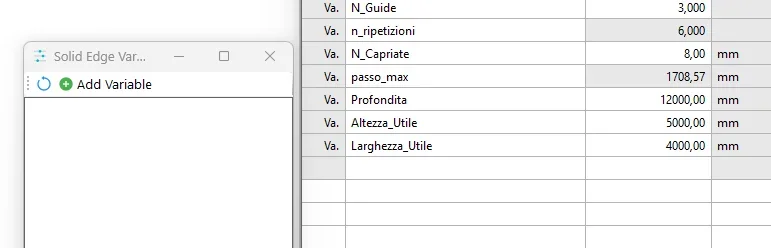
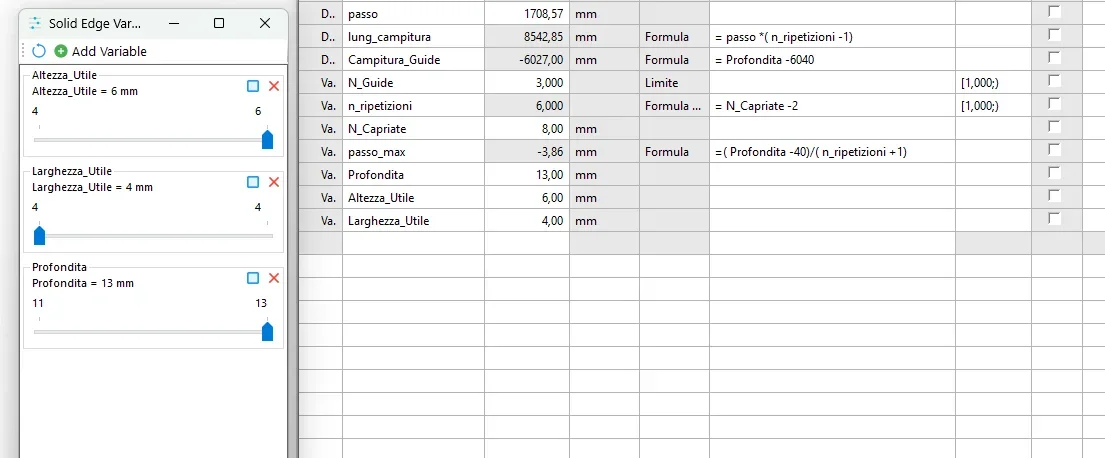
the current version is limited to the control of user variables, system variables and quotas will be added later.
main features:


file di esempio:


 export results in excel after play
 [/MEDIA]
main features:
- charging

- added user variables

- export play results to a variable

- tracker, track the location of a coordinate system in the 3d or a block in the 2d

- Track button, create a spline curve when playing on a variable

- closed curve, the spline curve will be created closed
- Settings button to set the number of decimals

- Remove button to delete tracker

- Track button, create a spline curve when playing on a variable
- minimum and maximum limits recovered from the variable table (if present)
- minimum and maximum limits set and editable via ui (click values to change them)
- variable exposed name recovered from variable table (if present)
- variable exposed name adjustable and editable tremite ui (double click on name to change it)
- checkbox to add the variable automatically to the ui (via "autotune" in the variable comment)

- serious
- play, change the values until the end of the bar

- loop, change values until the end and go back continuously

- setting number of steps to do during play
- bar to vary the variable value comfortably
- Valore change (click valore)
- support for read-only variables
- all supported solid edge environments
- v0.1 initial version
- v0.2 added error management, variable selector and remains in the forefront
- v0.3 support for initial decimal value, play key, loop key, remains in the foreground, value manual editor, best calculation of range
- v0.4 variable additions and system and user quotas, export to results excels, step setting
- v0.5 fix bug on setting range values, enabled tracker 2d\3d
- v0.6 multiple variable selection, tracker widget, tracker spline tracking
only user variables are supported- mm, scale and values, other units of measurement will have unforeseen results
file di esempio:
Last edited: