shinjy01
Guest
Hello everyone,
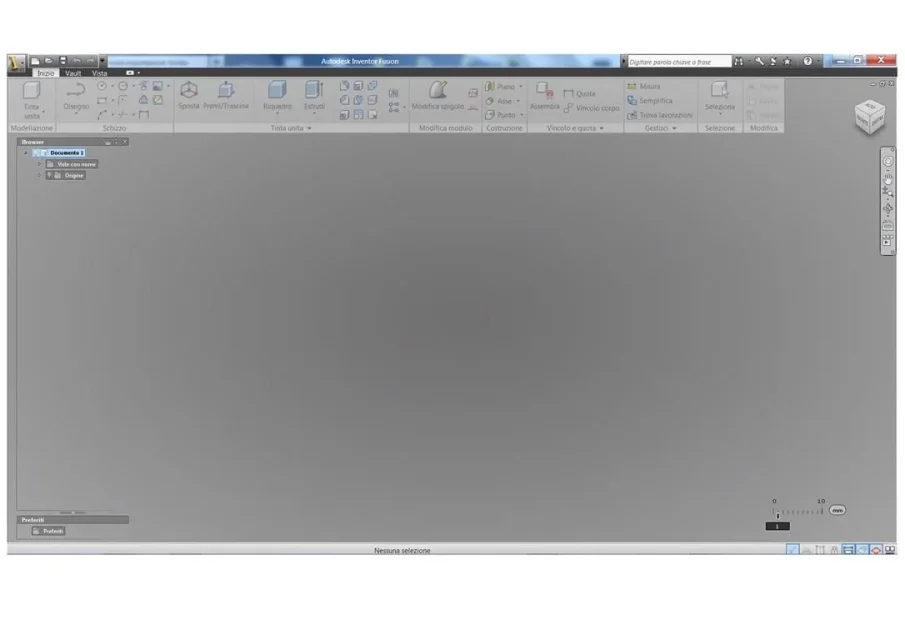
As from title, I have problems exporting a solid, as it always creates different scales!!
I press that I use inventor 2012, but I am at first arms and I know it really very little !!!
I always use powershape, or autocad 2012.
Now I've been through files in .ipt, so I open them with inventor.
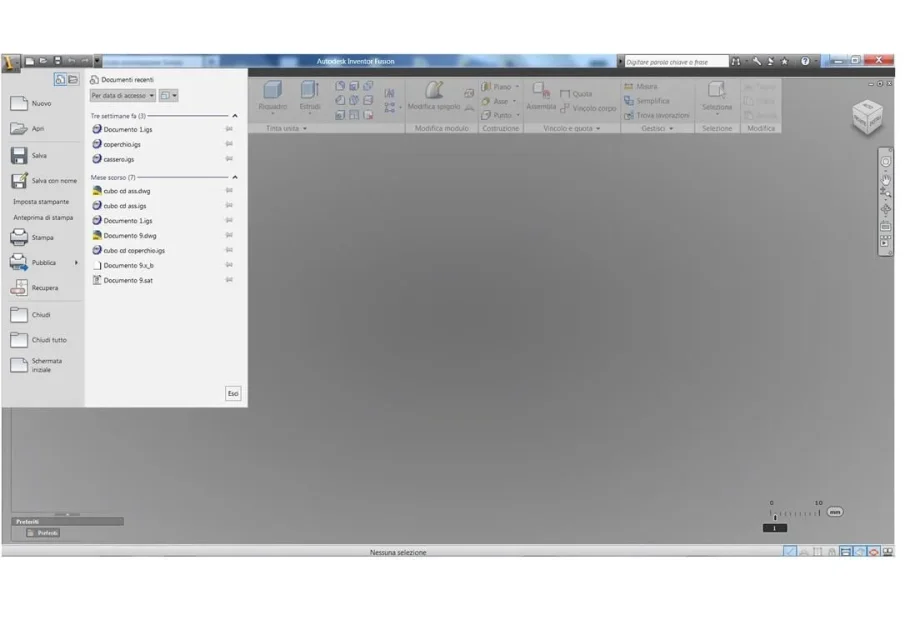
However, when the export in .iges or dwg, it creates files with a different scale!!
in dwg, I climb them down by 1/10 , i.e. a 250mm cube turns it into 25mm, while in .iges I take it to 317.50mm (a somewhat strange scale !!! )
I tried to search in the menus, but I don't find any "icon" with " options" or similar, so nn I can find where to set the various stairs!
Can you help me? ?
In addition, do you know why I try to save in .step, it always gives me error when I open that file with powershape?? (this also does it with the sent files of the customer, while from other customers who use other software and always save in .step, I open them quietly. While those saved by me, or by him with inventor, are always files that I can't open . )
Thank you very much for your help!
:finger::finger:
As from title, I have problems exporting a solid, as it always creates different scales!!
I press that I use inventor 2012, but I am at first arms and I know it really very little !!!
I always use powershape, or autocad 2012.
Now I've been through files in .ipt, so I open them with inventor.
However, when the export in .iges or dwg, it creates files with a different scale!!
in dwg, I climb them down by 1/10 , i.e. a 250mm cube turns it into 25mm, while in .iges I take it to 317.50mm (a somewhat strange scale !!! )
I tried to search in the menus, but I don't find any "icon" with " options" or similar, so nn I can find where to set the various stairs!
Can you help me? ?
In addition, do you know why I try to save in .step, it always gives me error when I open that file with powershape?? (this also does it with the sent files of the customer, while from other customers who use other software and always save in .step, I open them quietly. While those saved by me, or by him with inventor, are always files that I can't open . )
Thank you very much for your help!
:finger::finger: