Garen
Guest
Hello everyone,
I have a huge problem solving file extraction from another user, a set for a tranfert mold.
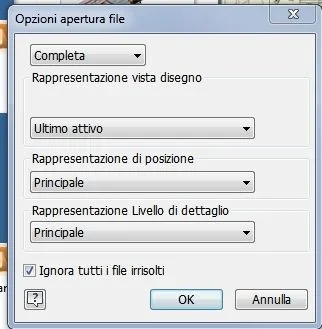
on inventor 2019 it was enough to click on the browser with the right and I could access and fix the file, making it so editable, with 2020 I no longer find that option and I am a little panic because I need to change the parts.
I tried with pack and go but it requires me to manually report every single file to upload and it is too many.
Some pious soul that can help me?
thanks in advance
I have a huge problem solving file extraction from another user, a set for a tranfert mold.
on inventor 2019 it was enough to click on the browser with the right and I could access and fix the file, making it so editable, with 2020 I no longer find that option and I am a little panic because I need to change the parts.
I tried with pack and go but it requires me to manually report every single file to upload and it is too many.
Some pious soul that can help me?
thanks in advance