un_poldo
Guest
Do you know the command "grey tone surfaces"?
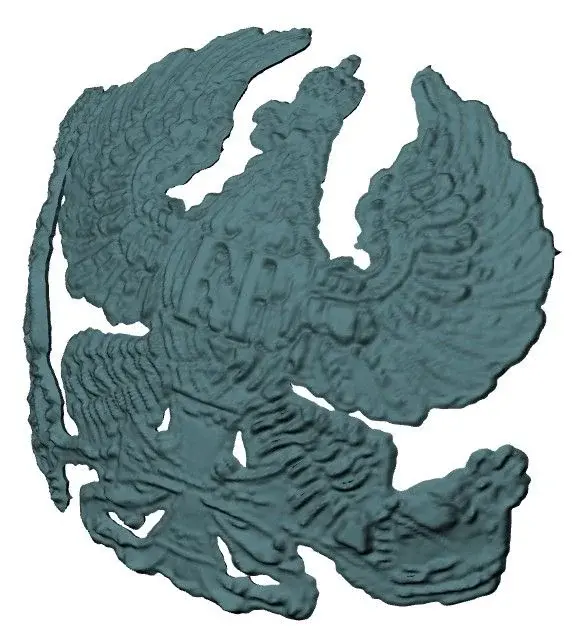
Well, click, it makes you choose a jpg and creates a whole 'marked' surface depending on the contrasts that you cone in your jpg.
only the surface is flat!
If I wanted a 'marked' surface in the form of a cylinder? or cone shape?
Can't you do that?
Well, click, it makes you choose a jpg and creates a whole 'marked' surface depending on the contrasts that you cone in your jpg.
only the surface is flat!
If I wanted a 'marked' surface in the form of a cylinder? or cone shape?
Can't you do that?