• This forum is the machine-generated translation of www.cad3d.it/forum1 - the Italian design community. Several terms are not translated correctly.

text on conical surface

  • Thread starter Thread starter callaghan
  • Start date Start date

callaghan

Guest
Hi.
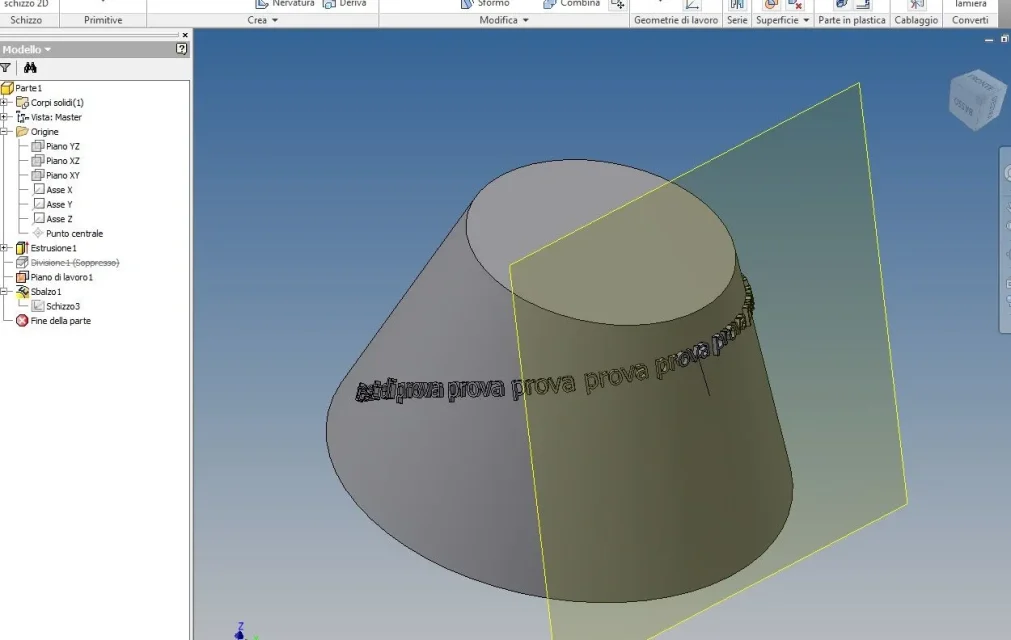
Does anyone know how to make a bouncing text on a conical surface?
Of course I need the text to "event" regularly...:rolleyes:
horrible results I have already obtained them following the procedure and examples of the guide.. .

Thank you!
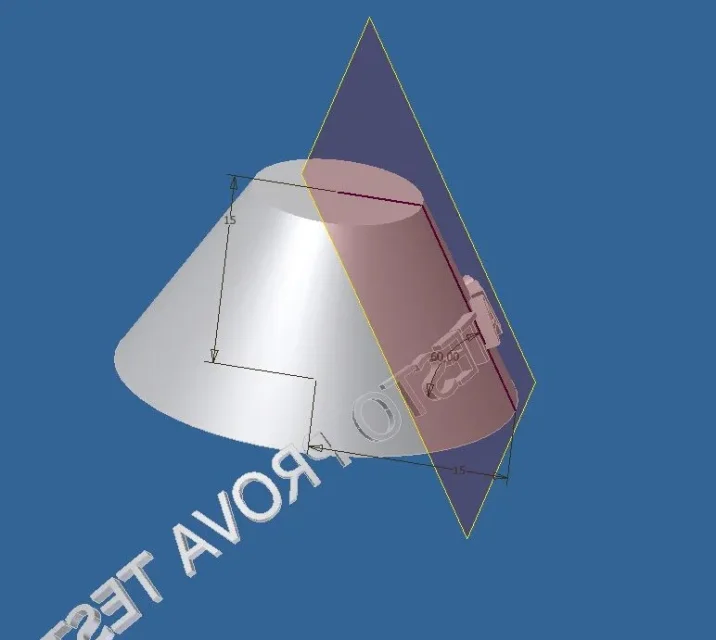
 
Have you already tried to make a parallel and tangent work plan, sketch and then use the sbalzo/emboss command? ?
 
Yes, it's the first thing I tried..
Unfortunately this way only works partially
the writing, which is long enough, comes out from the conePROVA_TESTO.webp
 
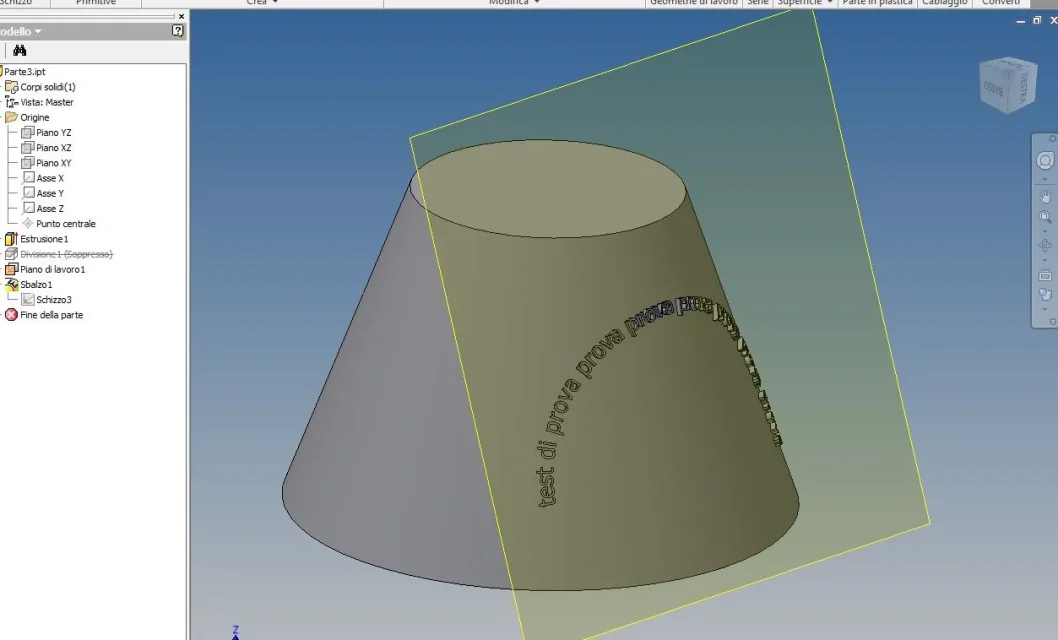
Yes, it's the first thing I tried..
Unfortunately this way only works partially
the writing, which is long enough, comes out from the coneView attachment 33721
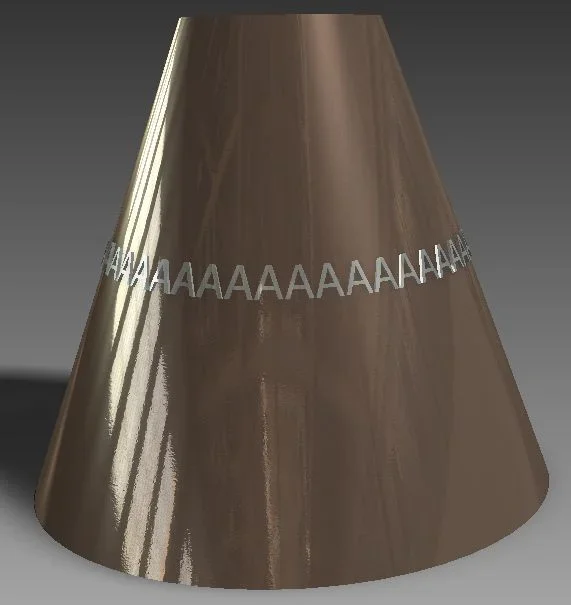
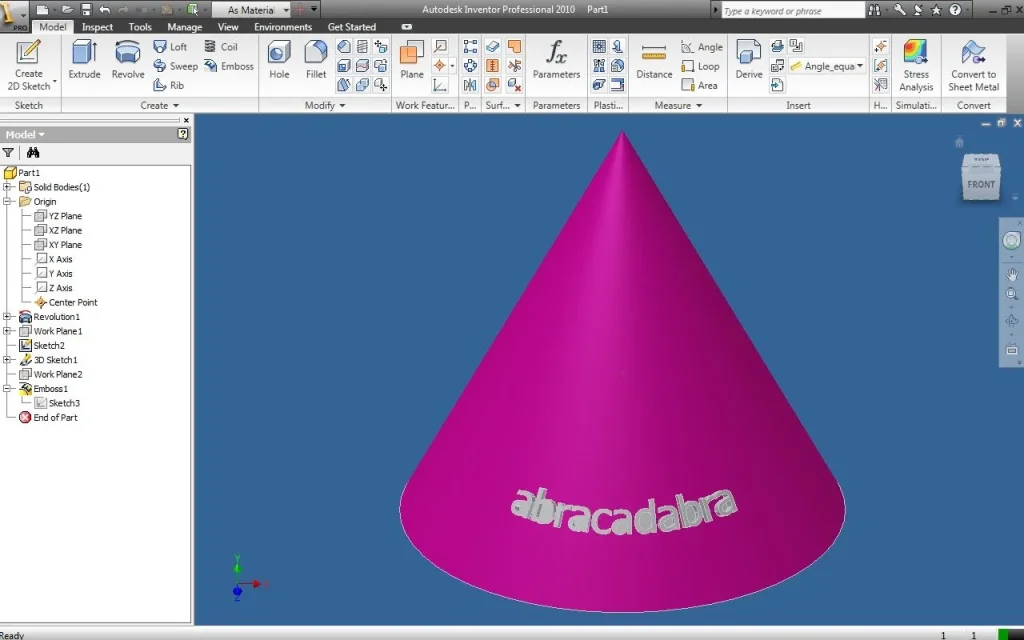
Have you tried to select the "face envelope" option within the "beam" command dialog box?
because if the selection does not wrap you up properly and makes the joke that does to you, if instead the selections, it clings in the right way and comes as to me:
sbalzo.webp
 
Yes, I selected it
In fact, you too come as mine, only I have a greater conicity
I would need the writing to remain horizontal, while so it points down...
I think there's no way. I partially solved by breaking the text into 4 parts, each projected by a different plan
It is not the maximum, but x now I am satisfied
 
uses a curved text ( matched to a bow) in the sketch.

View attachment 33730
Hello, Pompey.

Excuse me, but how do you wrap it like it's on a circumference? Did you just write the letter projecting it with the bouncing command and then make a circular series?
because I tried to draw the text on a bow and then use the command bouncing with the option "face envelope", but it is always wrapped like the first I did, except for the fact that it is on a bow instead of being straight.
sbalzo_2.webp
 
and try to reverse the bow?
:hahahahah: :hahahahah: b]"bisogna provare, provare, provare, provare, provare, provare, provare e povare e riesce bene.." [/B]cit. from the film "We just have to cry with benign and troisi :36_1_11:
 
Hello, everyone.
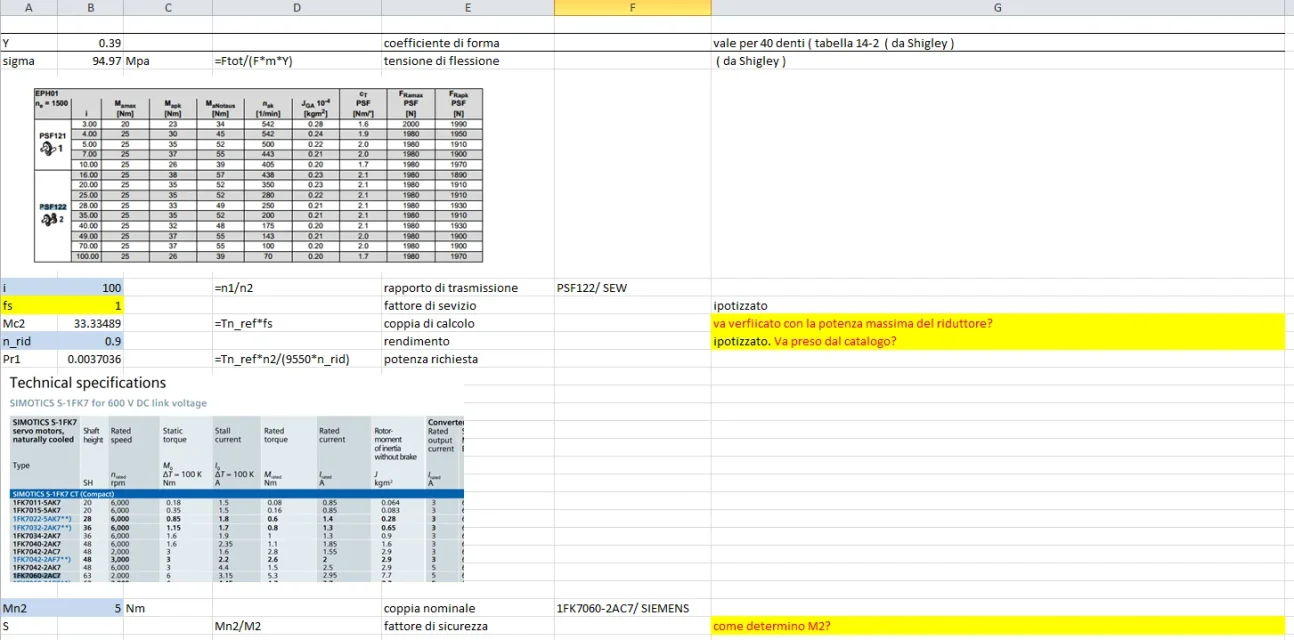
I tried to move on with the development of my application. admitted to having properly dimensonated the pinion, I have some doubt about the choice of gearbox and engine. I tried to follow the points that indicated me mechanicsmg, but I can't figure out how to calculate the torque made to the slow shaft for checking the chosen engine.
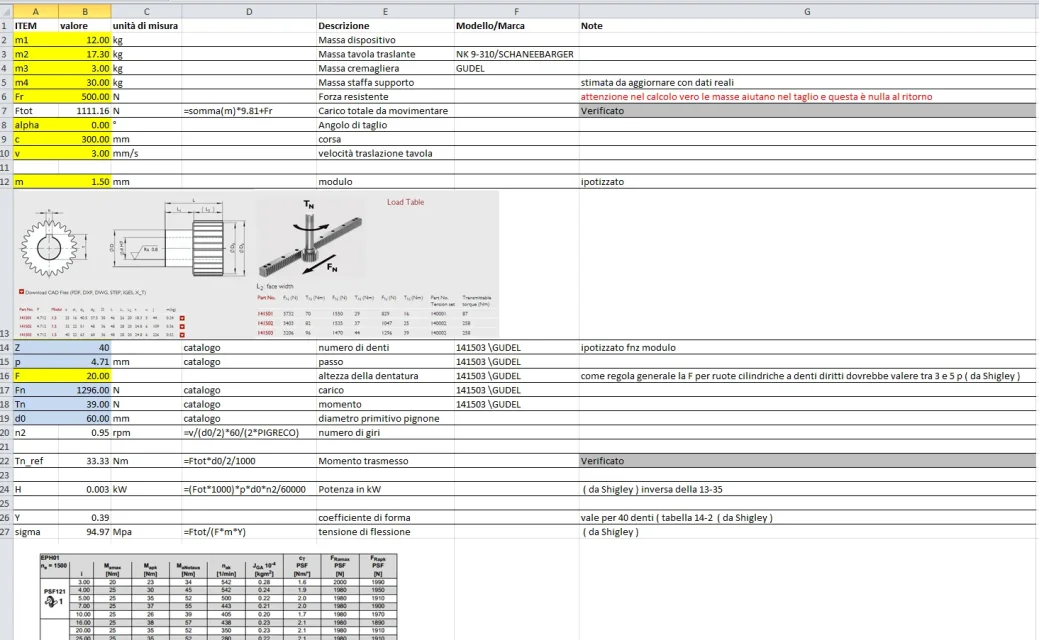
below I send two pictures of the excell sheet that I created with relative formulas and yellow notes where I have doubts. If anyone wants to tell me if and what I'm wrong, I'd be very grateful.
Thank you very much.

Immagine1.webpImmagine2.webp
 
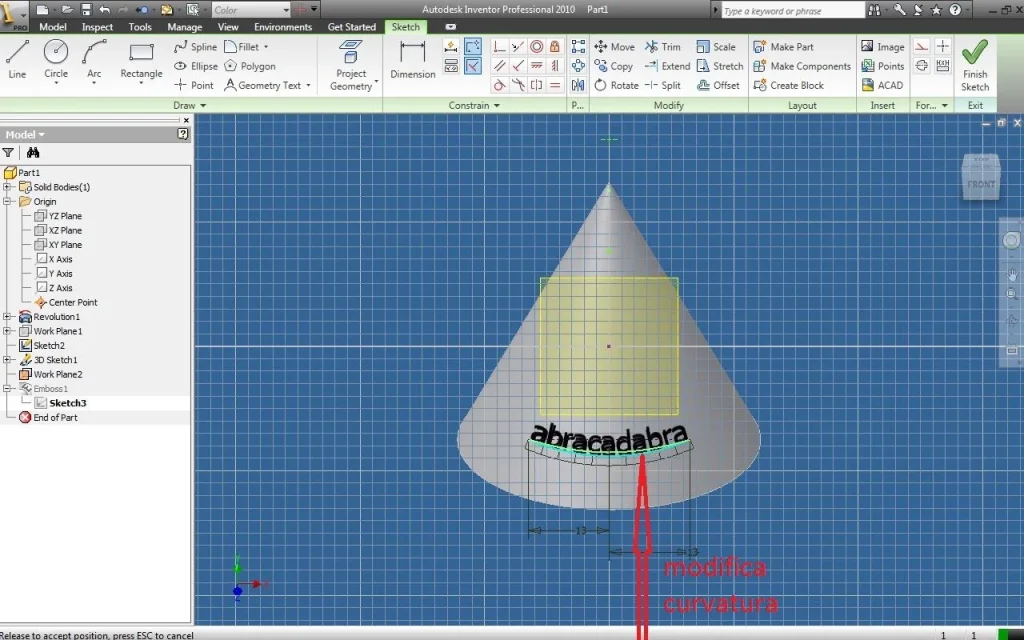
hello to all, I send this old discussion for this reason, how does it calculate the exact curvature on which to support the text, so as to get the text perfectly parallel to the base of the cone?? ?

Thank you very much
 
hello to all, I send this old discussion for this reason, how does it calculate the exact curvature on which to support the text, so as to get the text perfectly parallel to the base of the cone?? ?

Thank you very much
you develop the cone
 
hi + strong, to reason you on the first answer, just calculate the development of the cone and remains perfect

Thank you very much
 

Forum statistics

Threads
44,997
Messages
339,767
Members
4
Latest member
ibt

Members online

No members online now.
Back
Top