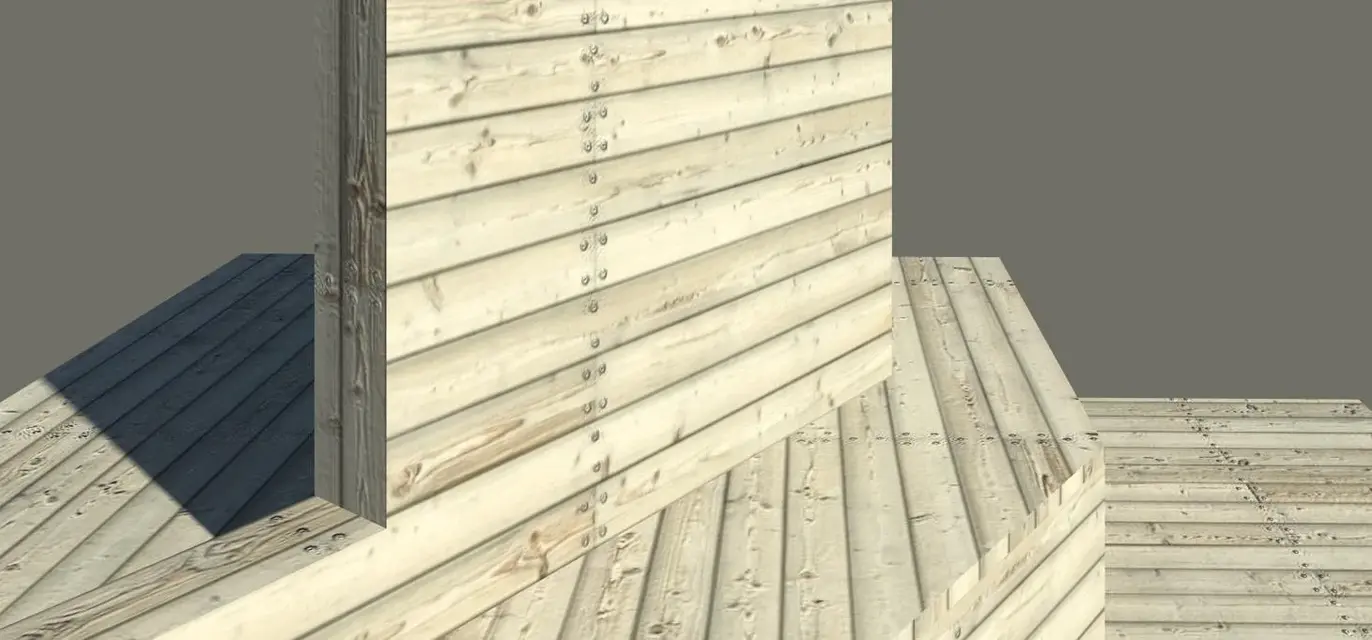
hi to everyone..I wanted to know if someone can explain how I can insert arroway textures in revit 2010 so that they are realistic as the images downloaded from the site http://www.arroway-textures.com/catalogThank you.
the texture can be loaded into the material, from the "properties" of the material itself, the important thing is that it is in an image format supported by revit.
to load the texture:http://www.cad3d.it/forum1/showthread.php?t=20665&highlight=materialito get rendering rendering that shows pictures, you need to carefully set rendering options, material and lights, shadows, etc. and set high resolutions (which naturally increase processing time)
see other discussion about the forum (use the "Search" button)
or, to achieve this effect, you must export the revit file and process it with a professional rendering sw (type 3ds)
I did so...
manage
materials
<crea a="" materiale="" nuovo="" simile="">> horizontal grey outer covering
composition rendering
generic material properties
color <file di="" immagine="">> upload file xxx01_d100.ipg (where you put it)
size 5
wheel 0°
Brightness 0.5
etc. until:
roughness
wrinkle pattern <file di="" imm.="">> upload file xxx01_s100
size 5
Inverted it
value 1
from the material to the element and comes....
(you can change the other parameters)</file></file></crea>