
You are using an out of date browser. It may not display this or other websites correctly.
You should upgrade or use an alternative browser.
You should upgrade or use an alternative browser.
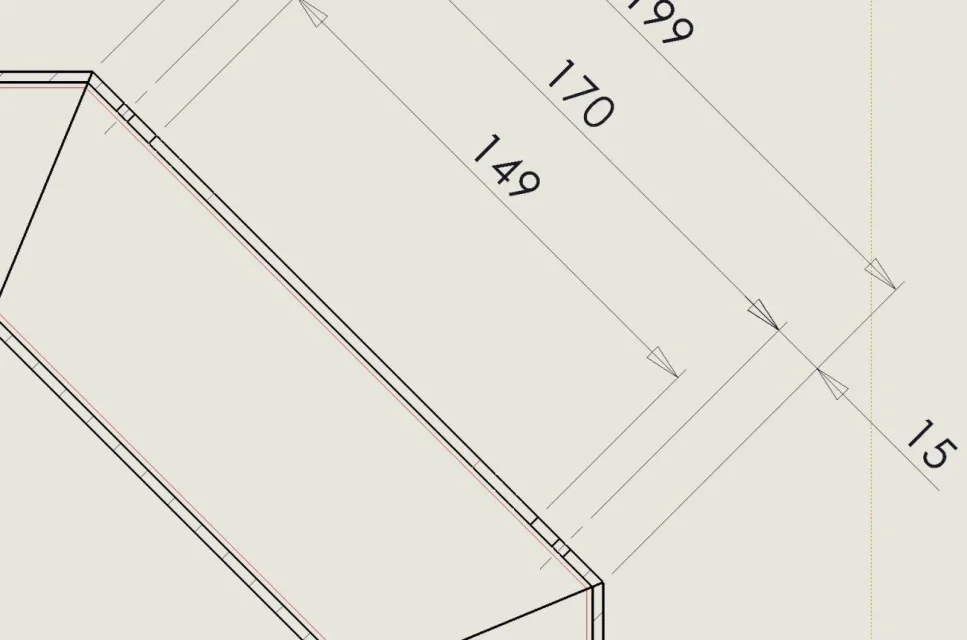
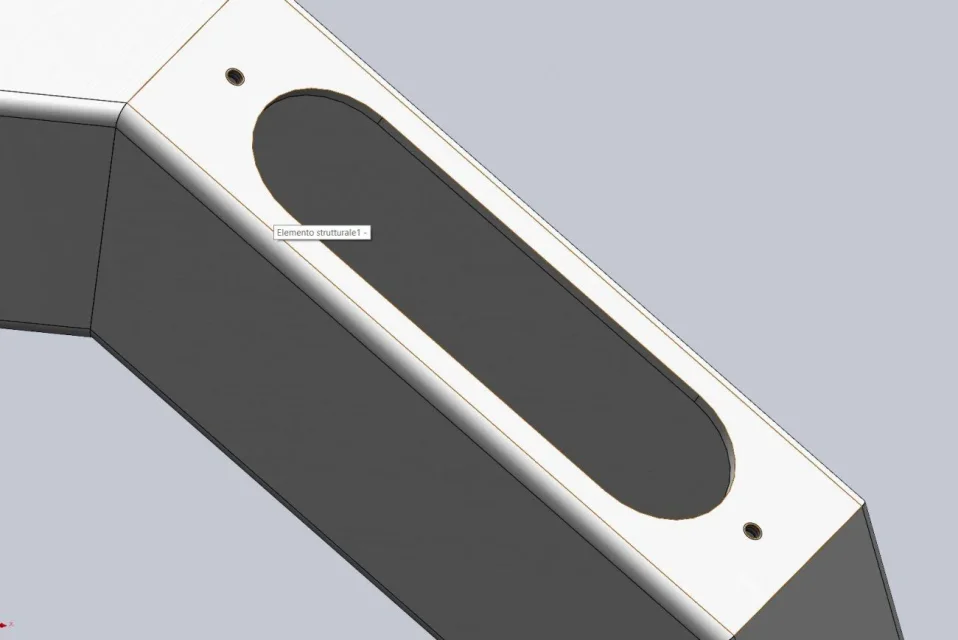
MassiVonWeizen
Guest
with this image you cannot understand where the problem is.
you must attach the file
you must attach the file
andrea1974
Guest
andrea1974
Guest
opens the file?
MassiVonWeizen
Guest
I can't open it because I have 2019, as written in my profile. You must have patience and wait for someone with 2021.
if you want to speed up time you have to put information that will allow you to understand how you managed files because the phrase
Do you have visible notes?
Do you have a high-quality view?
Is this a part or a set?
if you want to speed up time you have to put information that will allow you to understand how you managed files because the phrase
He doesn't say anything.However it still happens that you do not see the thread at the table but there is on the solid
Do you have visible notes?
Do you have a high-quality view?
Is this a part or a set?
andrea1974
Guest
ah apologize you are right too many jobs together... :
MassiVonWeizen
Guest
What does that mean?ah apologize you are right too many jobs together... :
andrea1974
Guest
that I'm doing more jobs, and then I'm throwing a post and it looks like I'm abandoning it, but I'm coming back as soon as I can...
MassiVonWeizen
Guest
Dead discussion?
andrea1974
Guest
I can't understand why it sometimes appears not, but since I use solidworks it happens in other situations, like making the material appear in the cutting table. I have a table where the fe 37 material appears along with "undefined material" then pushing a little bit I reappeared everything fe 37 but I did nothing.... See Annex
Attachments
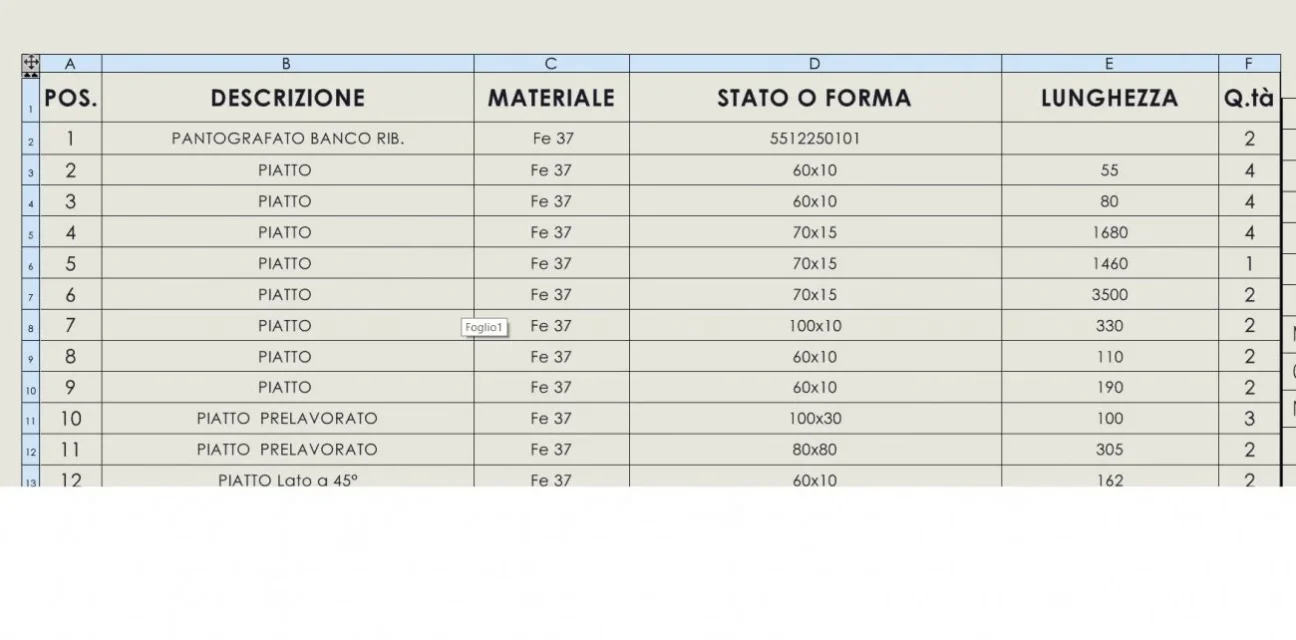
MassiVonWeizen
Guest
If maybe instead of changing speech I would answer the questions you are asked, see post #25, you could find a solution or direct the analysis more accurately.
andrea1974
Guest
Do you have visible notes? Yes.
Do you have a high-quality view? Yes.
Is this a part or a set? it does on both
Do you have a high-quality view? Yes.
Is this a part or a set? it does on both
MassiVonWeizen
Guest
Do you have the compatible graphics card?
If you have 2021 you should still be in assistance, try contacting her.
If you have 2021 you should still be in assistance, try contacting her.
andrea1974
Guest
MassiVonWeizen
Guest
but why instead of letting them guess not attach those files?
attach the file: you immediately get the answer
do not attach the file: you ask n questions to know the settings you use to give an answer to which one, perhaps, solution or other questions will follow.
It doesn't seem so complicated. . .
attach the file: you immediately get the answer
do not attach the file: you ask n questions to know the settings you use to give an answer to which one, perhaps, solution or other questions will follow.
It doesn't seem so complicated. . .
andrea1974
Guest
AlbertoP
Guest
Good morning my name is tree-lined, while I thank you for the help you give me daily for all the technical problems I encounter between cad and design.
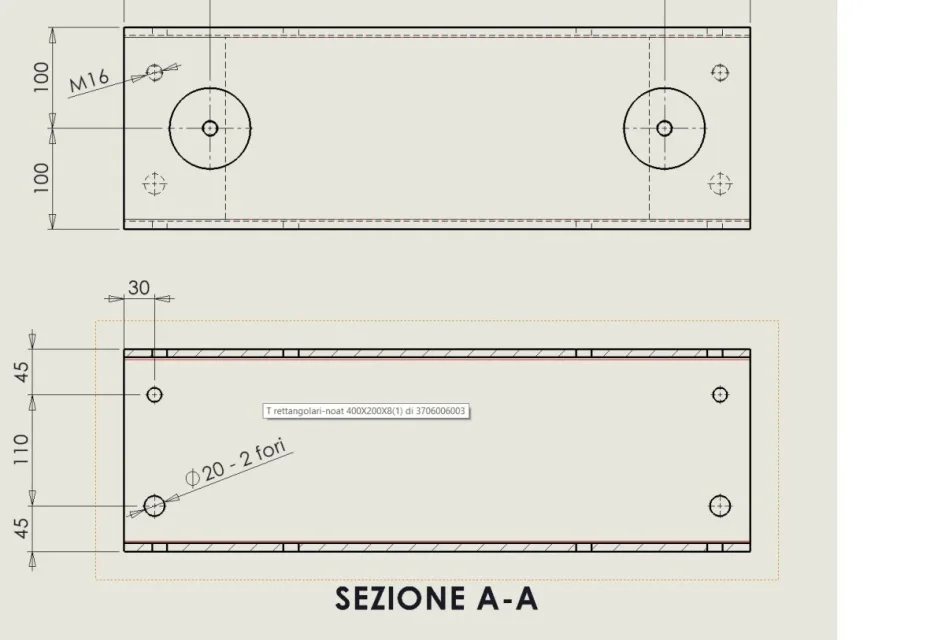
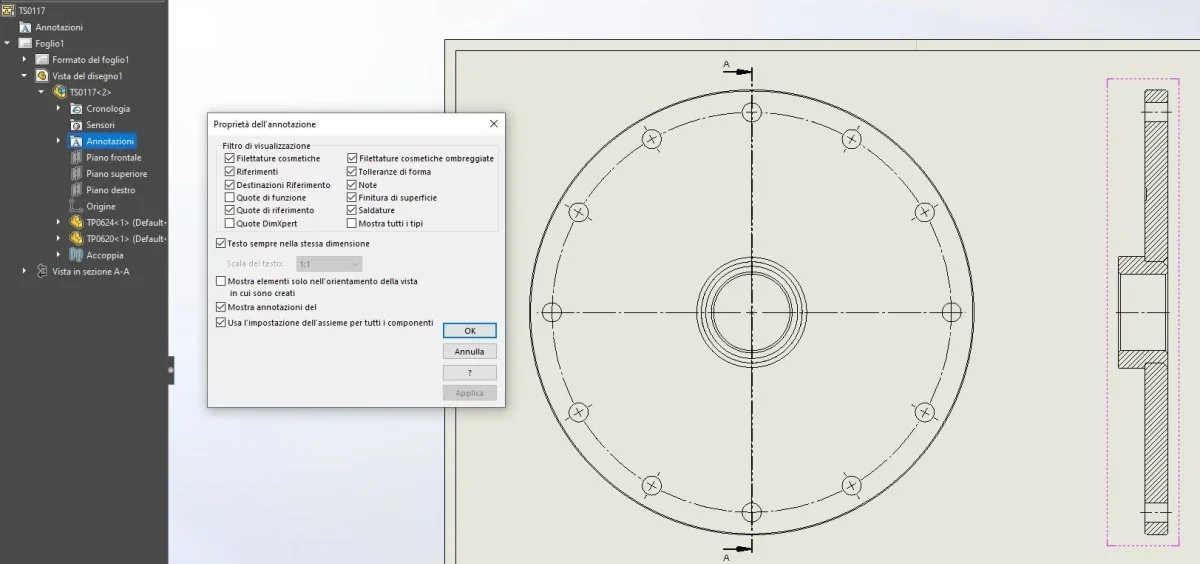
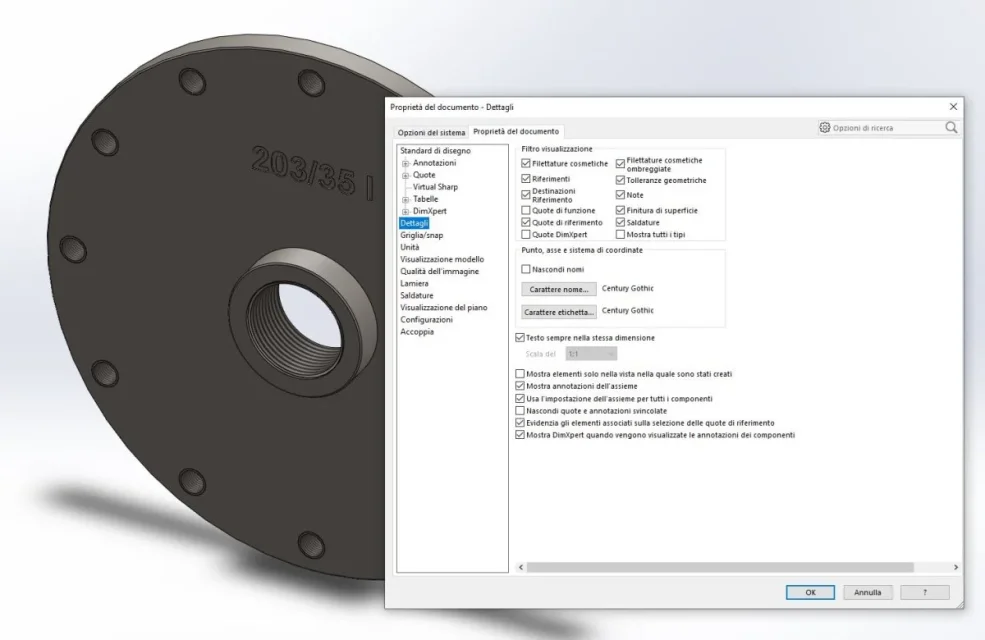
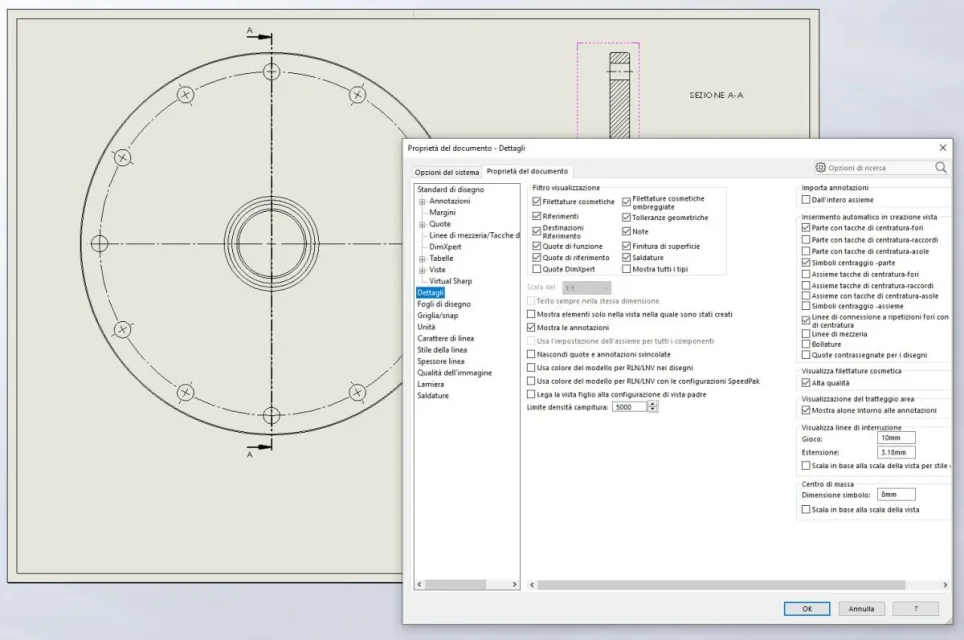
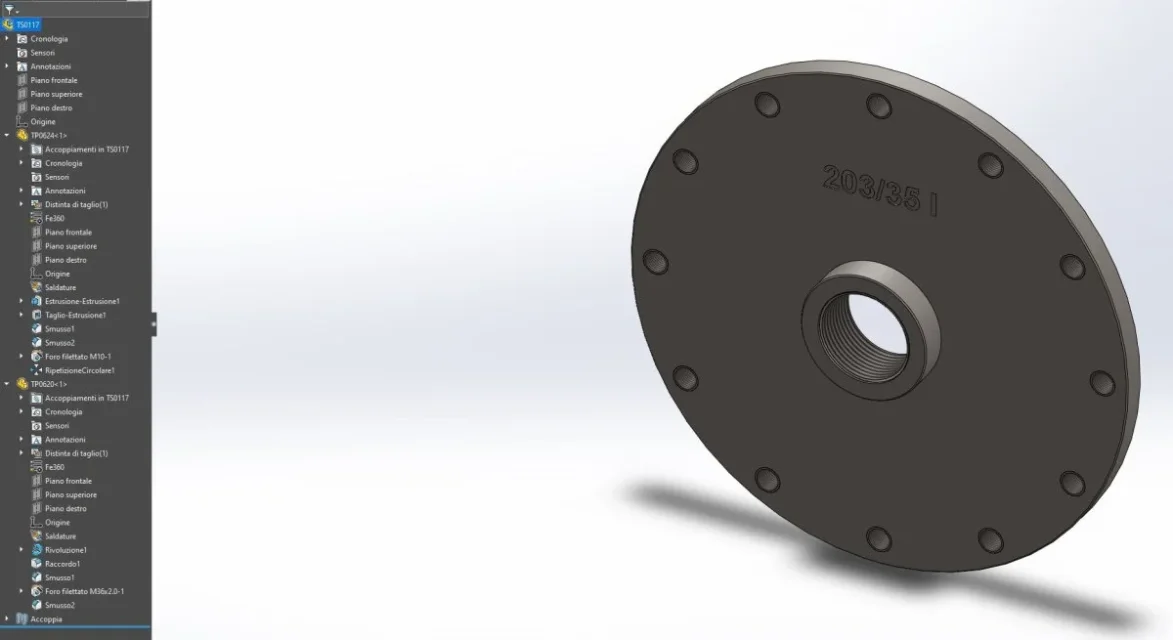
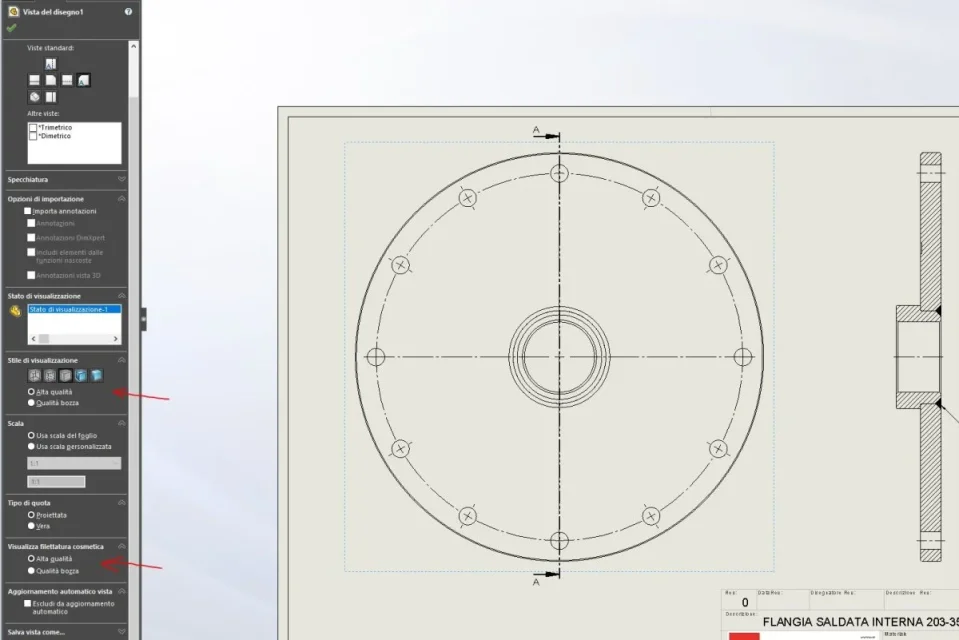
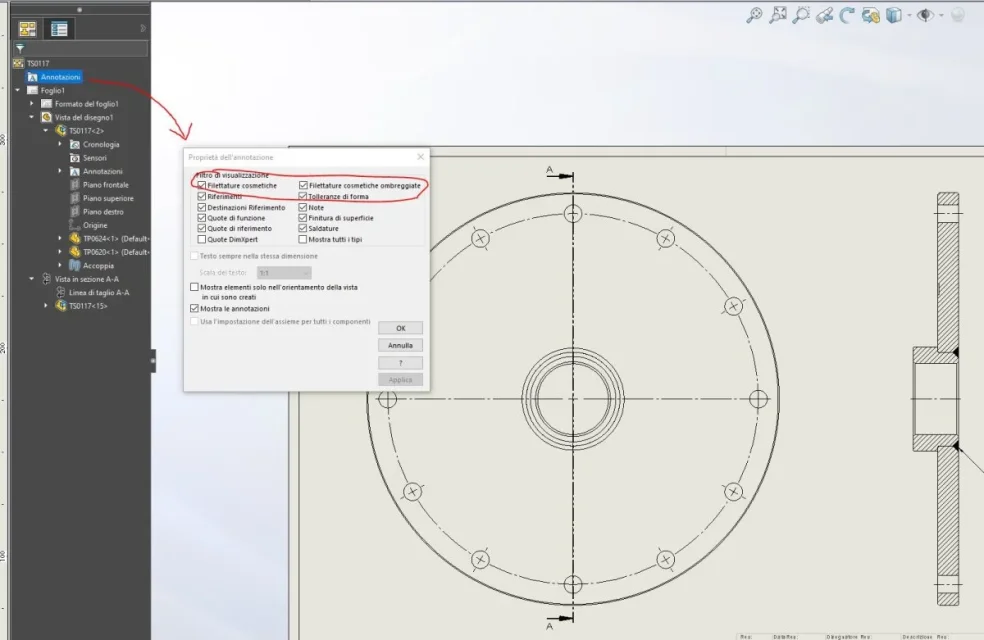
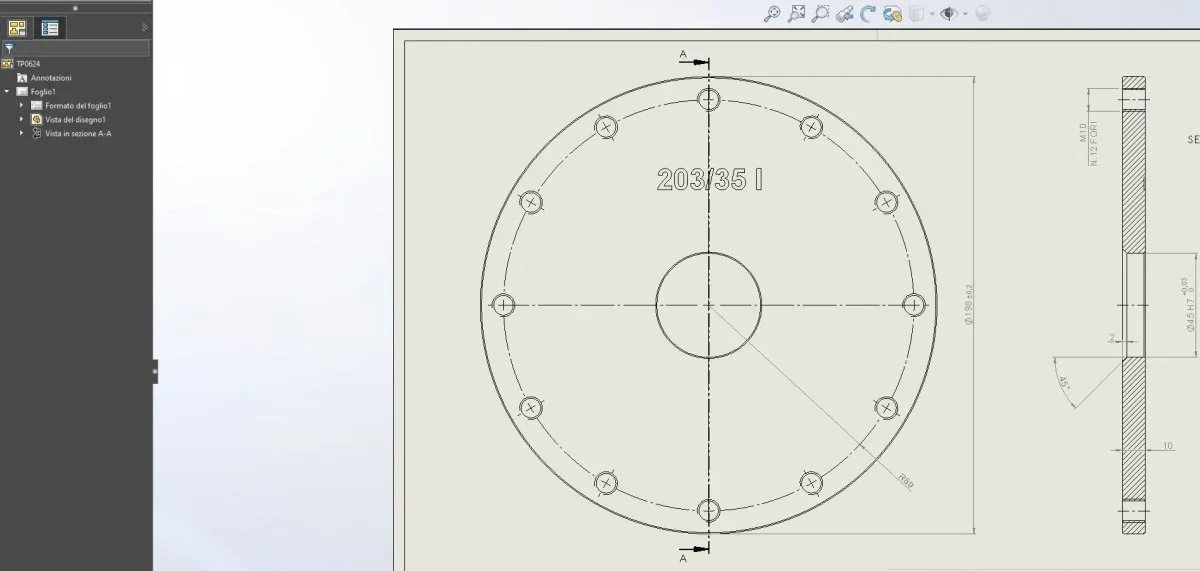
I connect to this discussion because despite the above indications, which I have performed several times, I can't show the threads at the table, I attach images with function shaft and visual result...in the part there are and you see the threads but in the table I can't show them, I also tried to make a new table with a different sheet format.
use solidworks 2019.
Thank you for your help.. .
I connect to this discussion because despite the above indications, which I have performed several times, I can't show the threads at the table, I attach images with function shaft and visual result...in the part there are and you see the threads but in the table I can't show them, I also tried to make a new table with a different sheet format.
use solidworks 2019.
Thank you for your help.. .
Attachments

andrea1974
Guest
in the table, in the tree you clicked on:
-view cosmetic thread
- High quality?
-view cosmetic thread
- High quality?
AlbertoP
Guest
I would say yes... see pictures. . .
I didn't specify it before and maybe you don't understand, but it's a set consisting of 2 parts that in the image. . .
Excuse me. .. always for clarity, in the design of the single part, not in the assembly, the threads are seen, as evidenced by image 08
I didn't specify it before and maybe you don't understand, but it's a set consisting of 2 parts that in the image. . .
Excuse me. .. always for clarity, in the design of the single part, not in the assembly, the threads are seen, as evidenced by image 08
Attachments
Last edited:
andrea1974
Guest
No it's not here, I have version 2021 and it's on the tree parts of the table but it's just showing high quality cosmetic fil. . .