
giacomo160790
Guest
Hello everyone, I am new to the forum, I am deepening my knowledge of inventor and I am using the new version 2014 in particular today I started the project of a cnc, in exploring the functionality of inventor I wanted to create a dynamic animation or simulation that at the movement of the trapezoidal screw rotate the chocolate that in turn made the panel mounted on the sleeves
so far I have never come to anything so complex, I think I put the constraints in the correct way to make sure that the cart mounted on the sleeves could run back and forth on the two bars
1) problem I would like to make sure that it stopped when it comes to the end of the race
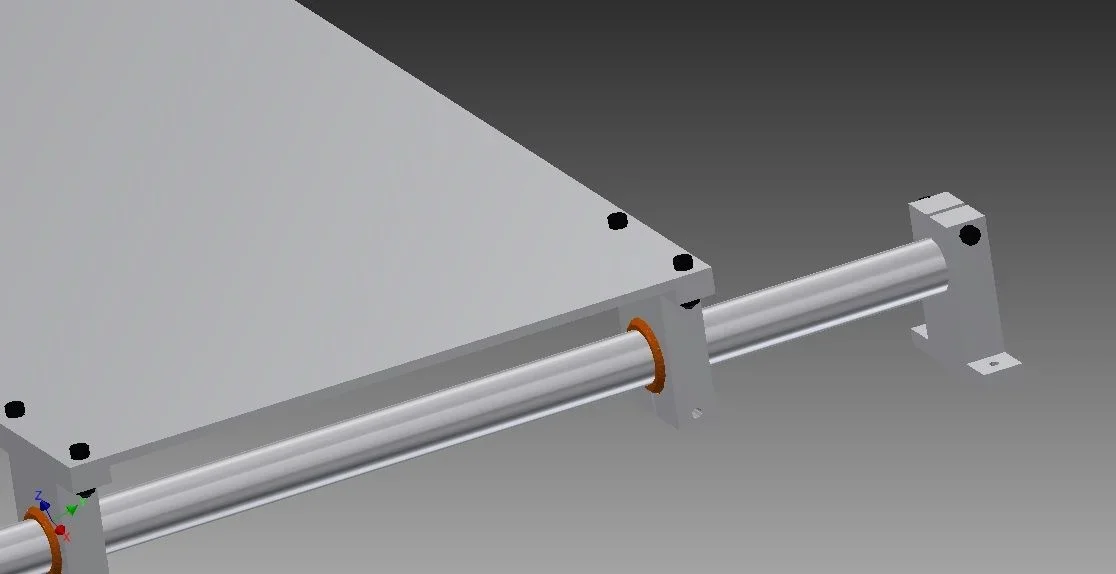
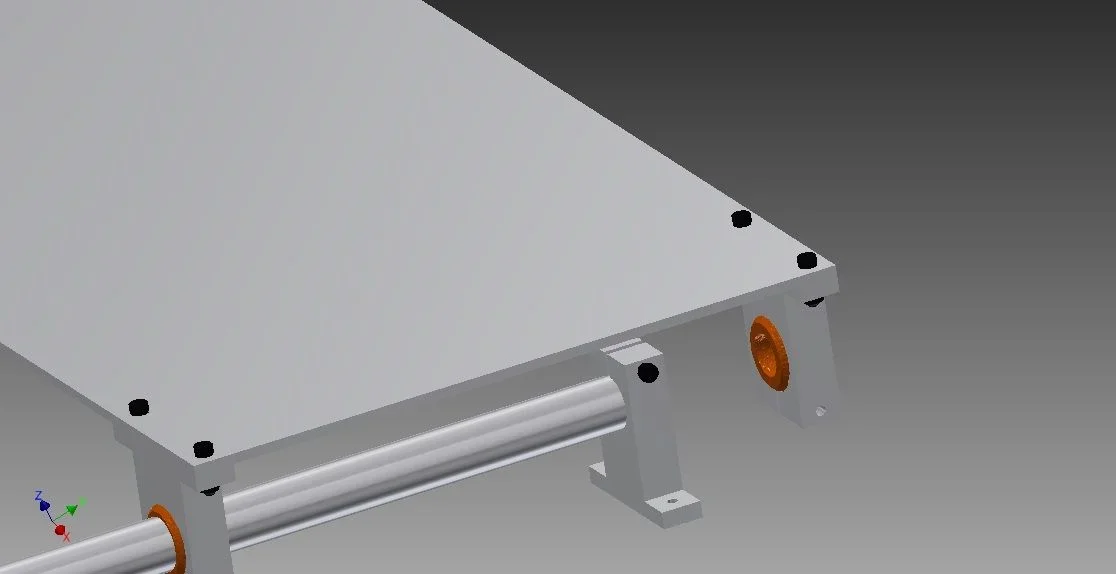 2) problem bind to the rotation of the trapezoidal screw the shift of the chioccola then of the panel mounted above
View attachment 343) problem, I noticed that when I make dynamic simulation and drag a component, some bolted connections move ... I solved by binding those who escaped the holes axis and the problem seems to have solved, but I don't understand, I thought that simply using the inventor tool also binds me the two parts inbullonate, also before using the binding tool axes and surfaces of the two pieces to join. . .
here is a couple of pictures of the overall
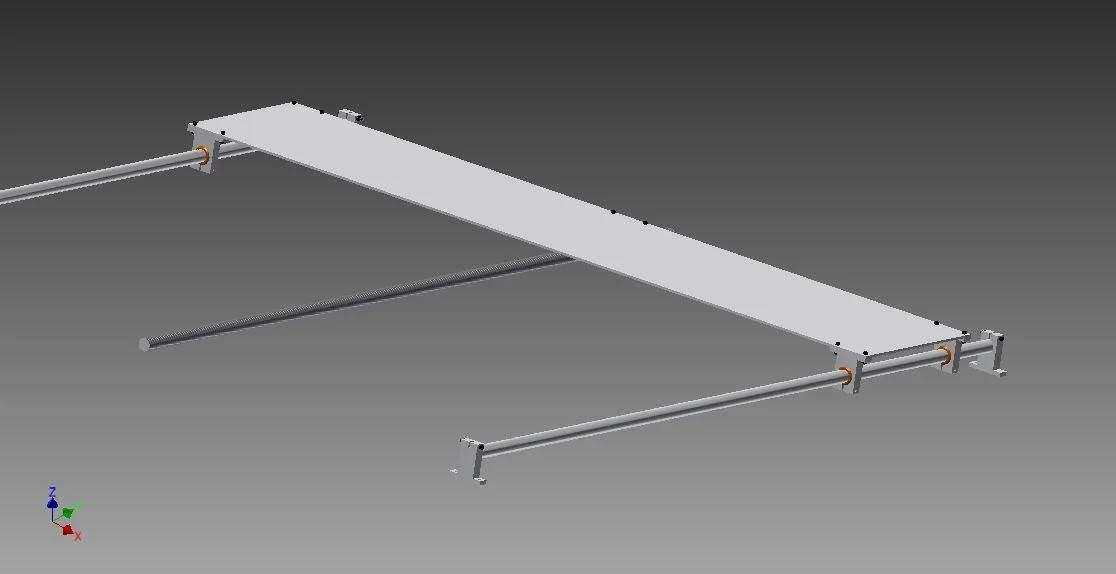
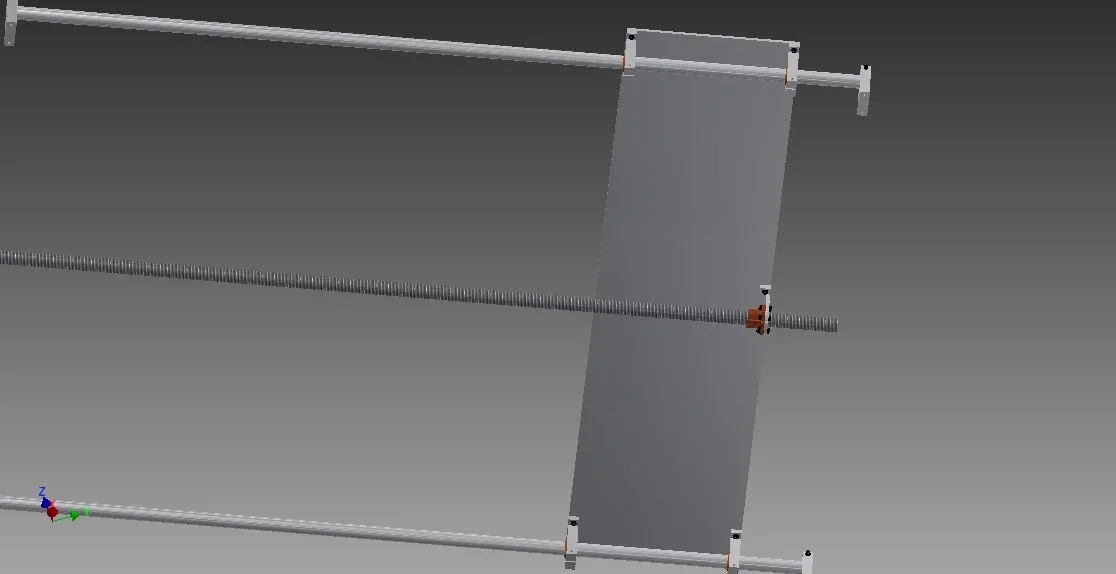
so far I have never come to anything so complex, I think I put the constraints in the correct way to make sure that the cart mounted on the sleeves could run back and forth on the two bars
1) problem I would like to make sure that it stopped when it comes to the end of the race
2) problem bind to the rotation of the trapezoidal screw the shift of the chioccola then of the panel mounted aboveView attachment 343) problem, I noticed that when I make dynamic simulation and drag a component, some bolted connections move
... I solved by binding those who escaped the holes axis and the problem seems to have solved, but I don't understand, I thought that simply using the inventor tool also binds me the two parts inbullonate, also before using the binding tool axes and surfaces of the two pieces to join. . .here is a couple of pictures of the overall