originally written by zac69 view message
Yes, I would do it to them. However just leave the content center where it is now and set the options (or the project) so that they point them.
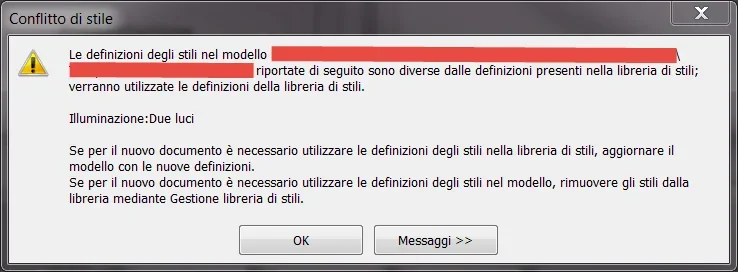
Bye. We did what you said. here we went to inventor 2016 definitively. with the libraries we should be affixed, those of 2013 were placed on the server where we can all access. However, there is this problem. I activate the project on the server and if I open a part, design etc, I get out a message like this:
this only if I open the model from inventor. If I open it from the folder, it's okay.
ps: Does the library migration include copying or moving the library right from one side to another?
Let's start over. you installed inventor 2016, configured the content center, the style folder (design date) and templates.
then you created a new project where you said where to go pointing these 3 folders and then?