• This forum is the machine-generated translation of www.cad3d.it/forum1 - the Italian design community. Several terms are not translated correctly.

view browser elements

  • Thread starter Thread starter Magrinsi
  • Start date Start date

Magrinsi

Guest
Good morning.
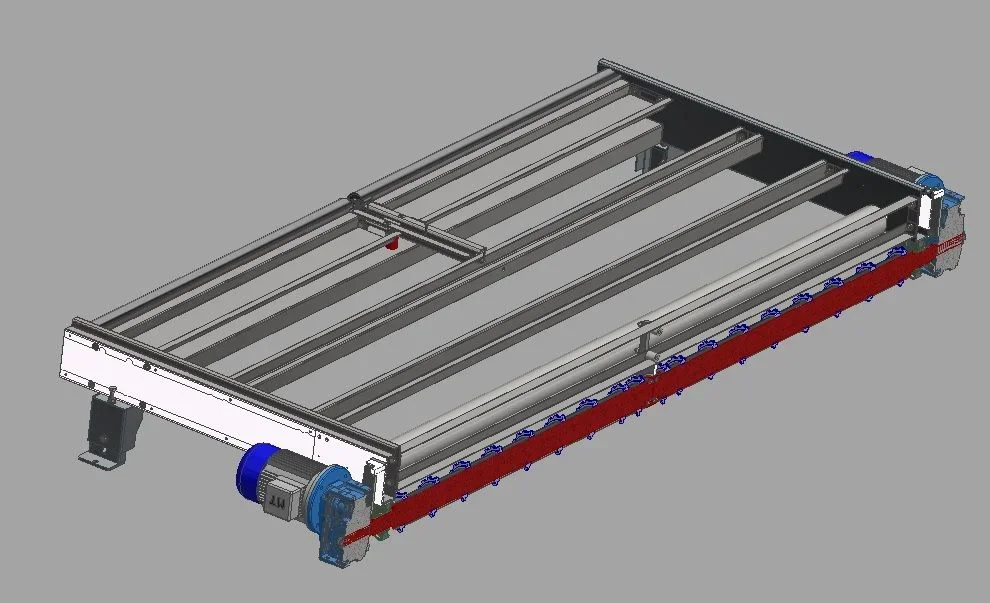
coming from solidedge and solidwork I wondered if in inventor there is a chance to make all the objects present in the visible drawing after some were made invisible.
Thank you.
 
open " representations " in the browser, go to the box with snack and, with the dx key, select " all visible elements "
 
always in the field of visualization is it possible to display the components of the commercial?
 

Attachments

  • Immagine.webp
    Immagine.webp
    52.3 KB · Views: 6
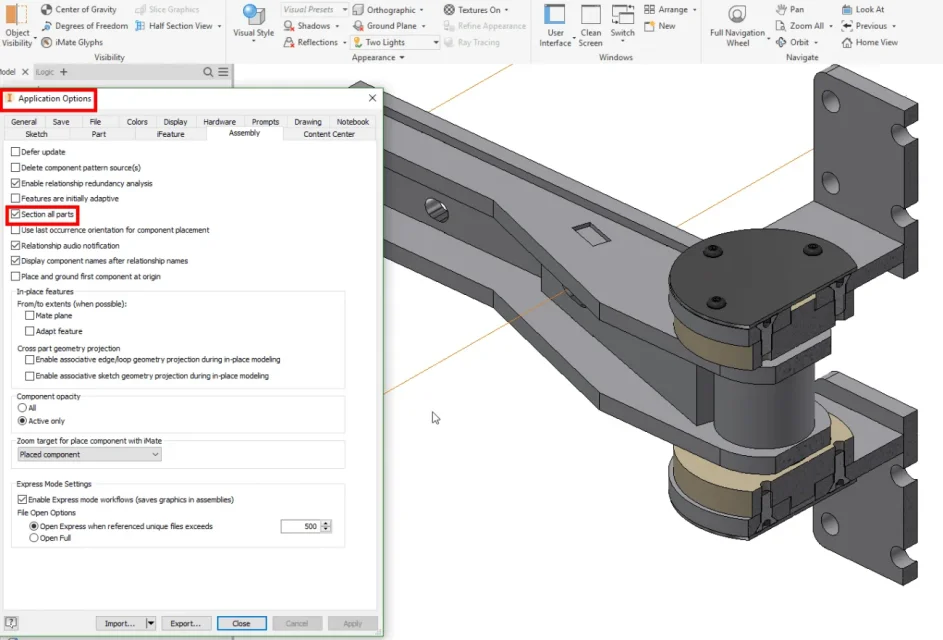
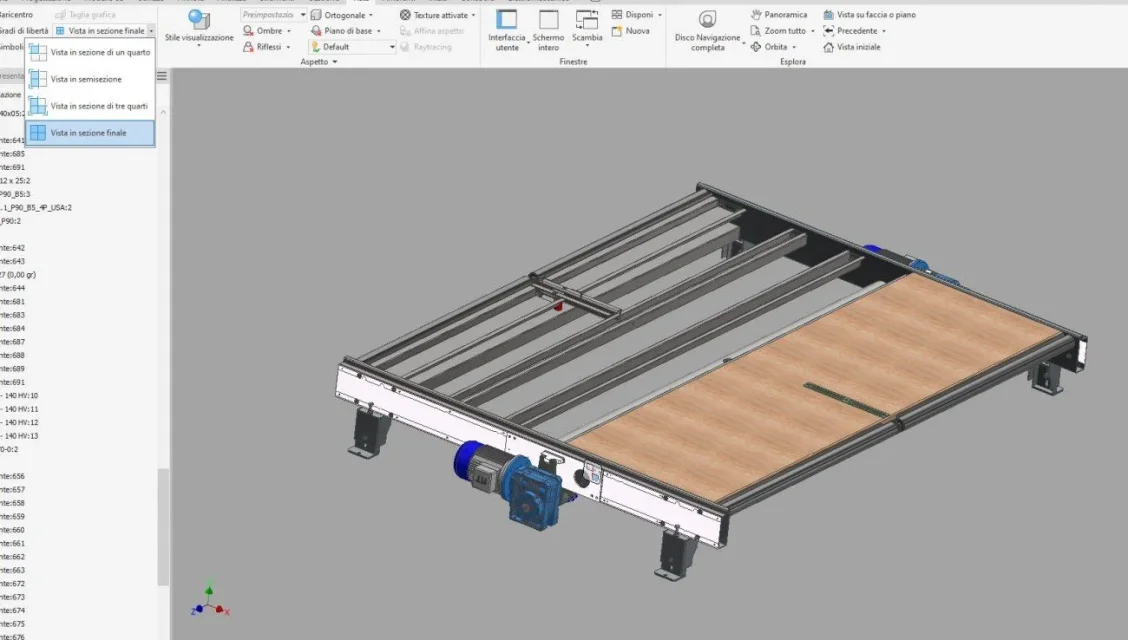
always in the field of display section. . .
Is there an alt+key to activate the section and to turn it off?
 

Attachments

  • Immagine.webp
    Immagine.webp
    70.3 KB · Views: 4
  • Immagine2.webp
    Immagine2.webp
    75.6 KB · Views: 5
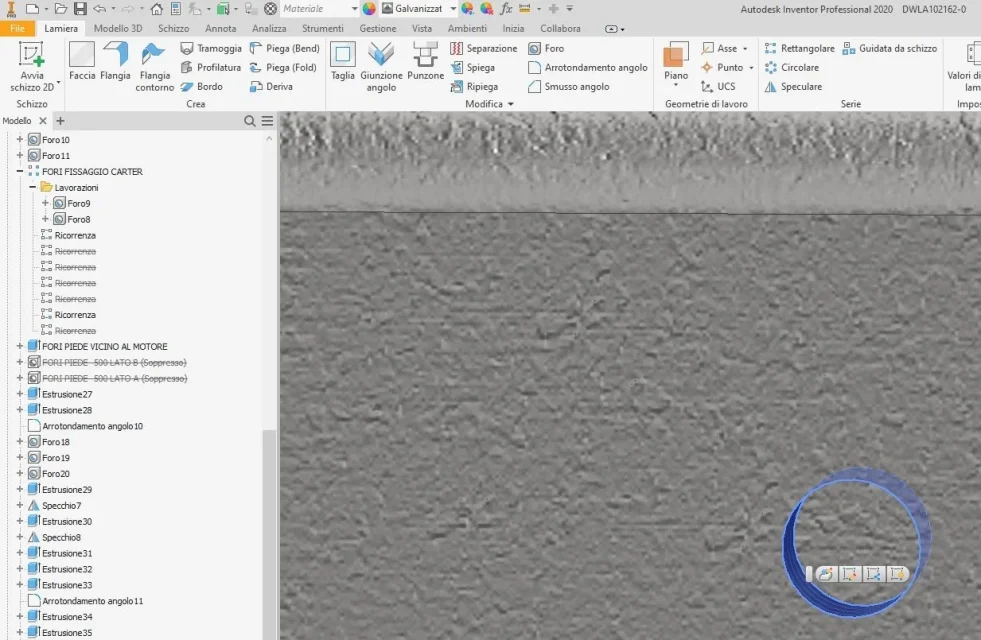
Why when selecting a feature type a hole on the model is not highlighted on the browser the relative feature?
 

Attachments

  • Immagine3.webp
    Immagine3.webp
    118 KB · Views: 4
contradomanda: and mark all the problems/questions you have and then ask the dealer to pass a technician who will explain it directly to you on your projects?
this without wanting to be polemics, only for the kind of questions you ask
 
in part already done but they couldn't answer me.
then I was counting on the forum...
How did they not answer you?
if you have purchased the license you will also have assistance. Of course it depends on the contract, if permanent assistance has not been purchased you can always request some training day.
has a cost but repays in a short time with efficiency and speed at work.
 
How did they not answer you?
if you have purchased the license you will also have assistance. Of course it depends on the contract, if permanent assistance has not been purchased you can always request some training day.
has a cost but repays in a short time with efficiency and speed at work.
I totally agree. If you have not been able to answer, they are incompetent because these are quite simple questions.
Anyway, to give you a hand, look how the fourth icon works up after the save:https://help.autodesk.com/view/invntor/2019/ita/?guid=guid-3e3537a9-565e-4f2e-b69d-069edcdf1ae1
 

Forum statistics

Threads
44,997
Messages
339,767
Members
4
Latest member
ibt

Members online

No members online now.
Back
Top