Sp4rk0
Guest
Good morning, to quote the tables, where I work, use the sketches drawn in the part as reference.
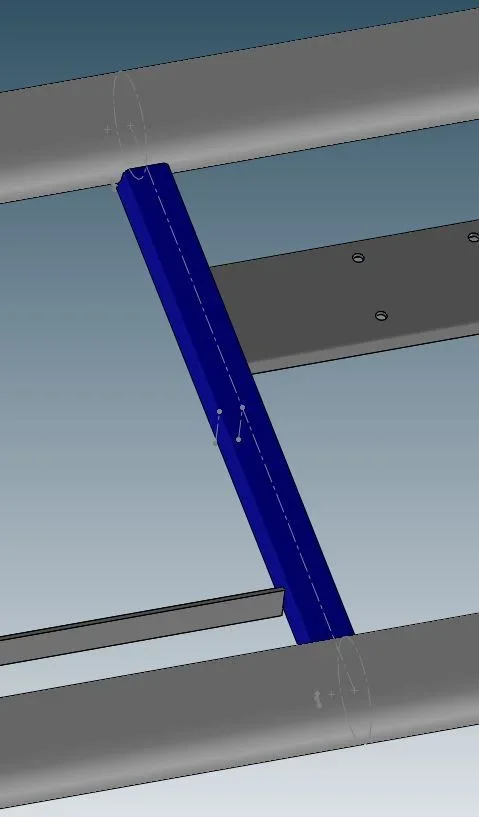
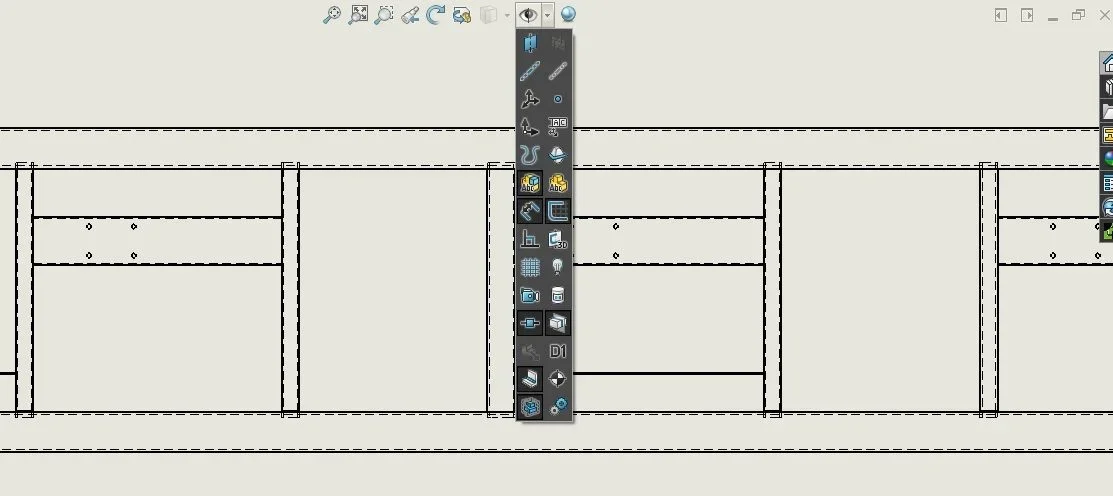
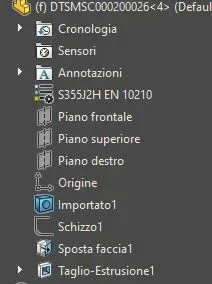
the problem is that, when I create the table of a set, in my pc I can not see them, inside the part are active, in the assemblies where they are mounted are active (img 1), and in the table I activated the display of the sketches (img 2), only that I do not see them and in the tree of the views, the parts have all the sketches disabled (img 3).
Is there any setting or flags to activate to see them automatically?
Thank you.
the problem is that, when I create the table of a set, in my pc I can not see them, inside the part are active, in the assemblies where they are mounted are active (img 1), and in the table I activated the display of the sketches (img 2), only that I do not see them and in the tree of the views, the parts have all the sketches disabled (img 3).
Is there any setting or flags to activate to see them automatically?
Thank you.