Agar
Guest
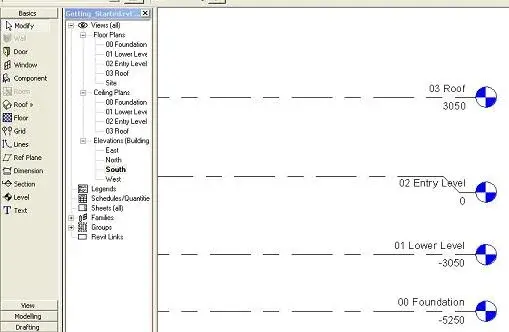
I am beginning to use revit 2009, I follow a manual with an exercise, I carry a part:
7) in floor plants in the project browser, double click
on 01 lower level.
8) in the design bar, choose wall.
9) in the type selector, select basic wall : foundation -
300mm concrete.
10) in the options bar, deep, select 00
Foundation.
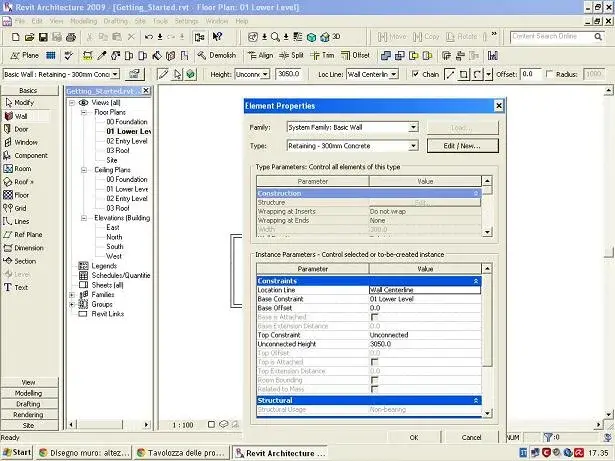
After this operation, the following message appears to me:
“the top of the wall is lower than the base of the wall”
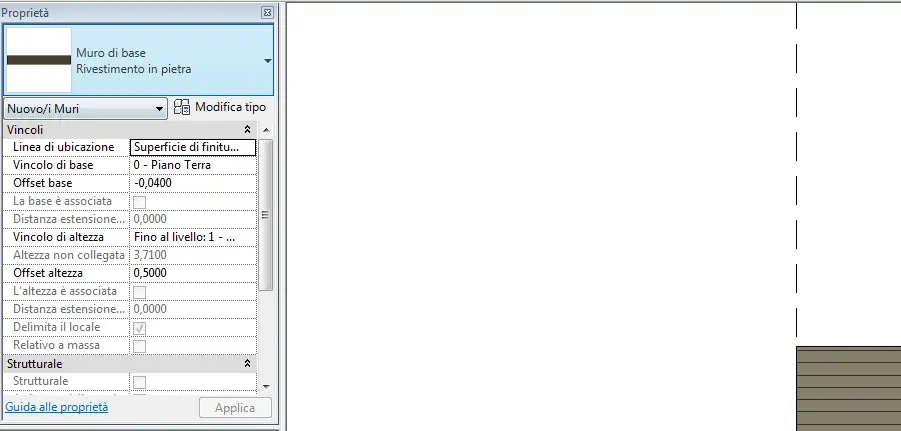
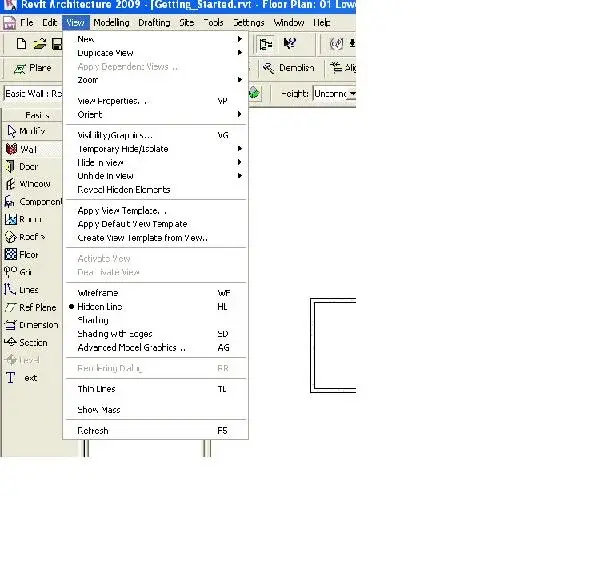
at point 10 indicates “depth” but I find “height” in the top bar, okay or I have to find depth, I don’t understand where it is.
I kindly ask how to solve the problem
7) in floor plants in the project browser, double click
on 01 lower level.
8) in the design bar, choose wall.
9) in the type selector, select basic wall : foundation -
300mm concrete.
10) in the options bar, deep, select 00
Foundation.
After this operation, the following message appears to me:
“the top of the wall is lower than the base of the wall”
at point 10 indicates “depth” but I find “height” in the top bar, okay or I have to find depth, I don’t understand where it is.
I kindly ask how to solve the problem
Attachments

Last edited by a moderator: