castiello1983ciro
Guest
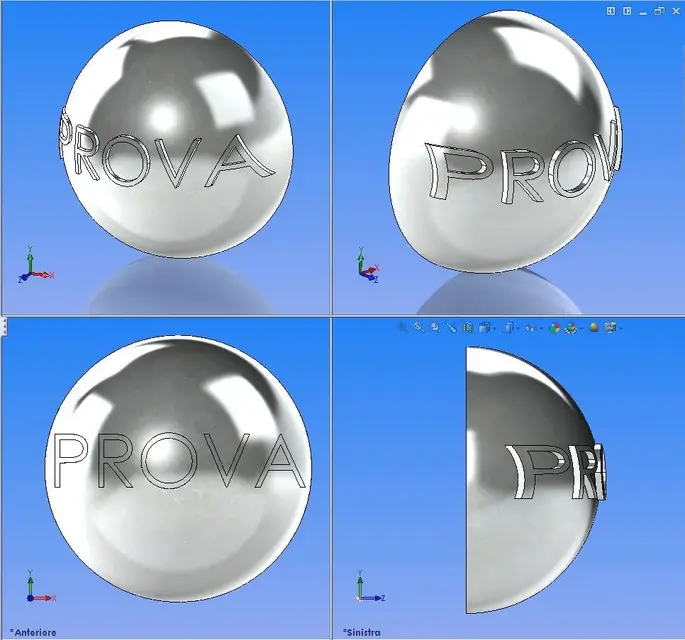
Hello, I have a small problem, I should make engravings on a sphere, the problem is that solidworks makes me impact on cylindrical surfaces and not spherical, could someone help me?

Yes, your presentation. when you signed up, you came by email to the forum rules where there are general rules to follow, including a short presentation that is always welcome.Sorry gerod, I never posted in a forum. presentation of what, mine?
If you look up, in the list of solidworks forum threads, you will see that there is one dedicated to presentationsI have not read it in other discussions
make a plan outside the sphere where you will put your engravings, extrude it and put it to the surface, after you cut into revolution the thickness you want the writings.Hello, I have a small problem, I should make engravings on a sphere, the problem is that solidworks makes me impact on cylindrical surfaces and not spherical, could someone help me?
Yes, but it doesn't remain radial to the sphere... It's an approximation.make a plan outside the sphere where you will put your engravings, extrude it and put it to the surface, after you cut into revolution the thickness you want the writings.
:finger:Yes, but it doesn't remain radial to the sphere... It's an approximation.
but at least I can not recommend other methods.Yes, but it doesn't remain radial to the sphere... It's an approximation.
It's not a wrapping, it's a projection. as a projection is not wrong.:finger:
more than an approximation I would say it's completely wrong
You're right, but the wrapping on swx spherical surfaces don't think the faces, at least natively, maybe you get through the crossroads but I didn't find anything online... :redface:but at least I can not recommend other methods.
I think we can do it with some precision by creating the writing as solid away from the sphere, then with the command deforms the adage to the best on the sphere. remove the solid from the ball and dig from the edges on the spherical surface.You're right, but the wrapping on swx spherical surfaces don't think the faces, at least natively, maybe you get through the crossroads but I didn't find anything online... :redface:
Hi.
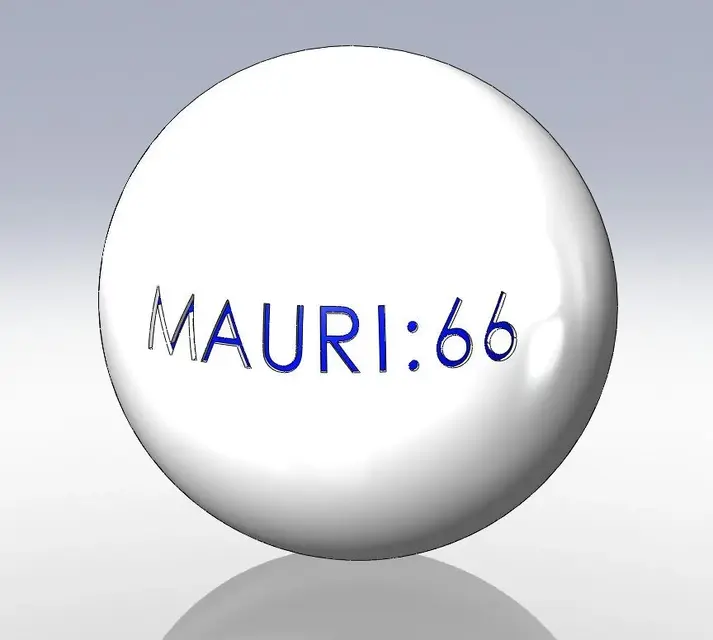
I didn't open the file but I suppose you used a cylindrical surface.It's not the best but it's approaching.
mauri:66

perhaps because it is a software dedicated to modeling, physical and geometric analysis, cost analysis and blablabla rather than making figs engravings for rendering or commercial. who knows how many will need to wrap the sketch at the extremes of a sphere and this gruppetto sparuto who knows how many will have felt the impelling need to make application for implementation to the mother house.possible that such software does not have a function that does this correctly.
Is there a software that develops a sphere correctly? It is actually the reverse problem, try to wrap a newspaper sheet on a ball without wrinkles... .possible that such software does not have a function that does this correctly
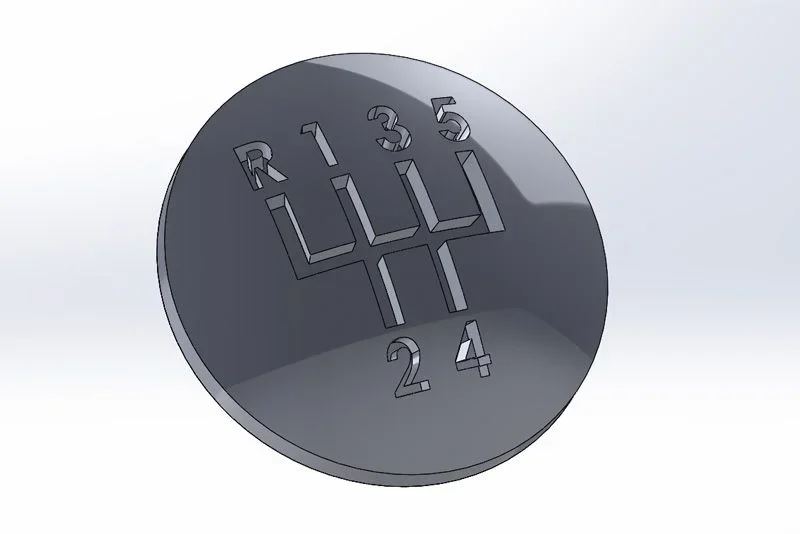
the scheme of marches is made for projection just see some picturesNo no no I solidworks love it. only since I have the 3d printer the needs increase. I have to remake the lever knob of my son's machine change and we have a spherical surface on which to affect the scheme of marches. Thank you. Anyway, I think that rhinoceros is more suitable for these things. You want to see I'm going to study that too. greetings
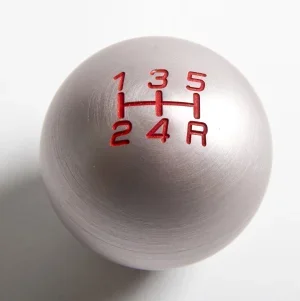
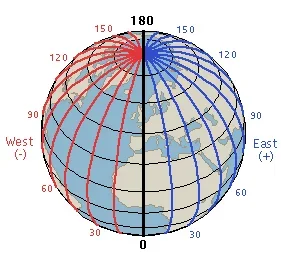
 if the method of winding is used, the strokes of the marches would not be parallel, as from the above images but would mirror the longitudinal pattern