vale79
Guest
Hello everyone
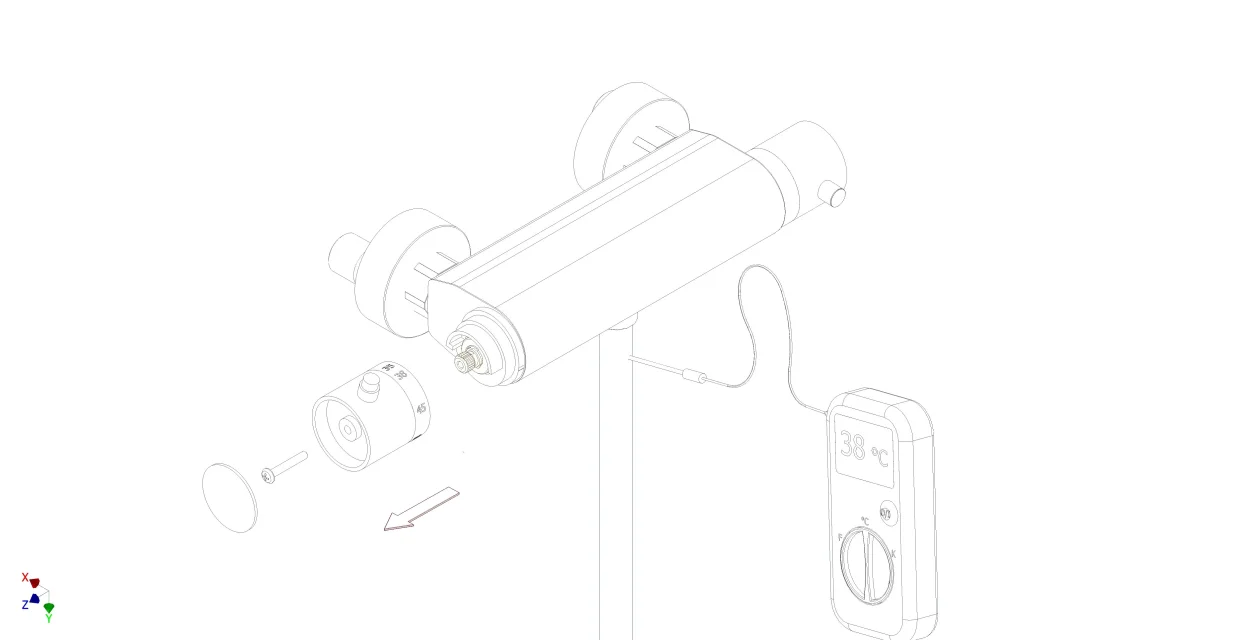
I noticed that in the 2018 version of inventor the wireframe display only visible edges is partially colored. . very little, it is not that I want to break the boxes on everything also because personally I don't mind, but I have to save the images, pass them in pdf, open them with gimp and give the photocopy effect and then darken the lines with the color curve function.... all that is not black risks getting lost in all these passages... Is there any way to get the wireframe all black?
It would not be bad even to avoid any of the next steps but if I take a jpg 5000x2569 pixels (like the one attached) on a word sheet the result sucks, it is almost invisible, while with the next steps I can have more defined and well visible lines.
Thank you so much!
Valencia
I noticed that in the 2018 version of inventor the wireframe display only visible edges is partially colored. . very little, it is not that I want to break the boxes on everything
also because personally I don't mind, but I have to save the images, pass them in pdf, open them with gimp and give the photocopy effect and then darken the lines with the color curve function.... all that is not black risks getting lost in all these passages... Is there any way to get the wireframe all black?It would not be bad even to avoid any of the next steps but if I take a jpg 5000x2569 pixels (like the one attached) on a word sheet the result sucks, it is almost invisible, while with the next steps I can have more defined and well visible lines.
Thank you so much!
Valencia