
reggio
Guest
Hello, I try to explain better... with a simplified example
then in test.zip there are 2 components and a set, in practice we want
use excel to command all components of a given set and we would like to do so avoiding inserting the new table values per table but writing them only in one (in this case together.xlsx), will then be the other tables that "will go to take" the necessary data from together.xlsx and will calculate their parameters.
to work, try.zip must be disappeared in c:\try (otherwise links between excel files may not be found).
we said that to command the axieme and all the components is sufficient:
1) open all excel files (only because in this way we are sure to "talk" between them).
2) go only to the excel file called "assieme.xlsx" then in the table "master data" and change the fields written in black.
3) save and close all excel files.
4) open the design "assieme" confirming the updates and at that point we will get the desired total.
5) saving the total all tables are updated correctly without changing name.
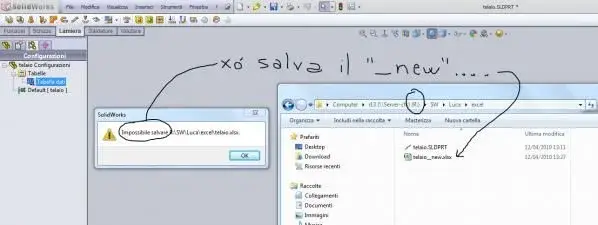
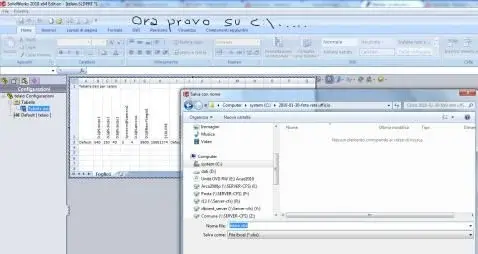
this process, however, does not work if the files are saved on the net; as they save the tables, they are renamed (and do other various cases)
going to lose every connection....
I wanted to know if it ever happened to you and if you can work such files on the network (commercials will usually be on the network on servers and then also the pdm works on the network).
then in test.zip there are 2 components and a set, in practice we want
use excel to command all components of a given set and we would like to do so avoiding inserting the new table values per table but writing them only in one (in this case together.xlsx), will then be the other tables that "will go to take" the necessary data from together.xlsx and will calculate their parameters.
to work, try.zip must be disappeared in c:\try (otherwise links between excel files may not be found).
we said that to command the axieme and all the components is sufficient:
1) open all excel files (only because in this way we are sure to "talk" between them).
2) go only to the excel file called "assieme.xlsx" then in the table "master data" and change the fields written in black.
3) save and close all excel files.
4) open the design "assieme" confirming the updates and at that point we will get the desired total.
5) saving the total all tables are updated correctly without changing name.
this process, however, does not work if the files are saved on the net; as they save the tables, they are renamed (and do other various cases)
going to lose every connection....
I wanted to know if it ever happened to you and if you can work such files on the network (commercials will usually be on the network on servers and then also the pdm works on the network).
 now I sent him the example they're thinking... Let's see a bit they'll say. .
 that design these interface systems find too simple and rational the quoting system that is used on usenet or mail, with the signs ">" and the colors differentiated for quqoting and then turn to the "complication office simple things" that in every good house software never misses:smile: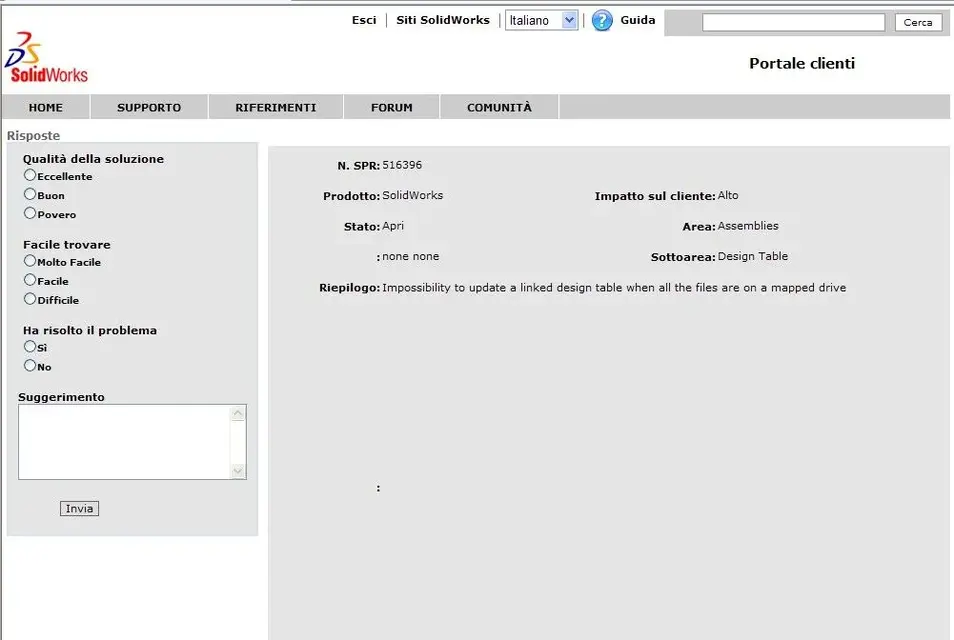
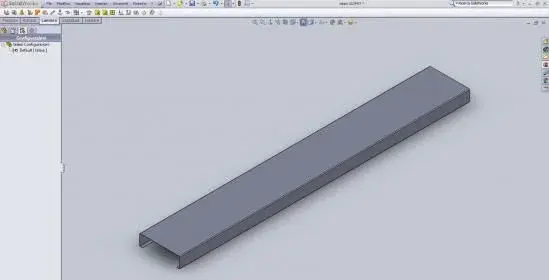
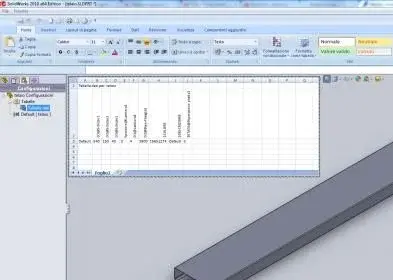
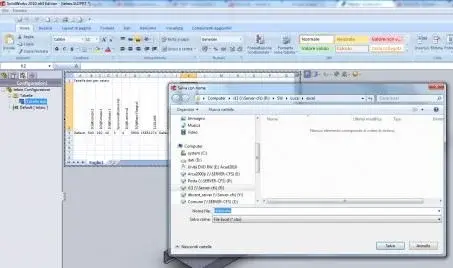
 it was now I would say...