• This forum is the machine-generated translation of www.cad3d.it/forum1 - the Italian design community. Several terms are not translated correctly.

animation with revit

  • Thread starter Thread starter render54
  • Start date Start date
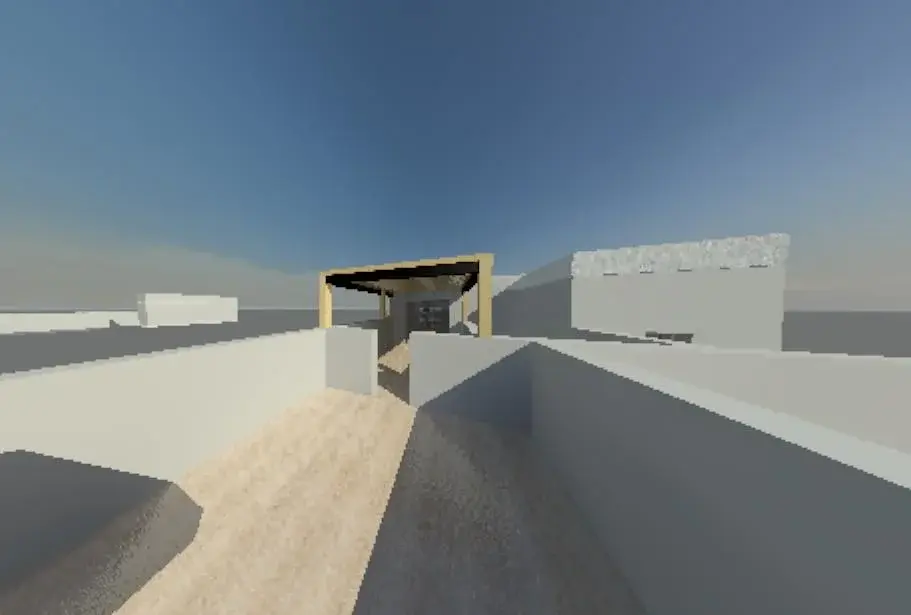
How can I limit my perspective on perspectives, I explain once I finish the path, and I start the video, I have a perspective too accentuated or too deep as a focal point, how can I overcome this problem? Thank you.
percorso.webp
 
you probably modified the camera's perspective before, when you edit the first frame view
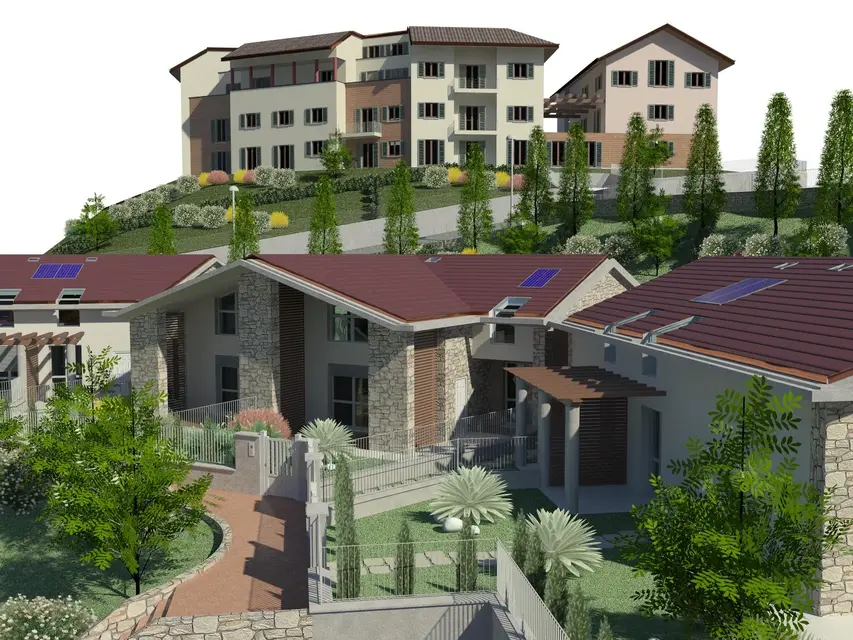
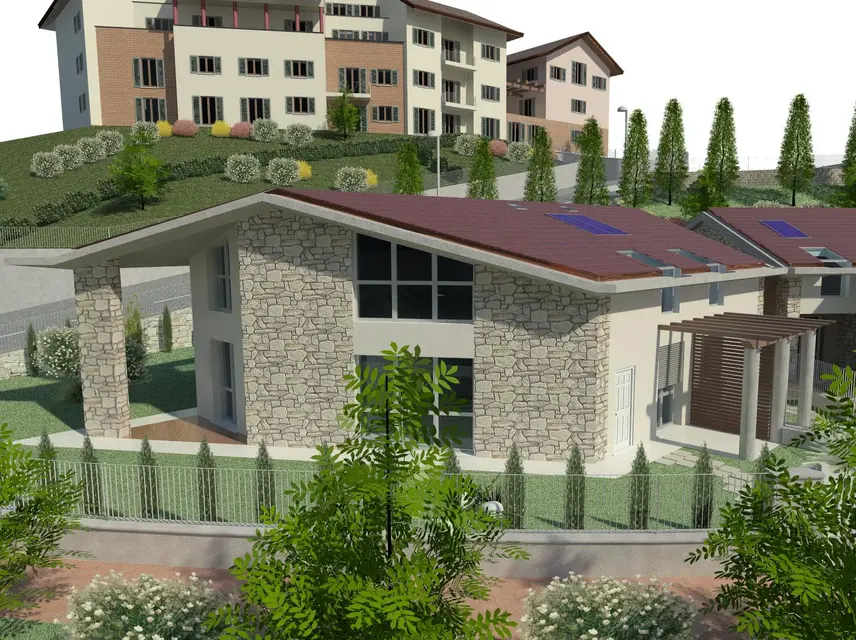
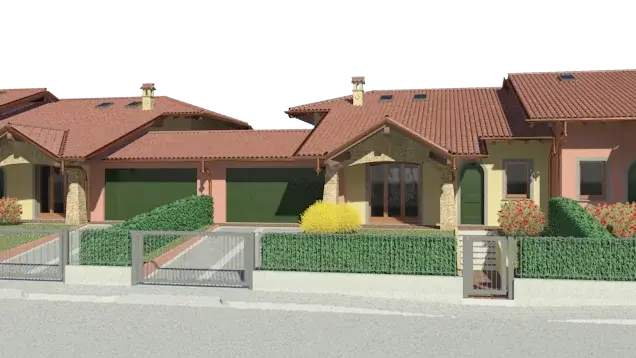
I attach the frames of my animations and how you see they are not deformed
to the max I change the format of the view pane leading it to 16/9
 

Attachments

  • magenta Animazione 101268.webp
    magenta Animazione 101268.webp
    44.9 KB · Views: 49
  • Animazione 100380.webp
    Animazione 100380.webp
    37.1 KB · Views: 59
you are right, but unfortunately also the background "cielo" did not convince me because of the annoying line of the horizon that inevitably would be seen in the first frames..so I opted for a white background, while being unrealistic.
 
I feel like a great job to be done with revit
Since it is done all with revit and insert the video in its real context would become a job by post-production professionals and probably at that point it would have been better to export everything in 3ds with costs than by past experience having made a 3-4 minute movie quote for a real estate initiative to a rather high specialized company.
what I would like to know instead, since it is not the animation of a single house or building, with what pc has been processed, the native format of the frames, rendered in what quality (presumption "high") and important how much time it took in rendering, if rendered to single frame (jpg or png) or in single file avi
 
Unfortunately also the background "cielo" did not convince me because of the annoying line of the horizon that inevitably would be seen in the first frames..so I opted for a white background, while being unrealistic

in effetti... :frown:
 
white background or not (this taste) animation seems convincing. Congratulations.
Thank you:
what I would like to know instead, since it is not the animation of a single house or building, with what pc has been processed, the native format of the frames, rendered in what quality (presumption "high") and important how much time it took in rendering, if rendered to single frame (jpg or png) or in single file avi
the pc with which I processed animation is an intel(r) core(tm)2 quad cpu q9550 @2.83ghz 2.84, memory ram 8,00 gb and operating system windows 7;
format of the jpg frames rendered to high quality (mean rendering frame 15-16 minutes) for a total of 1500 frames (600 the first part and 300 each of the next three parts) all transformed into .avi with virtualdub and mounted (musichetta, transition effects, written) with windows movie maker.
 

Attachments

  • 1Video00488.webp
    1Video00488.webp
    366.1 KB · Views: 28
  • 1Video00298.webp
    1Video00298.webp
    424.1 KB · Views: 20
  • Video00108.webp
    Video00108.webp
    402.4 KB · Views: 17
to accounts made 1500x15 = 22500 minutes divided 60 = 375 hours divided 24 = 15 days and a half processing, if the attached images are the original format then 1542x1157 pixels not bad.
I ask you all this because I should buy a new pc that I would like to dedicate to this kind of thing and I wanted to get an idea of the times
my movies that so far I did for my benefit to 720x404 in high quality according to the 30-40 seconds I made them on the pc of house a qcore to 2.4 ghz with 4 gb of ram (max untouchable) and win view, have employed on the 4-5 days, purteoppo here in the office, in which I am host, I have a double xeon to 2,4 ghz and 20g
In the meantime, to get an idea, I sent to make my job (filmed between cad3d videos) to your definition and took 10 minutes.
as I said I would like to buy a new pc but aiming on the gpus of video cards and irays of 3dsdesign, I found motherboards that support from 4 to 6 pcie 2.0x16 video cards with costs around 250 euri that I could fill a little at a time, already a couple of nvidia cuda there are
However if someone can give me advice on this I would be more grateful
Hello and thank you
render 54
 
I was fortunate to be able to leave the PC to process the night too (so full weekends) otherwise I would have decidedly put too much time.. I would really like to know how to use 3dsmax or cinema4d, with the same time employed I would have obtained decidedly better results..(videos that turn on youtube are impressive)
 
especially for the fact that 3ds makes the renders shared with other pcs, in a study with 5 or 6 pcs and send a film in processing on all pcs from evening to morning you would do a considerable amount of work.
at the limit with revit you can duplicate the file and make it turn on multiple pcs
 
Hello everyone.. I have a problem when I carry out a hidden online animation. when I look at it in revit everything well but when I take it in .avi the lines are very thick and the result bad. How can someone help me? Thank you.
 

Forum statistics

Threads
44,997
Messages
339,767
Members
4
Latest member
ibt

Members online

No members online now.
Back
Top