• This forum is the machine-generated translation of www.cad3d.it/forum1 - the Italian design community. Several terms are not translated correctly.

(autosez 2) soil sections and profiles - automatic extraction

Excuse me.
autocad 2011 and autocad 2014: why after clicking a 3dpoly to extract its profile, in the end I'm told "undone function" and hello? ρrrrrrrrrrrrrrrrrrrrrrrrrrrrrrrrrrrrrrrrrrrrrrrrrrrrrrrrrrrrrrrrrrrrrrrrrrrrrrrrrrrrrrrrrrrrrrrrrrrrrrrrrrrrrrrrrrrrrrrrrrrrrrrrrrrrrrrrrrrrrrrrrrrrrrrrrrrrrrrrrrrrrrrrrrrrrrrrrrrrr
The... .
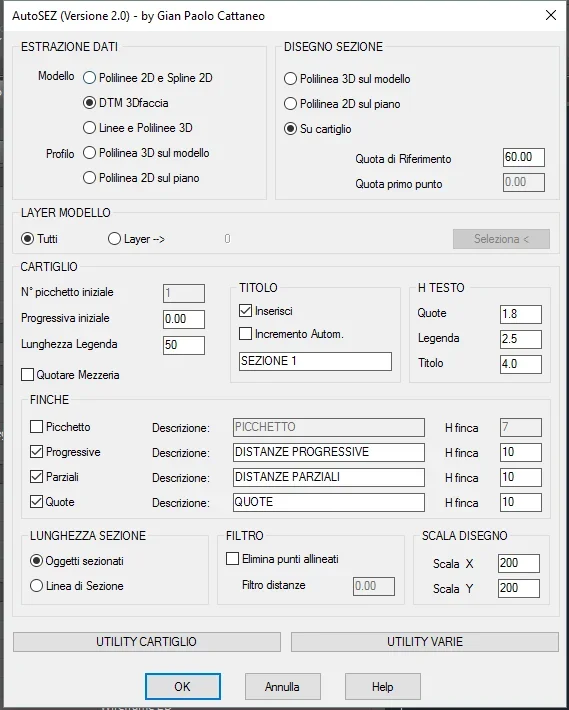
 
Hello. Is there a way to get progressive distances and quotas in a text file instead of getting them in the folder? Thank you.
 
Hello I reconnect to this post because at the distance of years I tried this lisp with autocad 2017 and I must say that it works great!
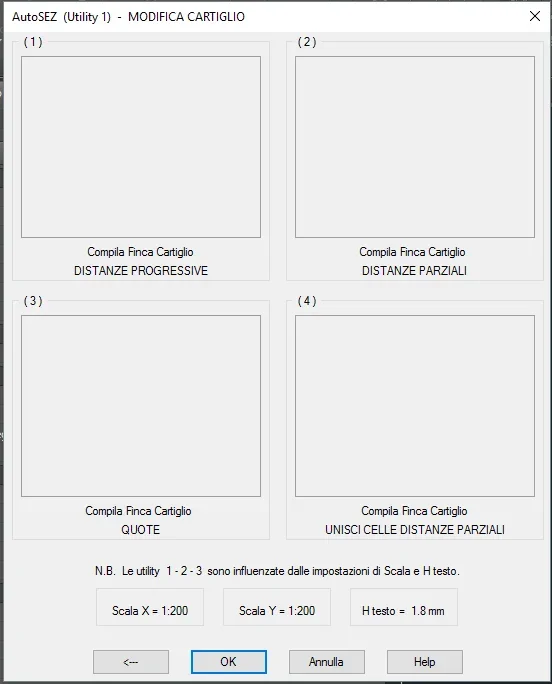
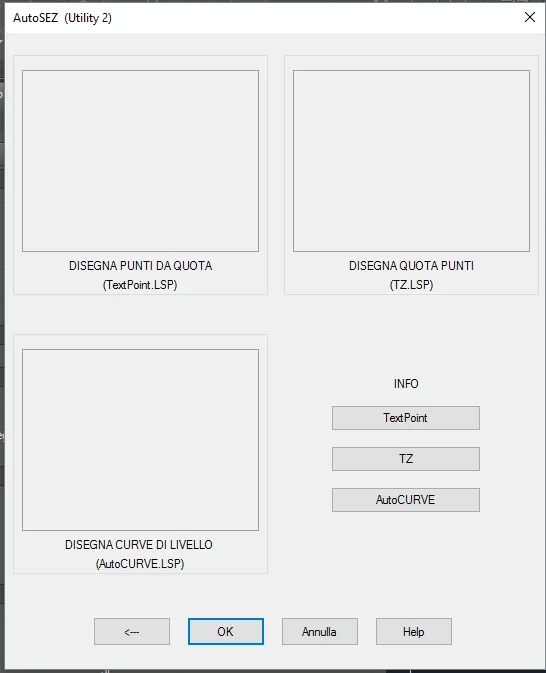
only problem is that if I try to load the lisp in a new blank file, when launching with as command, it opens the screen correctly but inside the windows utility nothingCattura.webpCattura1.webpCattura2.webp
 
check the existence of the autosez_2.slb file in a folder of the "support file search path" (options/files)
 
Bye to all,
First of all compliments!
I have a preparation of 0 on the subject, but I'm trying to learn.
I need to profile a polyline.
I have the soil model in *img format and with qgis I open it and work there. I try to extract from qgis the file with level curves (dxf) to feed the lisp, but I can only create curves on a plane.
What advice can you give me to move on?
Thank you!
 
OK, I have level curves (closed polylines) in 3d, each with associated its share!

but if I design polylinea (2d with view from above), I can't pull out the section!

help for a beginner with so much desire to learn? :biggrin:
 
hi, you mean the section line, which I put on the layer sections as alerted the lisp... I notice that the line does not intersect the level curves; I tried to draw a straight line that cuts them (just to try) but nothing.
the dwg is "a bit" small, I find a solution and I put it.
Thank you very much!
 
in fact the dwg is heavy, but in order to make tests you could also leave only some level curves

But...
OK, I have level curves (closed polylines) in 3d, each with associated its share!
but if I design polylinea (2d with view from above), I can't pull out the section!
you mean line di sezione?
Hello, yes I mean line section, which I put on the layer sections as alerted the lisp... I notice that the line does not intersect the level curves; I tried to draw a straight line that cuts them (just to try) but nothing.
...I managed to put the line section on the profile of the ground, I launch the list but I do not get out the cartilage for how I would expect!
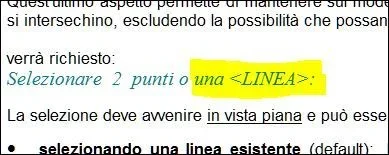
from autosez help:
574.webpYour section is a polilinea!!!
 
You're right, I "clean" it to make it lighter and work better.

I had tried to do the test by exploding the polylinea and then getting some lines, but nothing. .

I also updated the design on dropbox.

I try again until I can!! !

Thank you for your interest!
 
the profile you tell me starting from section polylinea I can do it, basically it does it on the polylinea that in theory should be the track seen in the plant.

If I could create the section polylinea I would be fine, but I can't do it.. unless there is a way to "extrude" the track to the level curves and then join the final points, which in the end is the problem of the lines that don't touch the level curves then!

does not open the help anyway, add the autosez folder in the file options and if I open it directly it appears empty.

dropbox updated
https://www.dropbox.com/s/q42jkuav5mn3kvu/dwg x sezione ok.dwg?dl=0Thank you so much, I'll make it!
 
I did it! I did it!!!!!!! :36_1_13: :4406:

nothing simpler:
I make the line at zero altitude for which my profile must pass;
I make a poly3d by recalculating the line at zero altitude and clicking in the apparent intersections (of osnap) between the guide line and the level curves, so as to hook the poly3d to the desired quota;
launch as
select "poliline 3d on the model" with the model layer that contains the level curves
select the poly3d from the side that I want to take "as a starting point" for the profile (right->sinisttra or vice versa)

It's all right!

problem: I have difficulty setting the table well, if I impose only the height of the text I overlap the text of the quotas vertically: Is it not possible to insert the text of the quotas and partial distances from vertical to horizontal without that I rotate every writing?


thanks for the availability and for the skill!!!!! :36_9_1:

link dropbox always valid if someone can give me some suggestions! :36_3_14:
 
Here I am. .

a question: the progressive and partial distances are related to the view in the plant on the horizontal plane, if I needed the real distances along the profile does not pull them out?

Thanks again
 
Hello, everyone. I am a student who has recently installed autocad and in an exercise I have to do is required the use of autosez. I have a problem in installing autosez. I follow how it is written in the guide:
- I've unloaded the zipper.
-I extracted autosez_2 folder in documents
-to this point apro autocad: I command options, files, search path of support files and with the option add insert the autosez_2 folder saved in documents.

This should work. but if I type autosez commands, it tells me that the command is unknown... .
How can I solve this problem?

I'm sorry if the question is demential, but I've been banging my head on this problem for days and I can't solve it.
 
...if I type the autosez commands tells me that the command is unknown... .
How can I solve this problem?
the lisp must be loaded before using them: command appload, select as file type Swimming stick visual lisp (*.vlx), search for the autosez_2.vlx file and then charge charge .
with the same command you can add the file to the boot group content to charge it automatically at each opening of a dwg.
 
the lisp must be loaded before using them: command appload, select as file type Swimming stick visual lisp (*.vlx), search for the autosez_2.vlx file and then charge charge .
with the same command you can add the file to the boot group content to charge it automatically at each opening of a dwg.
you were very kind!! Thank you very much.
 

Forum statistics

Threads
44,997
Messages
339,767
Members
4
Latest member
ibt

Members online

No members online now.
Back
Top