arzigogolo
Guest
Hello, everyone!
as I said in the previous discussion "reflections glossy missing on model"
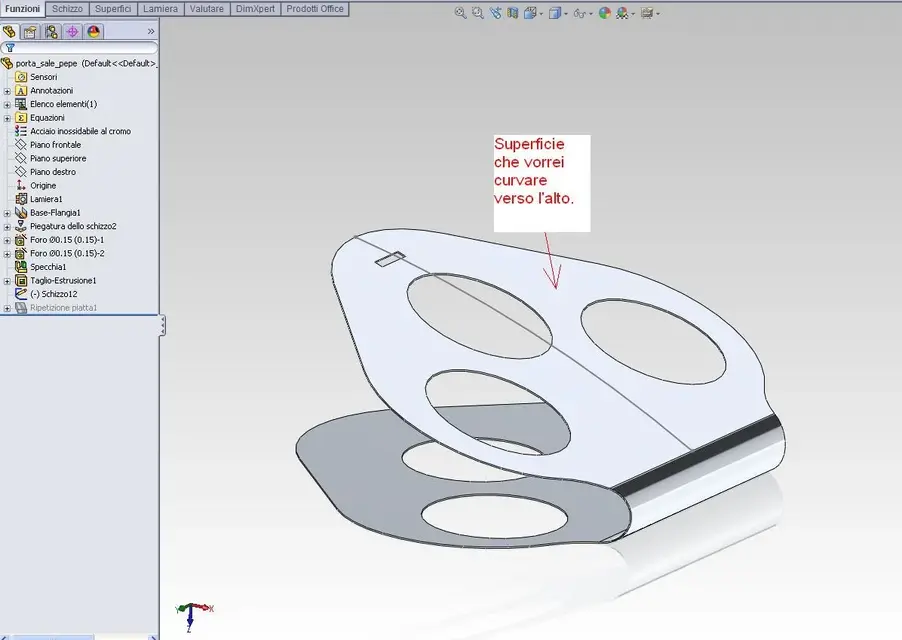
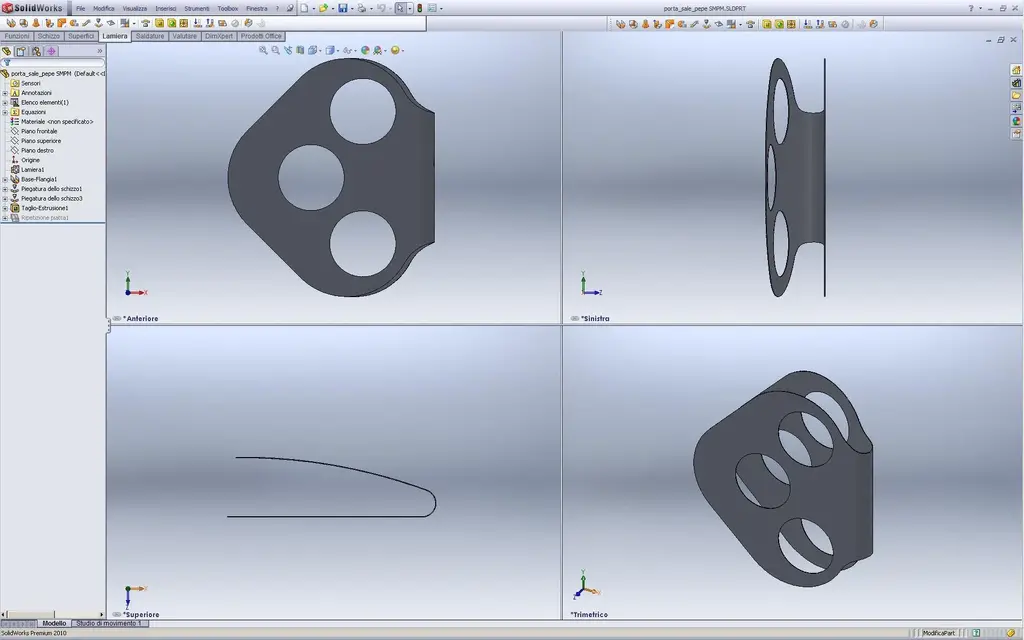
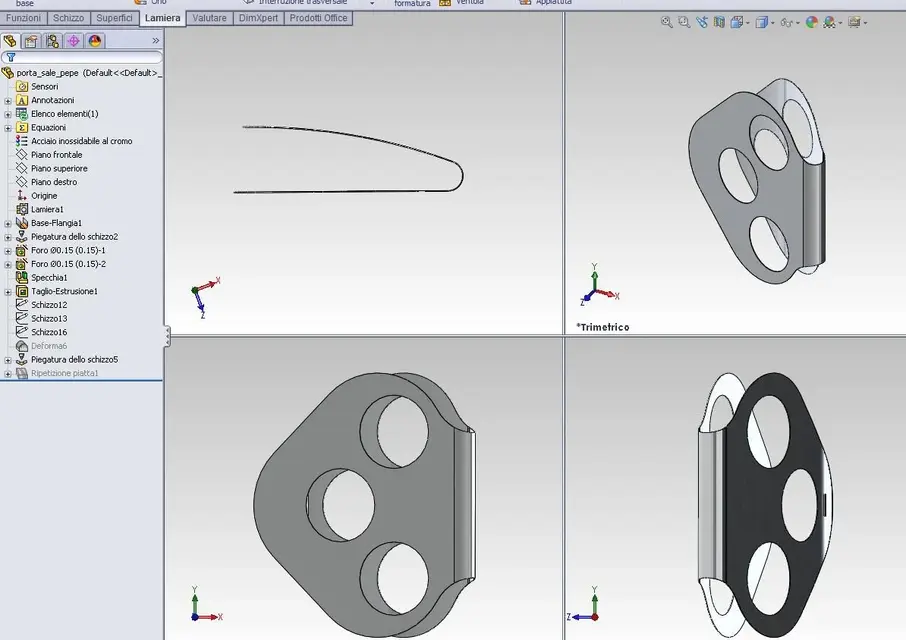
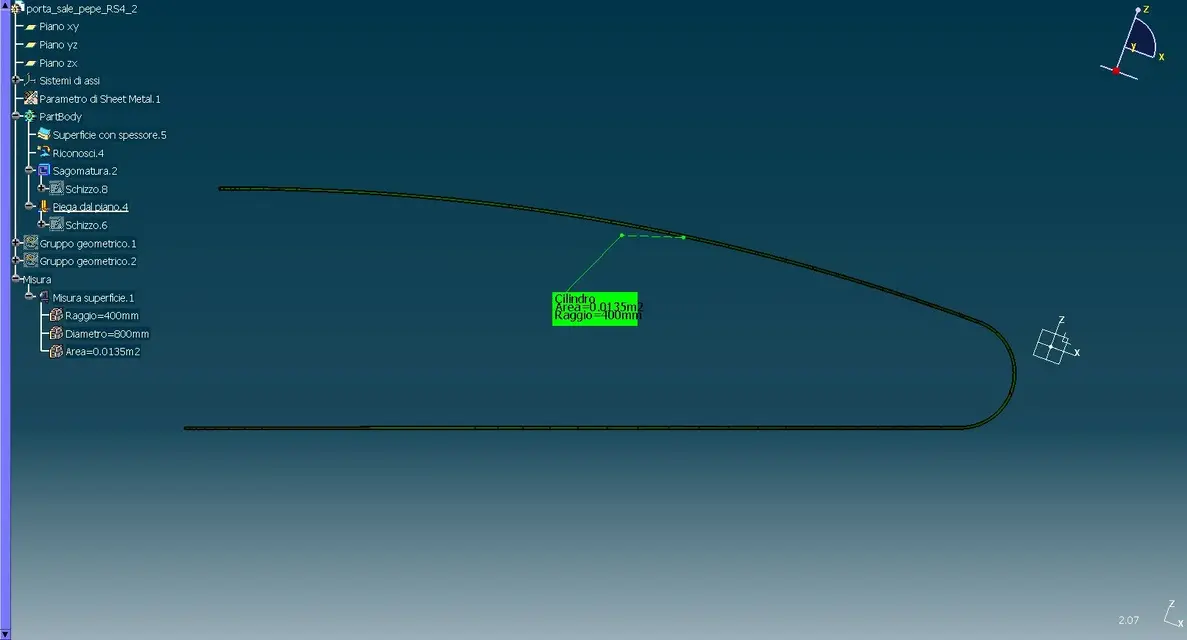
I would like to realize the curvature only of the inclined part of the object that is seen in the image, which is nothing but a portal and pepper (insoma is an exercise:biggrin .
.
Therefore I would like to give a curve of the upper part, but that it was not "spherical" and that is, as if the entire surface was rested on a sphere, but that it curved the whole surface only in one direction.
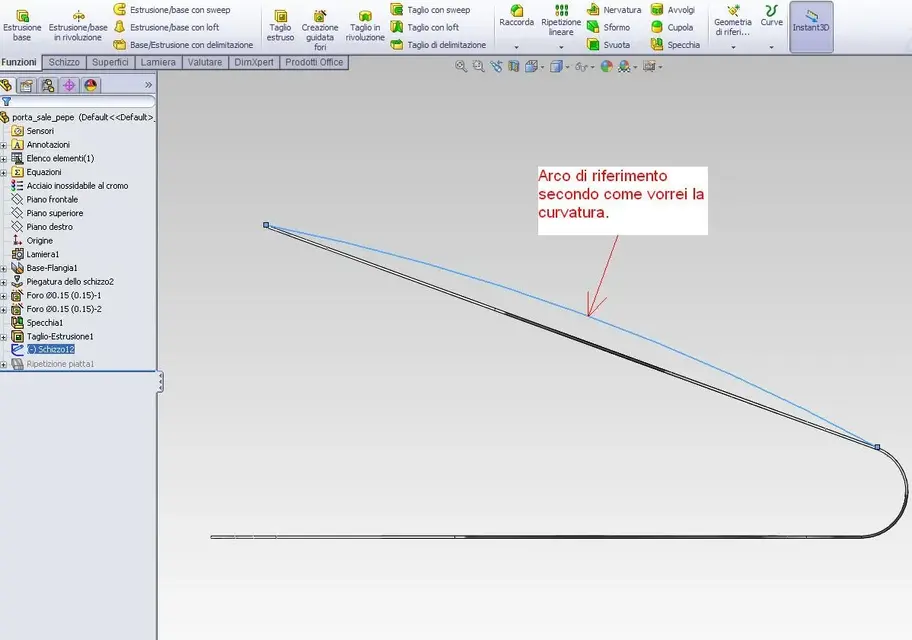
In practice I would like the curvature to follow the circle arc that I designed as a track on the same plane of the same arc, that is, on what solidworks calls "upper floor" without affecting other directions.
basically a curve on one floor.
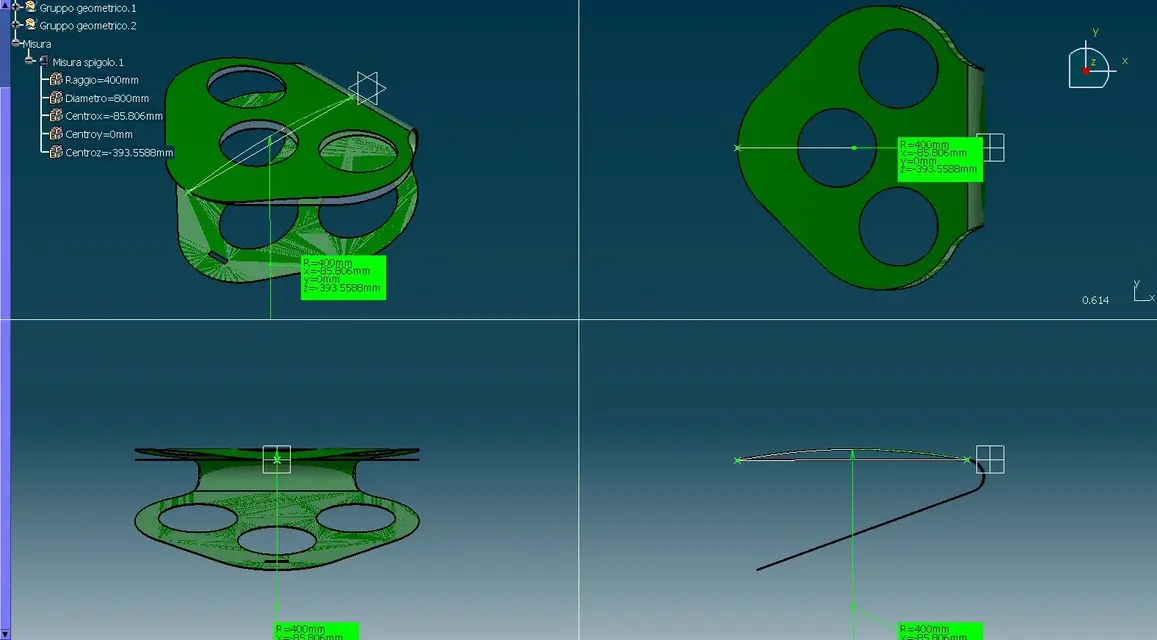
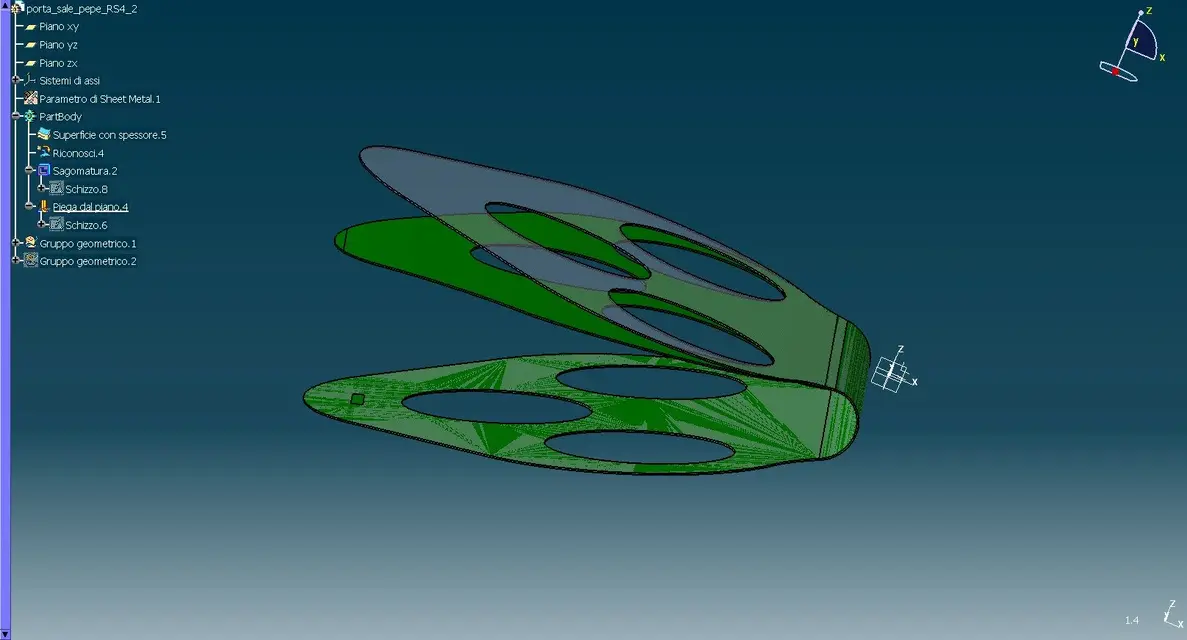
in the two images I posted maybe you understand better than how I explained it.:biggrin:
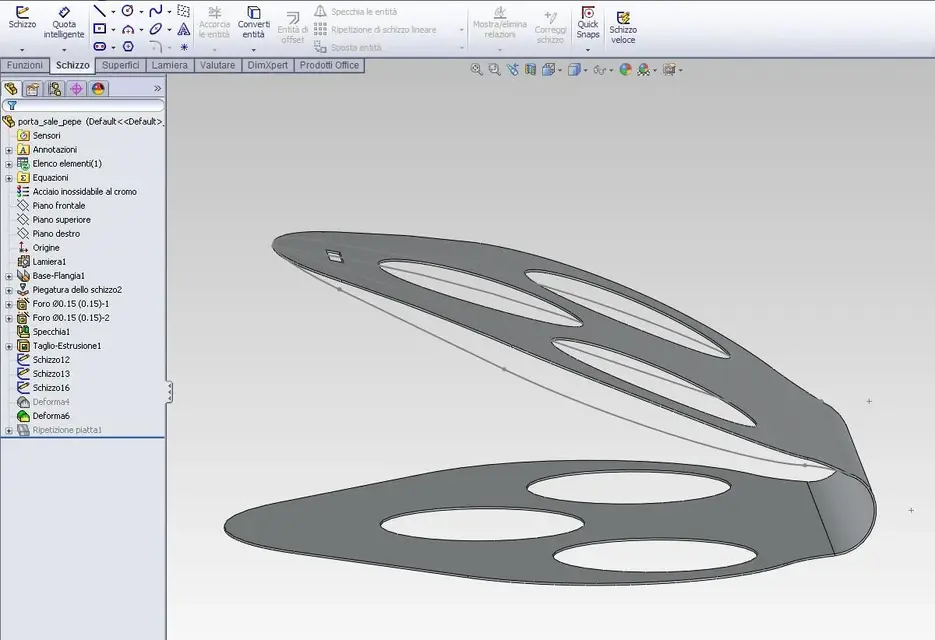
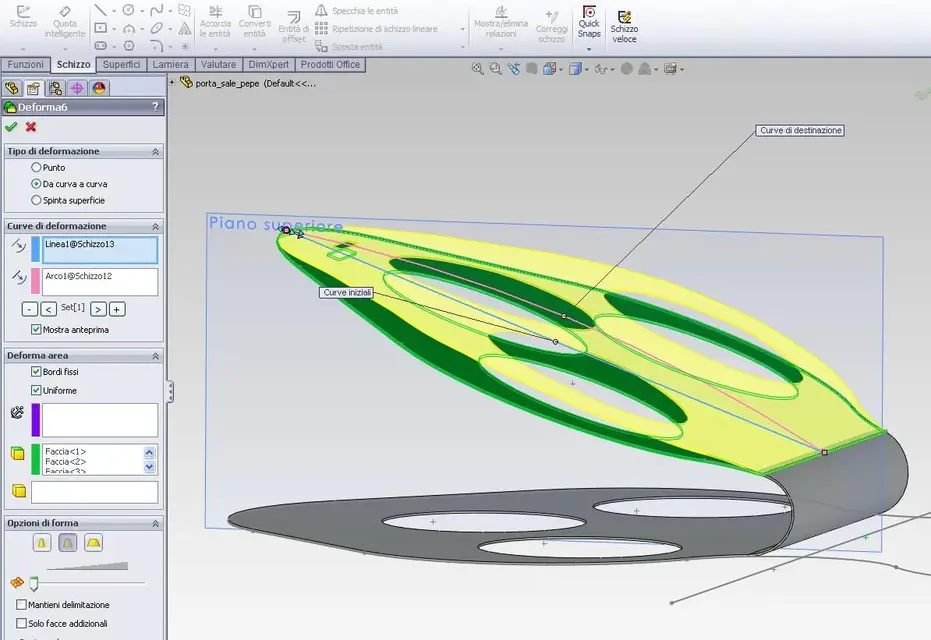
I then tried with the "deform" command, but I got everything except what I wanted to get. In particular I do not understand very well how to orient the terna of axes so that it takes all the surface and not only a piece of it. as an option of the "deform" command I chose "painted surface" but I don't know if it is the right one. However, the "point" option must be wrong for sure because it lifts me precisely, only a small area of the surface.
I followed the right method, or is there a simpler way to get this?
thank you all!:smile:
Light
as I said in the previous discussion "reflections glossy missing on model"
I would like to realize the curvature only of the inclined part of the object that is seen in the image, which is nothing but a portal and pepper (insoma is an exercise:biggrin
.Therefore I would like to give a curve of the upper part, but that it was not "spherical" and that is, as if the entire surface was rested on a sphere, but that it curved the whole surface only in one direction.
In practice I would like the curvature to follow the circle arc that I designed as a track on the same plane of the same arc, that is, on what solidworks calls "upper floor" without affecting other directions.
basically a curve on one floor.
in the two images I posted maybe you understand better than how I explained it.:biggrin:
I then tried with the "deform" command, but I got everything except what I wanted to get. In particular I do not understand very well how to orient the terna of axes so that it takes all the surface and not only a piece of it. as an option of the "deform" command I chose "painted surface" but I don't know if it is the right one. However, the "point" option must be wrong for sure because it lifts me precisely, only a small area of the surface.
I followed the right method, or is there a simpler way to get this?
thank you all!:smile:
Light