• This forum is the machine-generated translation of www.cad3d.it/forum1 - the Italian design community. Several terms are not translated correctly.

display difficulty

  • Thread starter Thread starter Esselle
  • Start date Start date

Esselle

Guest
Good morning, you know how to tell me why sometimes the material table shows it like this, without rows and columns?
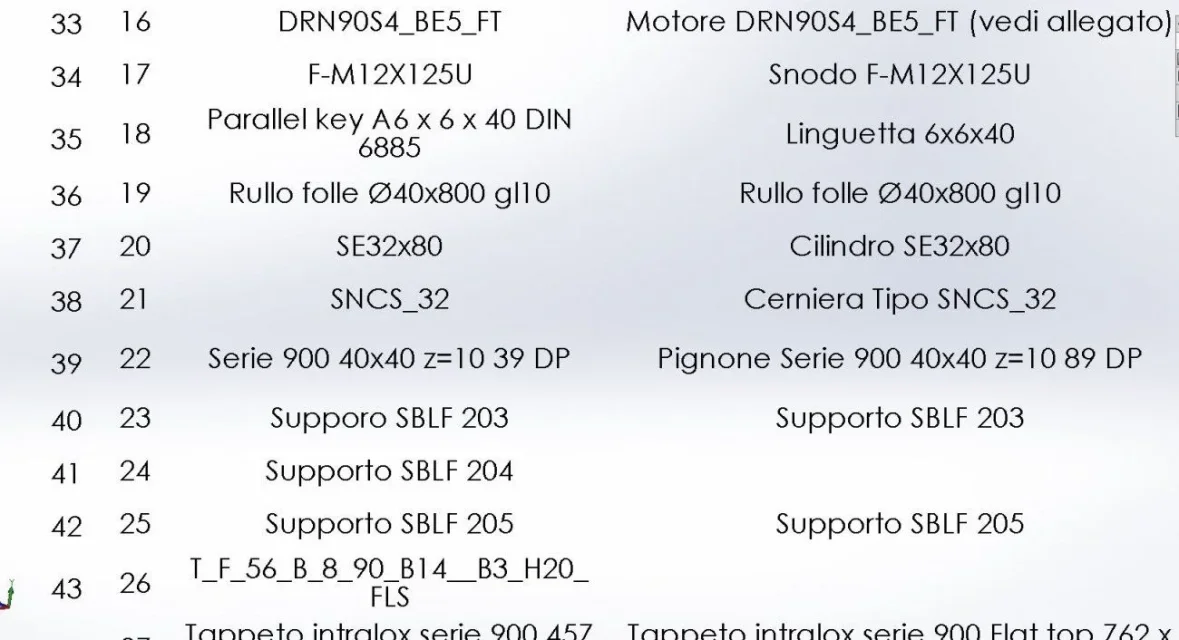

Visualizzazione.webpI've enabled everything right?
MENU.webpgrazie.
 
in the second image there are only 4 entries; if you want to understand if the table is subject to one of the other, which I doubt, you have to activate them all.
all active the table you see = one of these is the one affected
all active the table does not see = the problem does not rise in these settings and should be looked elsewhere
 
the usual questions to circumstate.
Do you always use the same template, drawing and table, whether when you do it or not?
if you do this once always do it at every reopening of the design and/or solid?
Does the table have any particularities?
Does the axieme have any particularities?
is the table set on a level?
if you print the lines you see?
 
the usual questions to circumstate.
Do you always use the same template, drawing and table, whether when you do it or not? siif you do this once always do it at every reopening of the design and/or solid? siDoes the table have any particularities? no is always the same for each match both where it does and where it does notDoes the axieme have any particularities? I don't think so, but you should tell me what you mean.is the table set on a level? su notes areaif you print the lines you see? I didn't try, but maybe I didn't specify that I'm in the environment together
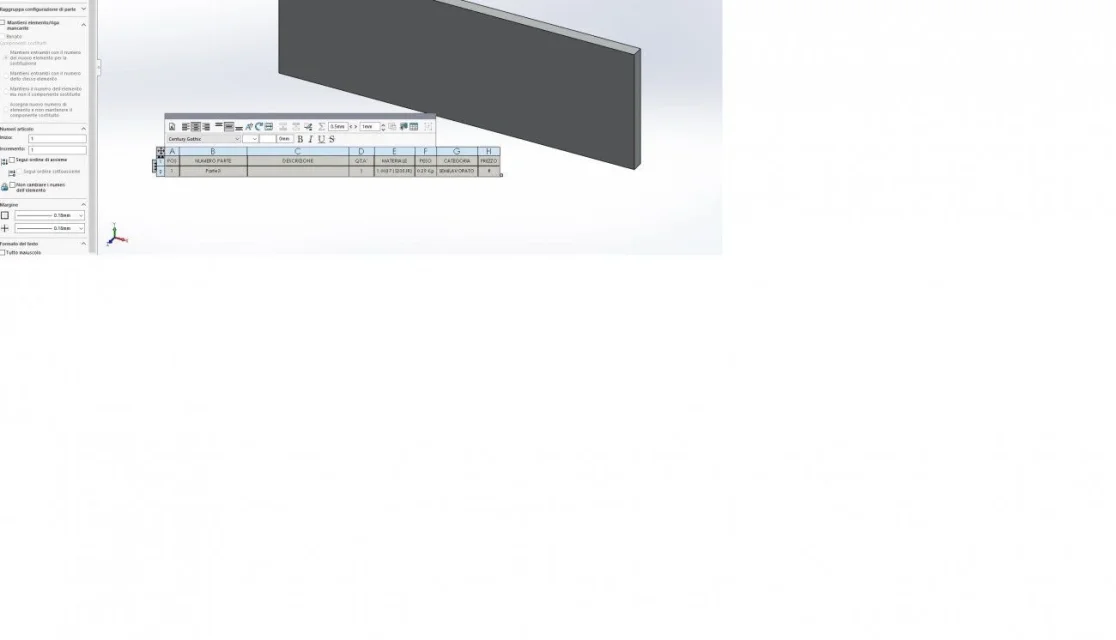
Thank you.
 
I haven't found a solution to this yet. I had not seen this option, I did some tests, but I can only increase the edge, the option no one can even activate it. to avoid displaying the blank table, I make several inserts and deletions until the rows appear. ..difficult to understand what it depends on.

Thanks for the tip.
 
but you don't have to activate it, you have to set a line thickness
 

Attachments

  • Immagine.webp
    Immagine.webp
    23.6 KB · Views: 6
I may have misunderstood. I can change the line thickness, but "no one" I can not voluntarily activate it.
 
only to see if on a table that "works" well, in which you see all the lines I can remove the display. with my insert and remove system until everything works, now I no longer have tables with the invisible lines on which to try and I tried to do the opposite.
 
but it has no effect. the file I have at the moment, unfortunately, I can't attach it.
 
do a side file with a square
make the table without the cartilage and insert the distinct materials
verify that you cannot select the item no one
attach the file
 
the problem is not on the table, but on the separate part file or together.
I did as you suggest, but I "no one" can't select it. . .
 

Attachments

That's nice just now you're coming out that you're talking about a distinct environment part.
also what you have attached is already set to nobody
 
I actually see it that way.Immagine.webpI always use the same table, in which environment is what affects?
 
I'll check the annex tomorrow and check it out.

the environments in which you work are important because:
do not have the same settings as the document options
property managers can have different options, as in this case
certain functions or voices may not work or exist
certain functions are dedicated to a certain environment and the fact that it is present in others does not mean that it is equally performing or complete.

so when it comes to good argument outside its common use it is good to specify how and where it is related
 
confirm that your file table, part 3, just opened shows up without borders
 

Attachments

  • Immagine.webp
    Immagine.webp
    29.9 KB · Views: 5

Forum statistics

Threads
44,997
Messages
339,767
Members
4
Latest member
ibt

Members online

No members online now.
Back
Top
