Dottingmarcoesposito
Guest
Good day to all
I hope that the following problem has not already been dealt with in order not to repeat... but I couldn't find him in the various posts.
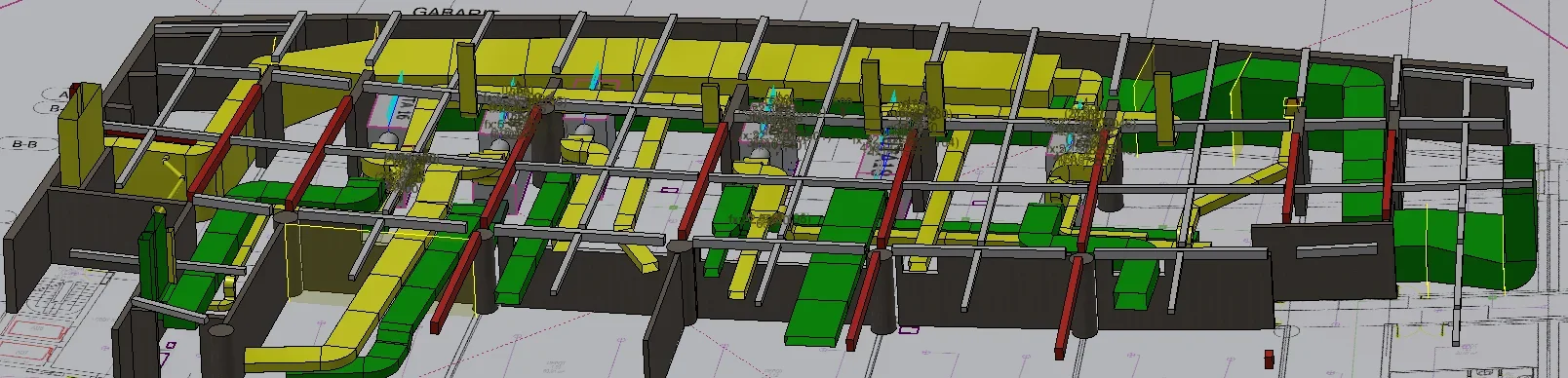
I find myself a beautiful grain today.. to verify the possibility of coexistence of several plants in a single restricted environment use inventor, so far no problem except that the customer wants plants view and sections in color autocad format.
I have to export a file inventor.idw to autocad.dwg file format.
the inventor file, the main, file.iam, has the colorful plant components to facilitate reading. the components are colored by selecting the color from the file.iam and not from the file.ipt . this because I have to differentiate the colors of acs tubes with those of heating / cooling system etc... but the material always remains steel.
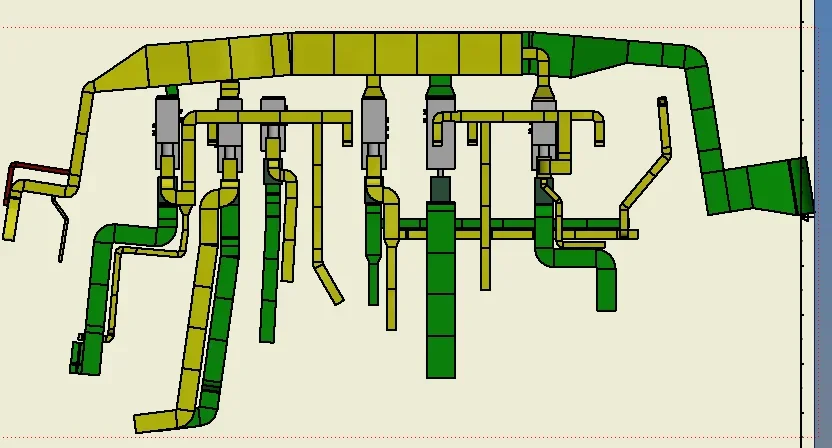
to deliver the design to the customer I could make a file.dwg (inventor) where you can bring the image back in color, but it is not possible to change it because I can't (I imagine why it doesn't exist) the model.
Has anyone already met with this problem?
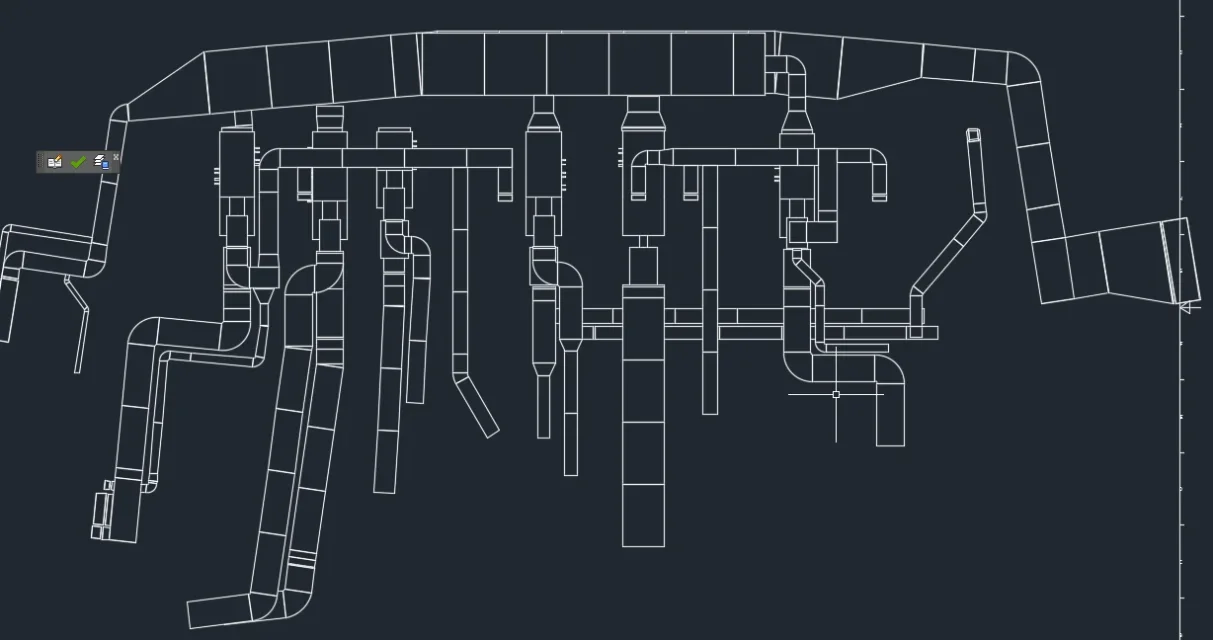
In summary.. if I have colored the single component on the file.iam, which reports it correctly on the file.idw... how do I export everything, including colors, in a file.dwg for autocad?
so far I can but only in black and white..I have enabled also the voice "use autocad indexes for entities and layers" but nothing. (version inventor2017 professional)
thanks to all
good work and good day!
Mar
I hope that the following problem has not already been dealt with in order not to repeat... but I couldn't find him in the various posts.
I find myself a beautiful grain today.. to verify the possibility of coexistence of several plants in a single restricted environment use inventor, so far no problem except that the customer wants plants view and sections in color autocad format.
I have to export a file inventor.idw to autocad.dwg file format.
the inventor file, the main, file.iam, has the colorful plant components to facilitate reading. the components are colored by selecting the color from the file.iam and not from the file.ipt . this because I have to differentiate the colors of acs tubes with those of heating / cooling system etc... but the material always remains steel.
to deliver the design to the customer I could make a file.dwg (inventor) where you can bring the image back in color, but it is not possible to change it because I can't (I imagine why it doesn't exist) the model.
Has anyone already met with this problem?
In summary.. if I have colored the single component on the file.iam, which reports it correctly on the file.idw... how do I export everything, including colors, in a file.dwg for autocad?
so far I can but only in black and white..I have enabled also the voice "use autocad indexes for entities and layers" but nothing. (version inventor2017 professional)
thanks to all
good work and good day!
Mar