TECNOMODEL
Guest
I created my side template with plan orientation as from image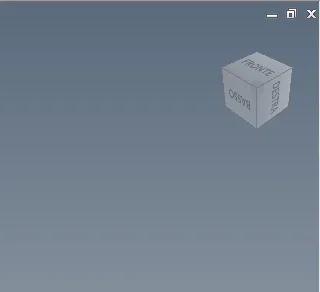 when I create a new part though using this template opens me with this orientation
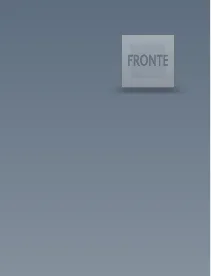 Not that it's a big problem, but I don't understand why he has this behavior.
Does anyone have any idea where to set the initial opening of the template?
when I create a new part though using this template opens me with this orientationNot that it's a big problem, but I don't understand why he has this behavior.Does anyone have any idea where to set the initial opening of the template?