• This forum is the machine-generated translation of www.cad3d.it/forum1 - the Italian design community. Several terms are not translated correctly.

morphing

  • Thread starter Thread starter pirataviola
  • Start date Start date
I have expressed myself badly, the latex blender modifier does the same things as the 3dsmax morpher cage deformor and powershape, concluding, in ten years all autodesk programs will have the same commands, they will all be equal :roflmao:
 
2d is done. Some things turn the bales, but you do. And he did it once. we say it has improved a lot in time, but you have to know some tricks that only in some commands It makes you want to pull down the calendar. I've stopped wasting mental energy for a while. I have committed myself to understanding how "rejoin" the program, eventually you get to know it and do what you have in mind at the first shot
I tell you if you were wasting your energies for the 2d with rhinocers I think powershape abandoned him, but powershape is the first modeler I've known deaf and I try to understand those functions that might be useful to me
 
interesting, I think you can "snap" the points of the cage to other entities (points, lines, curves, surfaces etc.)... tomorrow if I remember I try...

the other way (the classic one providing lines/curves/reference surfaces) has improved a lot over time.
domarla requires experience, because you have to know how to put in order the entities, both the starting mathematics and the reference entities.
Sometimes it is perfect (not well...perfect), in other cases, maybe where you have at your disposal mathematicians put not quite well, the result is not enough, in this case you have to arrange the surfaces that come out of morphing.
 
I tried to understand morphing through two surfaces as an example, i.e. I prepared two equal surfaces a piatt the other curve where I had to rest a surface in my case a letter, but this was deformed but it was reversed, but what problems to?
 
I tried to understand morphing through two surfaces as an example, i.e. I prepared two equal surfaces a piatt the other curve where I had to rest a surface in my case a letter, but this was deformed but it was reversed, but what problems to?
you are not using the right commands
 
autodesk knowledge network"for optimal results, use morphing to make small changes rather than substantial changes in the form. "

the speech should be the following:
If I create a surface or solid of revolution (or solid or sweep surface) starting from a shape (or spline, or line, or polylinea that will say) it is easier to maintain a correlation between the shape and the solid that is creating. in fact obtained the solid it is possible to make changes to that shape, and the changes made are reflected in real time on the solid without particular difficulties.
Different discourse is much more complicated than starting from a solid or surface without any correlation, having to create them one with the morphing function. In this case, creating that correlation is more complicated.

in the example reported by the knowledge of autodesk, there is a washbasin in the plant to extend its shape. probably with the morphing command you could not change it even in thickness, in case I wanted a sink with the deepest tray.
 
autodesk knowledge network"for optimal results, use morphing to make small changes rather than substantial changes in the form. "

the speech should be the following:
If I create a surface or solid of revolution (or solid or sweep surface) starting from a shape (or spline, or line, or polylinea that will say) it is easier to maintain a correlation between the shape and the solid that is creating. in fact obtained the solid it is possible to make changes to that shape, and the changes made are reflected in real time on the solid without particular difficulties.
Different discourse is much more complicated than starting from a solid or surface without any correlation, having to create them one with the morphing function. In this case, creating that correlation is more complicated.

in the example reported by the knowledge of autodesk, there is a washbasin in the plant to extend its shape. probably with the morphing command you could not change it even in thickness, in case I wanted a sink with the deepest tray.
there is another example autodesk where superfice ena with a lettra h shape was lying on a curved surface, I tried but it is wrong to turn nn keeps the position I do not understand why.
 
I don't find the example. post the link to see what it is.
for the rest you will have to understand which software you will need most for the future. It is certainly interesting to investigate the functions of a program, but there is to wonder what usefulness these particular functions will have in what will be your work.
 
morphism or morphing or how they will change their name in the future:

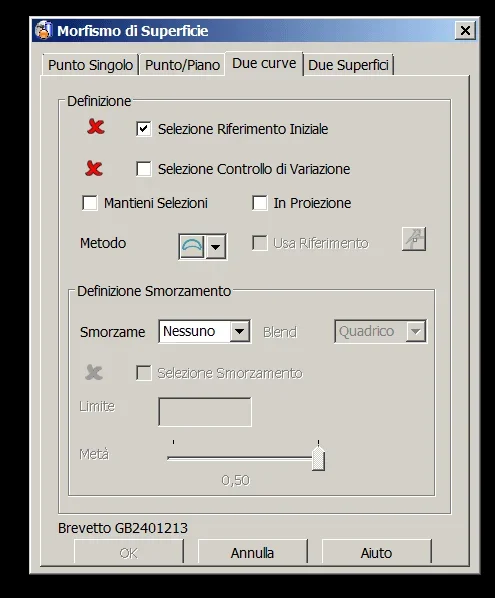
we take a surface that we must morpheggia
1.webpin this case we can do either by two curves or by two surfaces

2.webp
3.webpin this case, the surface is too complex to come well between two curves (experience)
(note that curves must have the same number of points and must be oriented in the same sense)

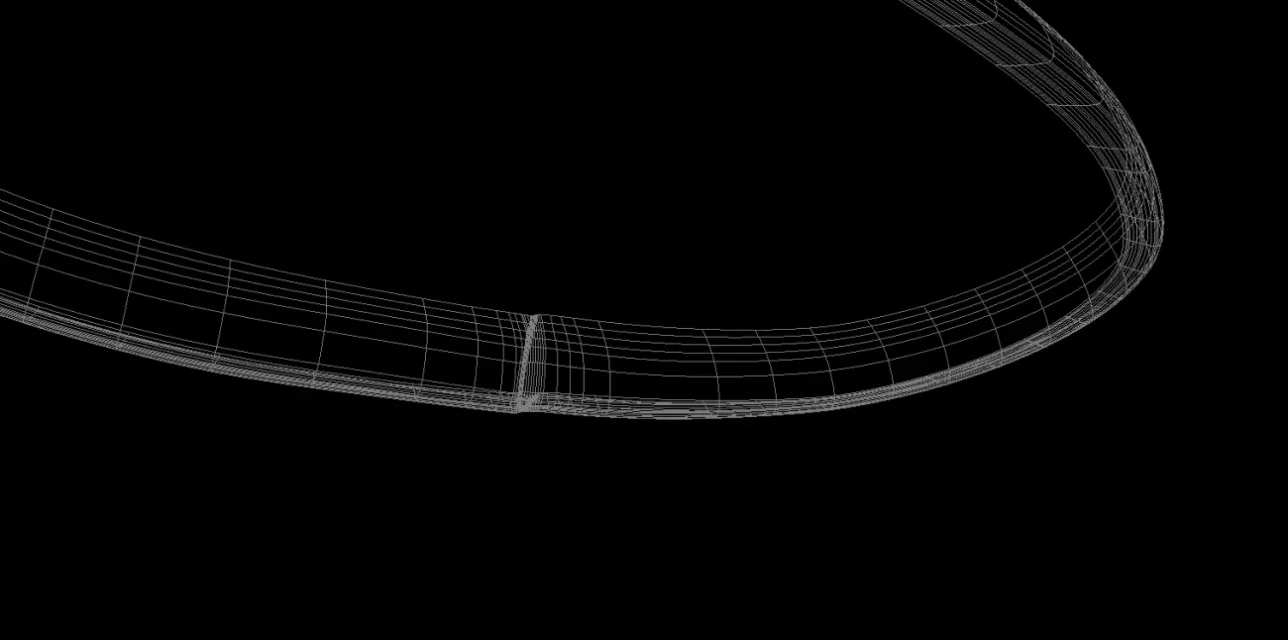
4.webpand in fact starting only from two dime 2d comes out this drunk
5.webptherefore we proceed for two surfaces, first we get the names that interest us to create the surfaces, in this case two departures and two arrivals
(see that we can also make a morphing to cazzum and then get us two dimes and fix them as we like and get the purple in figure)
6.webpwe create two reference surfaces to start morphing between two surfaces
(note that the surfaces must have the same number of parameters, always in the same sense, otherwise you will be reversed everything, probably as you say in your example to "h")
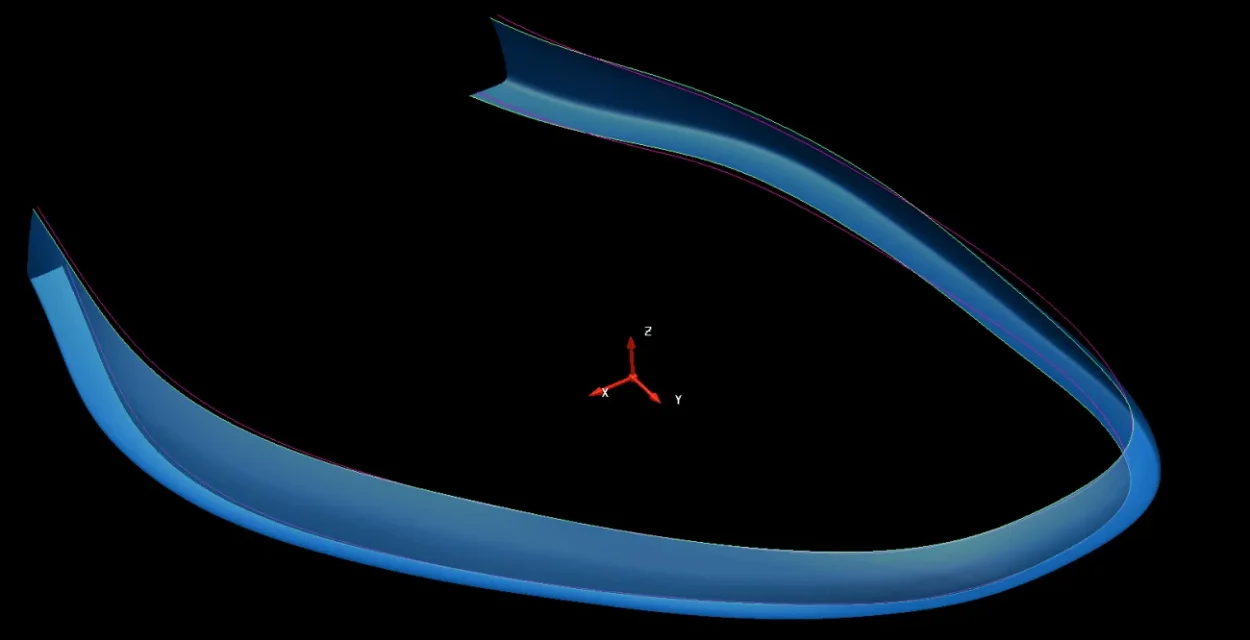
7.webpet voilà this in fact the final result
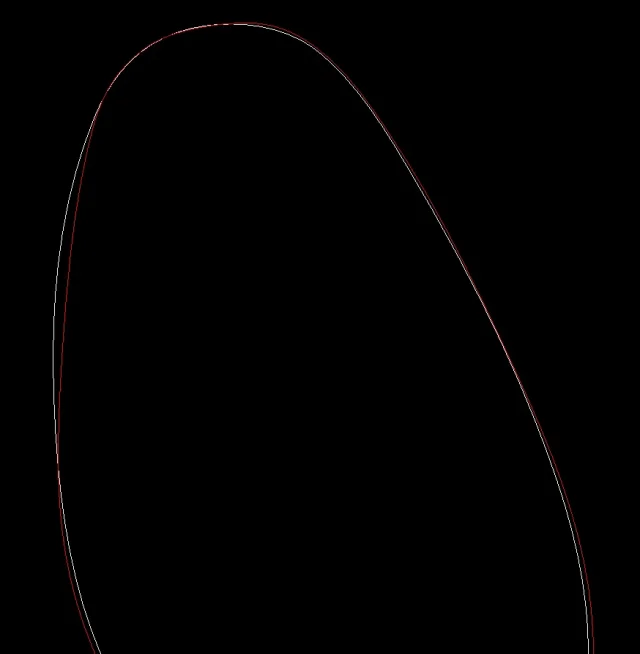
8.webpbelow the comparison between departure and arrival (see the old white one and the new grey one
9.webp
 
This is what you need, it is called curved flattening (we learn the same surface as before, which seems worse than yours).

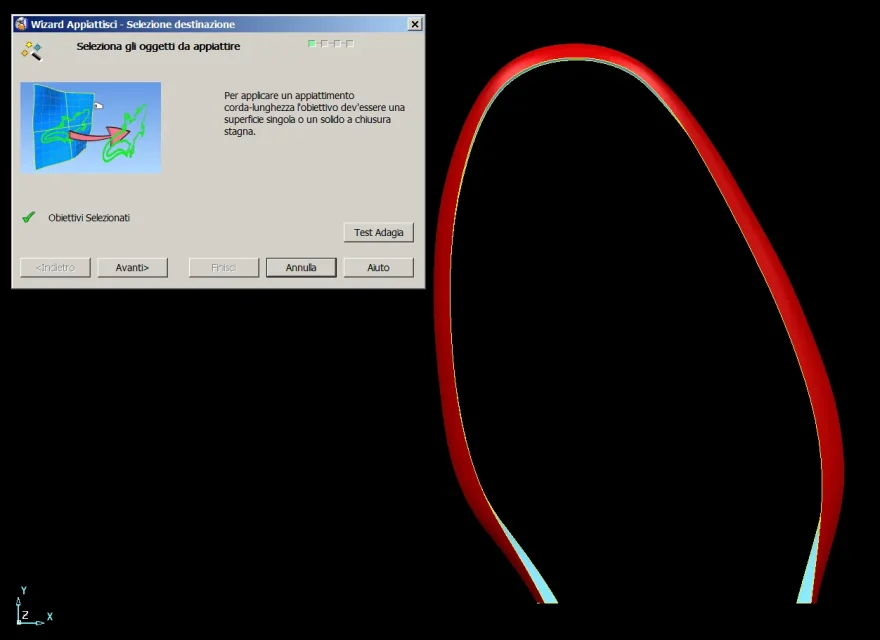
first you have to select the surface you want to flatten and give the command "flatten"
1.webprope works in most cases
2.webp"global" and "more accurate" works in most cases
3.webpI usually put all the spuns
4.webp"End" awards
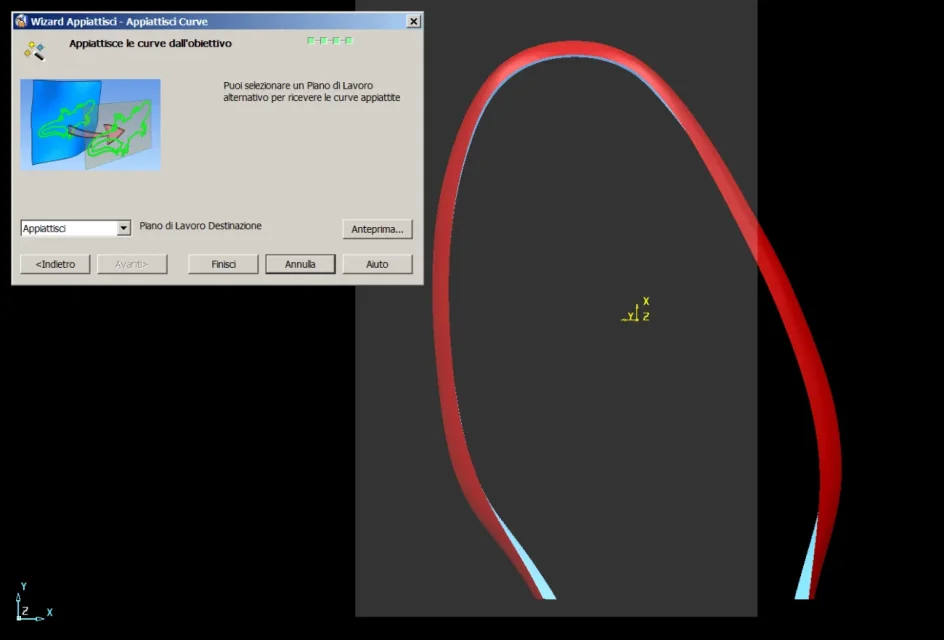
5.webpand create this network of curves (which is nothing but the flattening of all the parameters). .. eye that creates them on level 0...and I always recommend working with the "absolute" work plan when you react or flatten
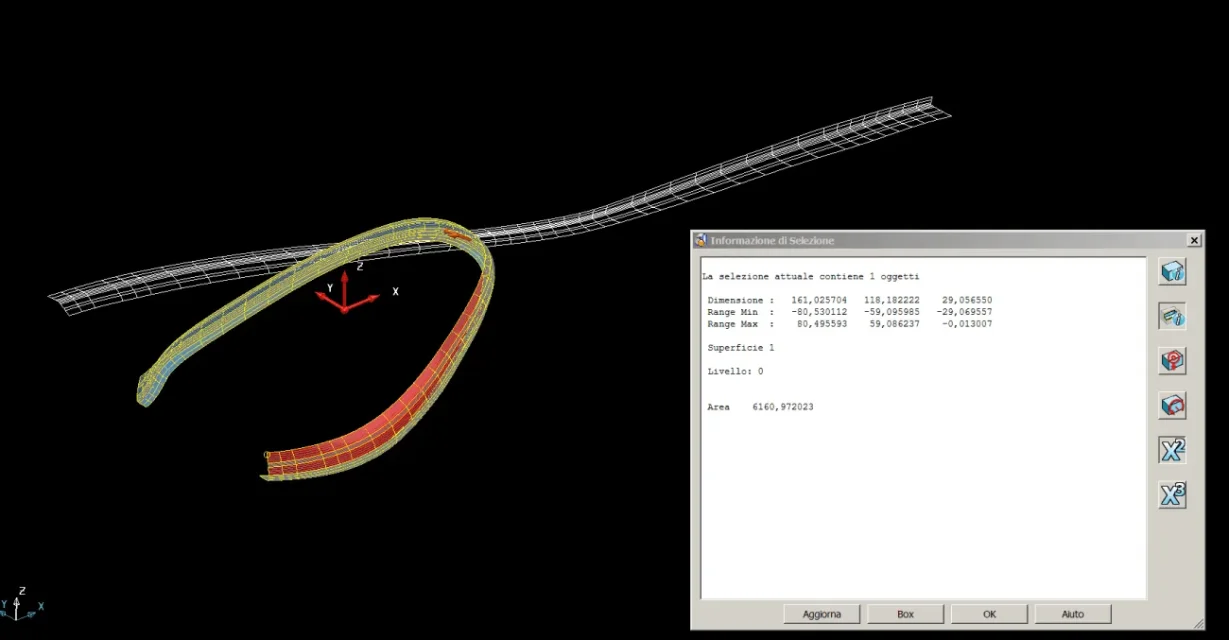
7.webpto verify everything, I then select the starting surface and from the function "selecting information" I press the "x to the second" on the right, the area appears in square mm
8.webpFinally I create a mesh surface of curves and control that the area of the latter is not too different from that of departure
9.webpFinal advice: works with the absolute work plan and never touch the work plans during these wizards.
at the end you always create a working plan that is useless cmq, you will continue to work with yours
 
hi ale, I was rereading our conversations and I had not seen the work you did to explain the morphing, hear me, try to understand your instructions I thank you .
 

Forum statistics

Threads
44,997
Messages
339,767
Members
4
Latest member
ibt

Members online

No members online now.
Back
Top