dakky
Guest
by curiosity I wanted to know if I have multiple computers connected to the same network, two or three, all with revit 2012, I could send a render and use all three cpus to render? if you can do it? I'm curious to try


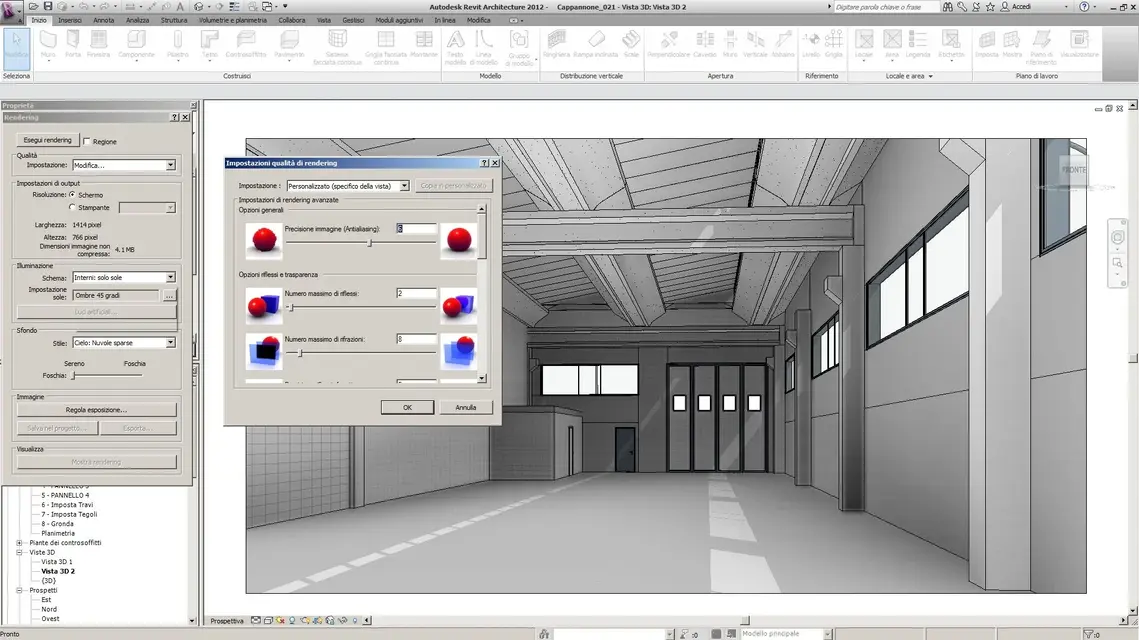
If you are looking for, a lot has already been said here on the interior renderinghttp://www.cad3d.it/forum1/showthread.php?t=32125&highlight=render+d'interniyou should post both the image and the configuration of the exposure data, now I am at home from a macbook, later I place the images of the revit view to better specify what I want to say
Man, did you just change the temperature? I am not practical to photoshop where can I look?definitely downloading your image something lost, but opened in corel photo paint x3 or in photoshop and reworked ....
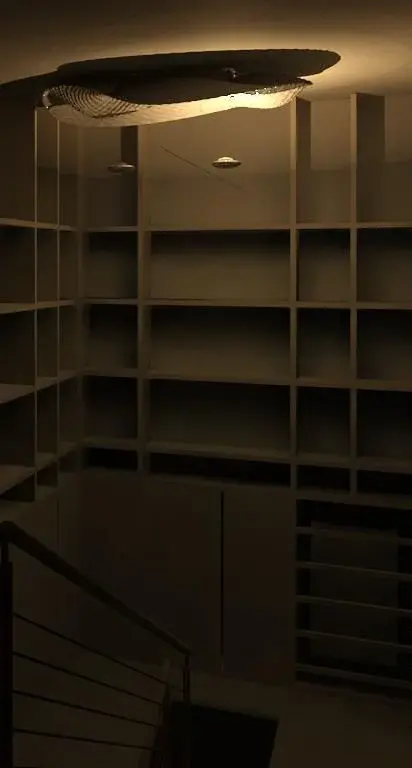
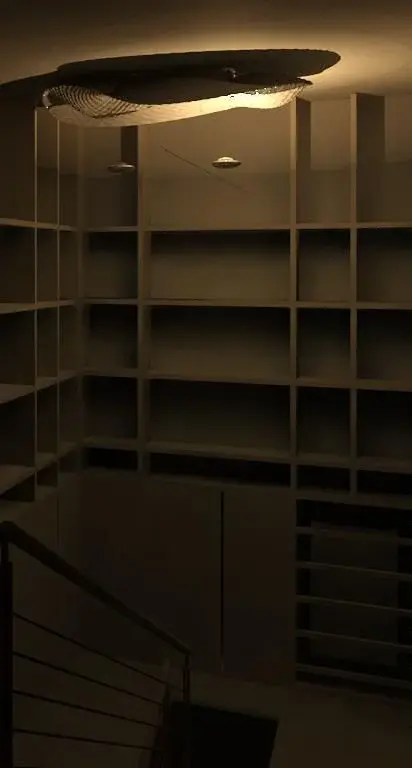
other thing that came to my mind is also to change the color of the light of the lamps, what you have to give that yellow dominant will be 3200k try to change and select it to 6500k white and see the effect that it does.then the quality and on optimal if it doesn't remember badly, at the minimum high I never go beyond and this is the result marroncino, it is a render with the only lights of the interior to see how much light could do this lamp, but it becomes all brown, I read the link but it doesn't seem to me to explain something about this problem if not use other programs.
edit: how not said with exposure rule seems to be able to fix things, do you have suggestions for values to put for interiors at night? instead I did not understand the speech of the other page to reduce the times "opening the bottom"