• This forum is the machine-generated translation of www.cad3d.it/forum1 - the Italian design community. Several terms are not translated correctly.

only make on multiple cpus

  • Thread starter Thread starter dakky
  • Start date Start date

dakky

Guest
by curiosity I wanted to know if I have multiple computers connected to the same network, two or three, all with revit 2012, I could send a render and use all three cpus to render? if you can do it? I'm curious to try

 
a solution could be to put pcs together to create the so-called "supercomputer".
current ones are based on clusters of thousands of high-speed network units, but these also adopt specially designed operating systems to manage calculation on different machines.
nothing prohibits that you could do it at home with 3-4 pcs, you should have an os capable of running computers as a cluster and a good link network between them. how os know that gnu/linux or openmosix run pcs as cluster.

the problem is to understand if you can then tell revit to send packages for calculation through this system. :confused:
 
with revit 2012 for sure no, if you have the subscription you have the opportunity to make "rendering in the cloud" with autodesk, the max format that gives you should be 2000xtot pixels, the imagime max from me made was 2000x1400 px in very short time, if you do not have it but you have more pcs with revit paint 2012 and you are connected on the net you can open the same project several times and render your crop view
 

Attachments

  • rendering in cloud.webp
    rendering in cloud.webp
    200.6 KB · Views: 33
I thank you for the answers, my question was more than "experimental" and "play" but I don't have the skills and resources to install strange things and make them work as I say.
 
it would not even be useful to the autodesk to make a revit that makes the rendering shared since it already does 3dsmax or design, for them it is better economically than you buy both programs, from revit to 3dstudio in fbx and then from them to make them on more cpu or gpu if you use iray
 
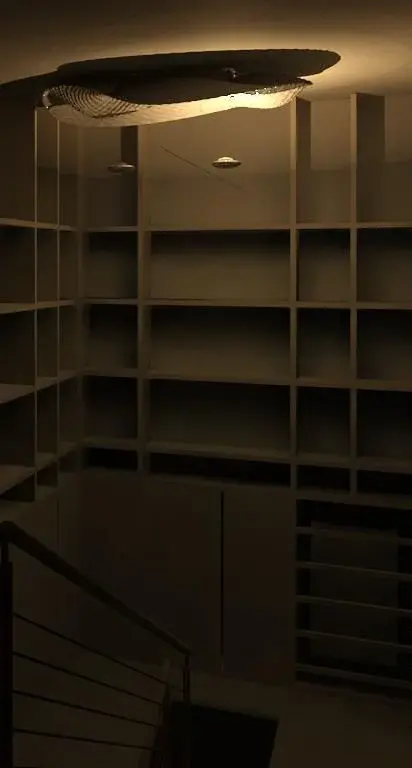
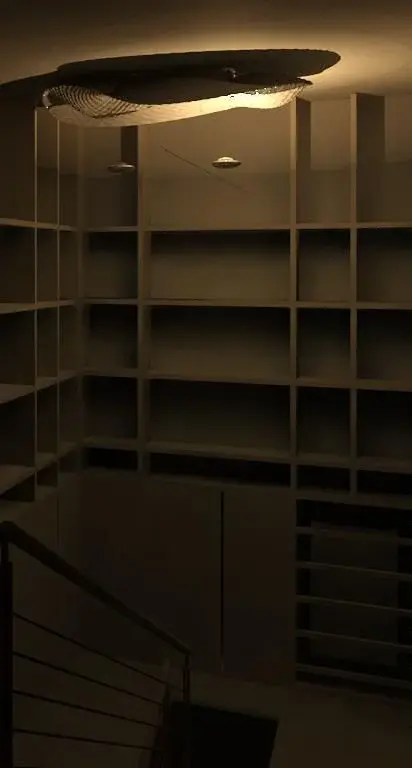
I ask you another question without opening a new thread, but is it possible that if I use normal lamps (not xeon) in a render nottturno of interior the white plaster becomes brown and is it all so for objects? do you have solutions to propose?
 
you should post both the image and the configuration of the exposure data, now I am at home from a macbook, later I place the images of the revit view to better specify what I want to say
 
then the quality and on optimal if it doesn't remember badly, at the minimum high I never go beyond and this is the result marroncino, it is a render with the only lights of the interior to see how much light could do this lamp, but it becomes all brown, I read the link but it doesn't seem to me to explain something about this problem if not use other programs.

edit: how not said with exposure rule seems to be able to fix things, do you have suggestions for values to put for interiors at night? instead I did not understand the speech of the other page to reduce the times "opening the bottom"
 

Attachments

  • ingresso.webp
    ingresso.webp
    12.7 KB · Views: 20
definitely downloading your image something lost, but opened in corel photo paint x3 or in photoshop and reworked ....
 

Attachments

  • ingresso.webp
    ingresso.webp
    12.7 KB · Views: 15
  • ingresso-2.webp
    ingresso-2.webp
    140.8 KB · Views: 26
  • ingresso2.webp
    ingresso2.webp
    23 KB · Views: 25
There are around a lot of free programs that you can download, I having chorel photo paint x3 comprato I didn't care but I invite other users to post here tips
 
then the quality and on optimal if it doesn't remember badly, at the minimum high I never go beyond and this is the result marroncino, it is a render with the only lights of the interior to see how much light could do this lamp, but it becomes all brown, I read the link but it doesn't seem to me to explain something about this problem if not use other programs.

edit: how not said with exposure rule seems to be able to fix things, do you have suggestions for values to put for interiors at night? instead I did not understand the speech of the other page to reduce the times "opening the bottom"
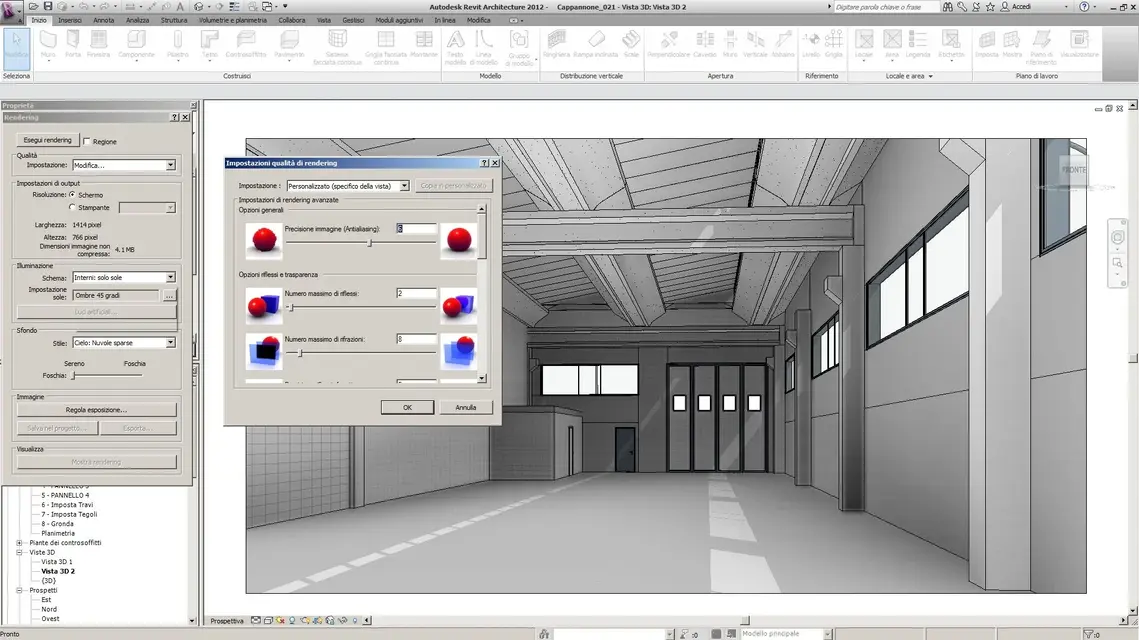
other thing that came to my mind is also to change the color of the light of the lamps, what you have to give that yellow dominant will be 3200k try to change and select it to 6500k white and see the effect that it does.
 

Forum statistics

Threads
44,997
Messages
339,767
Members
4
Latest member
ibt

Members online

No members online now.
Back
Top